AI Image Upscaler
Upscale any image without losing quality. This AI image upscaler enlarges low-resolution photos up to 4x, rebuilding sharp detail and clarity — perfect for print, e-commerce, and social media.
AI Image Upscaler
Upload an image to upscale
Drag image here, click to browse, or paste from clipboard
Max size: 8MB
Summary
Output Scale
×4.00
Megapixels
—
Estimated Size
—
Cost
—
Preview
Your upscaled result will appear here
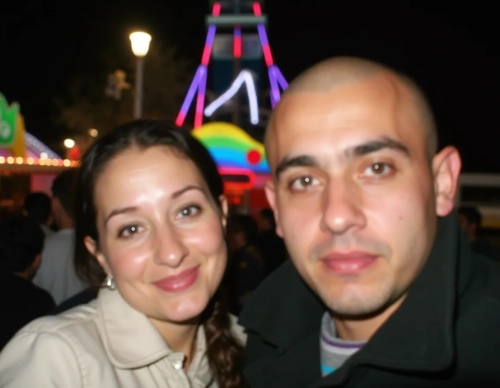
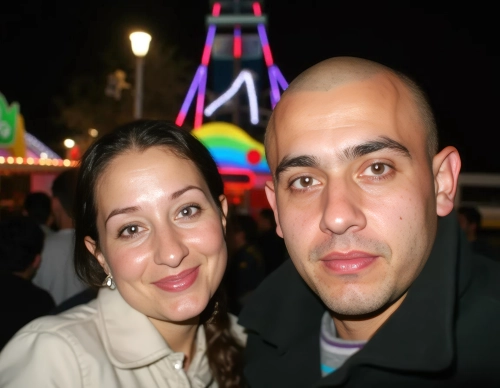
Before & After Examples
See the difference AI upscaling makes. Use the slider to compare original low-resolution photos with their 4x enhanced versions.
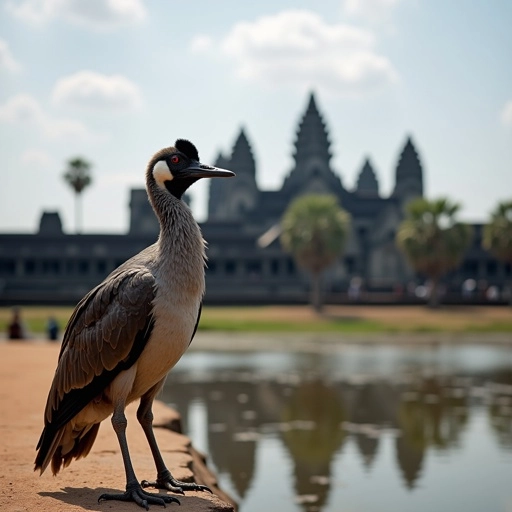
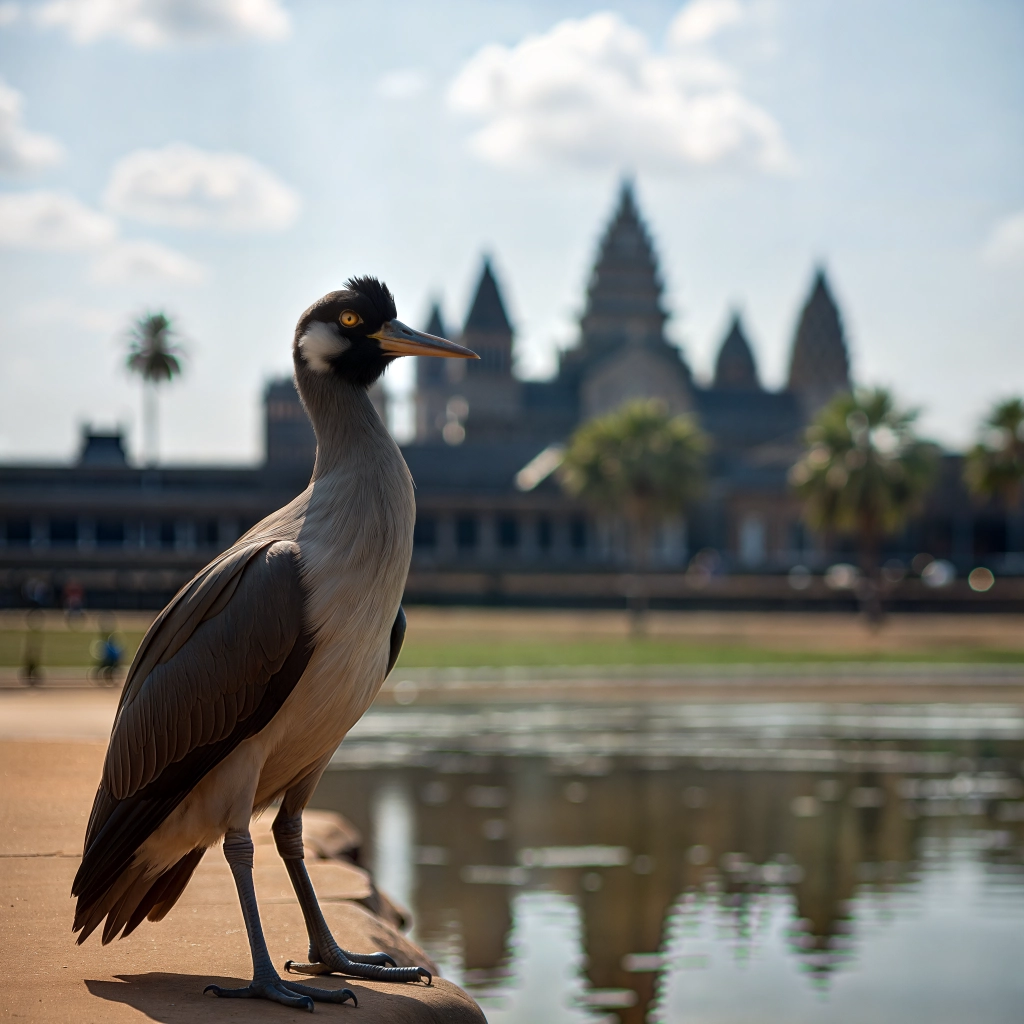


5 Professional AI Image Upscaler Models - All in One Place
Transform Photos into HD
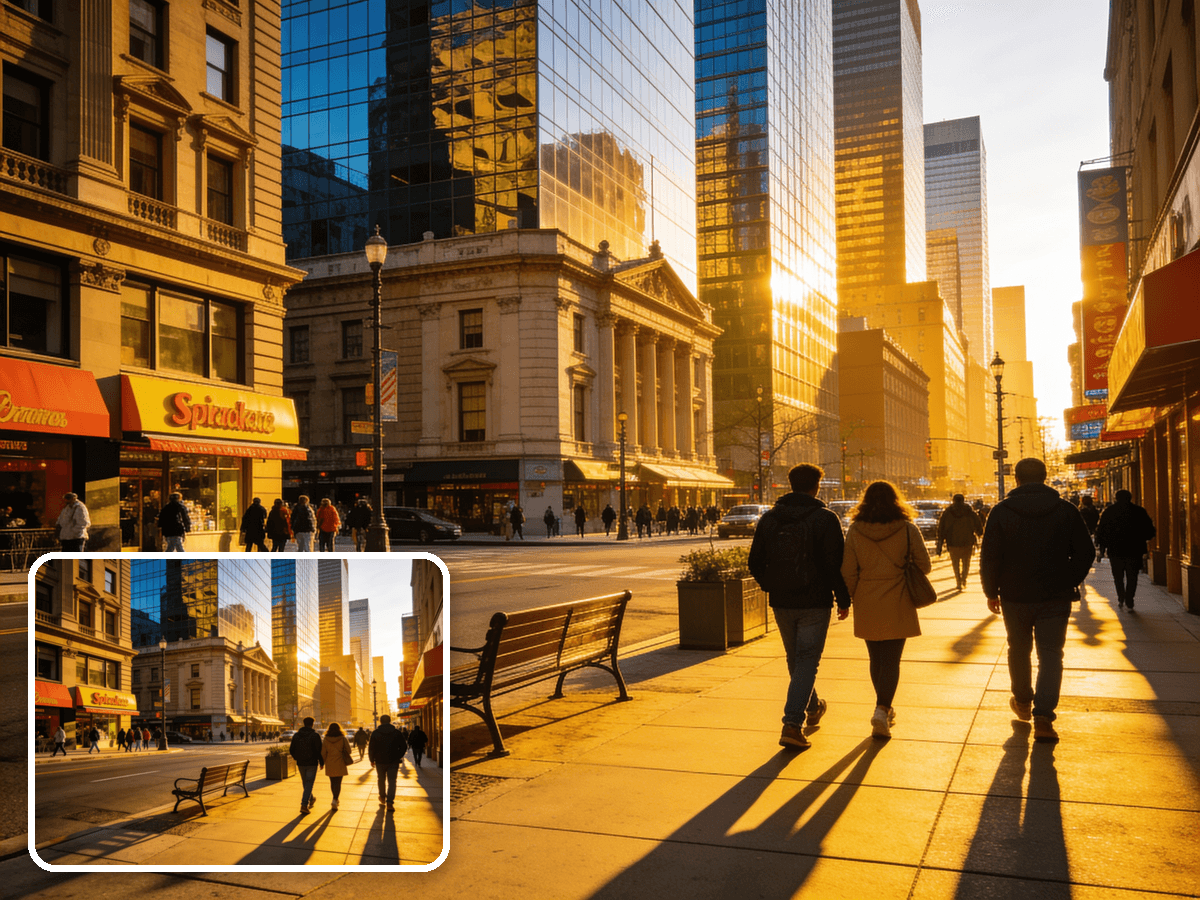
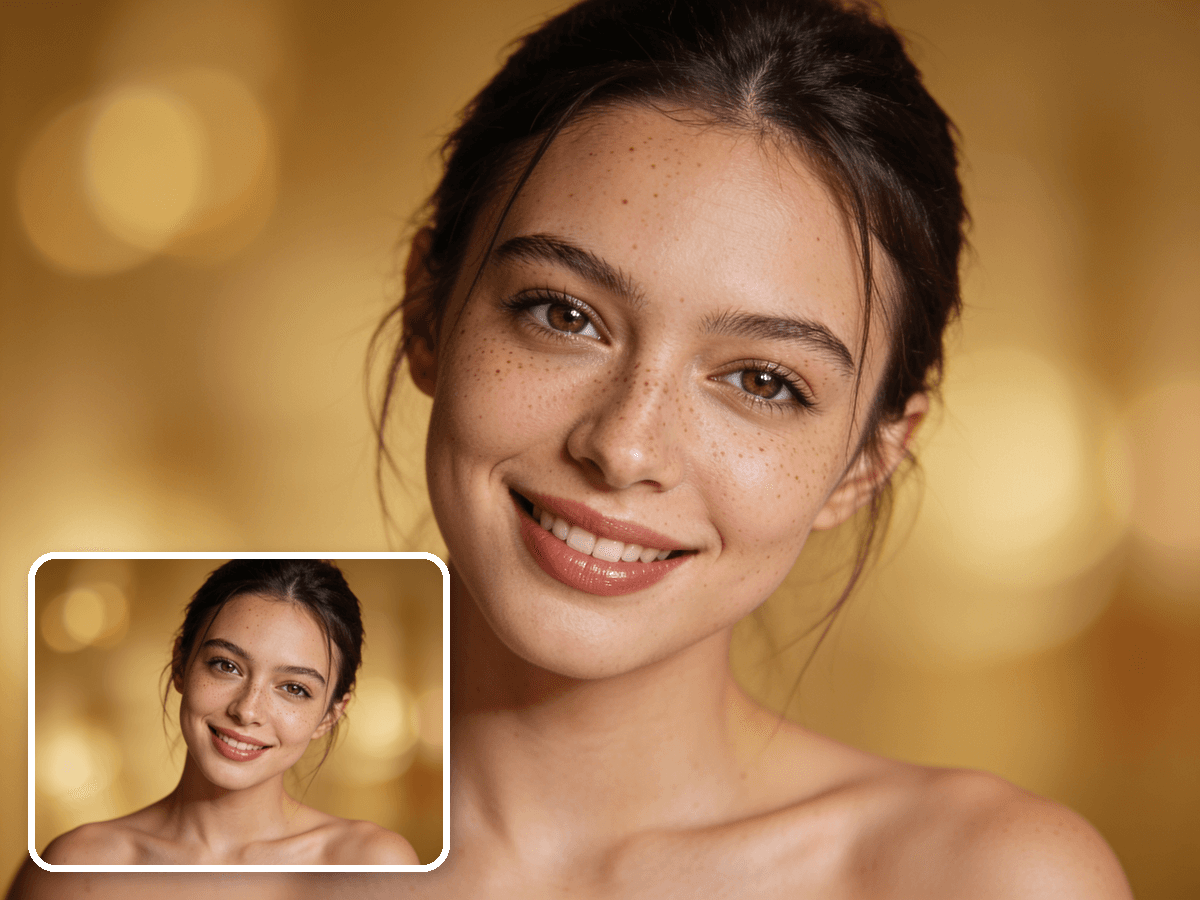
Turn blurry, pixelated images into sharp 4x HD visuals. Ideal for print projects, marketing materials, and web design — no complex editing tools required.
Restore Lost Details
The AI eliminates blur, reduces grain, and recovers fine textures that standard upscaling methods destroy. Facial features, text, and intricate patterns all come through clearly.
Perfect for Old Photos
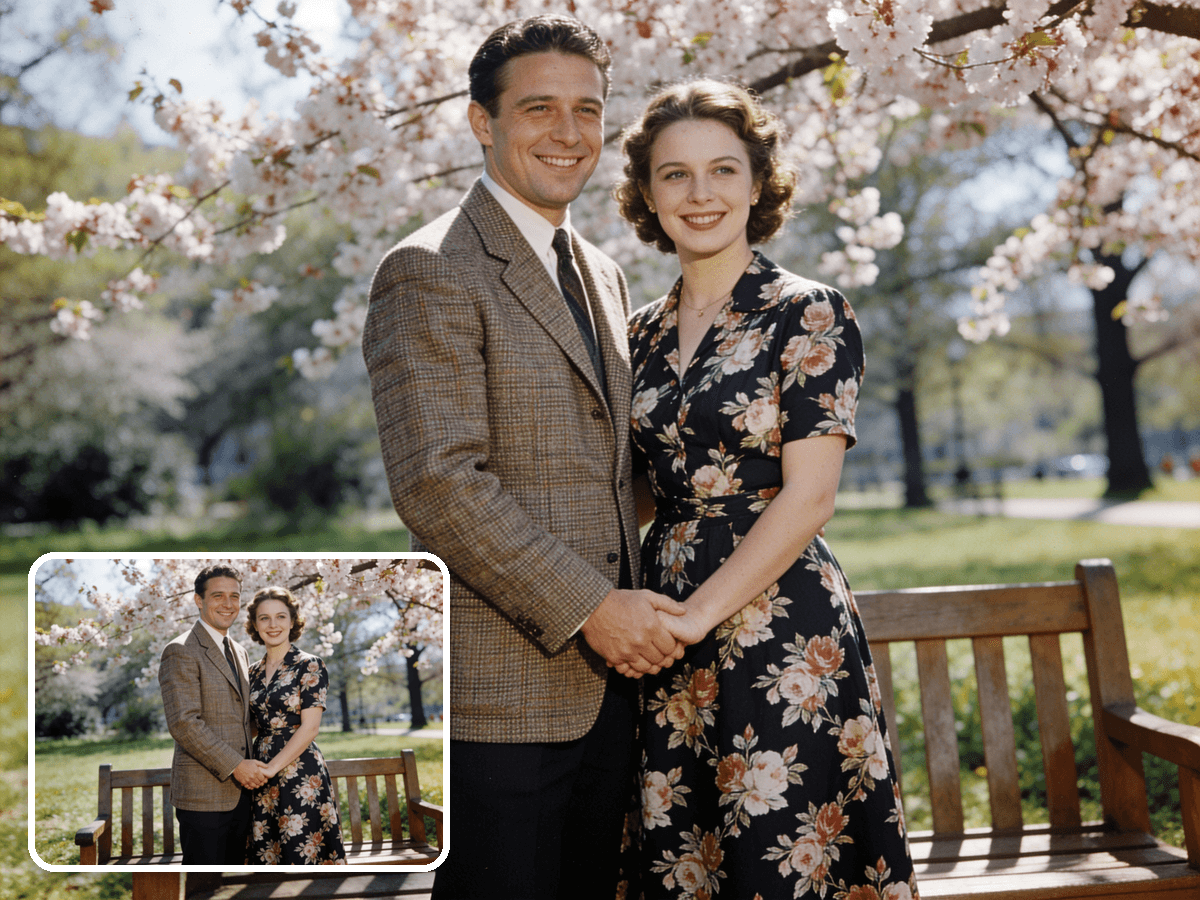
Breathe new life into vintage, archived, or compressed images. The AI reconstructs missing details and sharpens faded elements, making it ideal for restoring family photos and historical images.
Print-Ready Quality
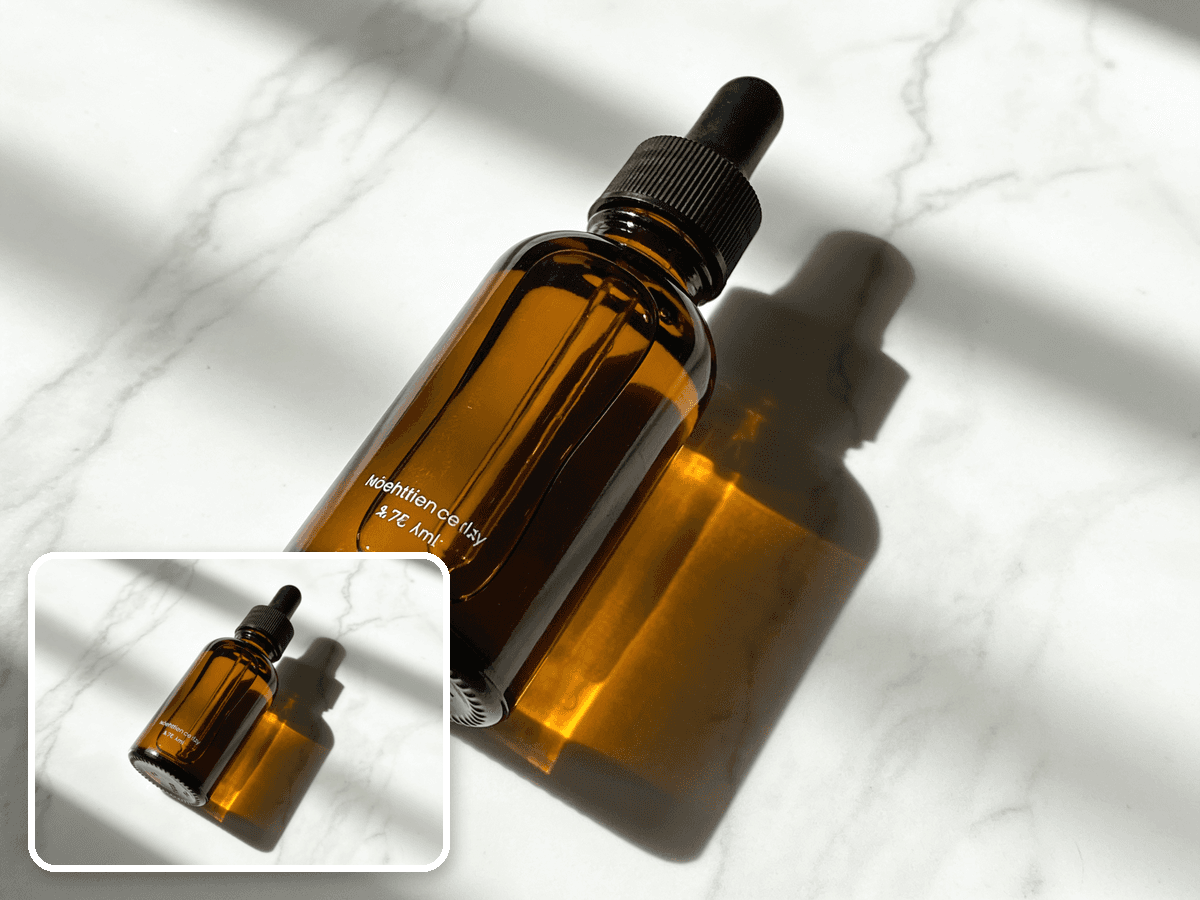
Upscale web images and screenshots to print-ready resolution. Whether you need a social media photo enlarged for a poster or a product image sized for packaging, the output is sharp and artifact-free.
AI Image Upscaler vs Traditional Enlarging
Stretching an image in a basic editor just makes the blur bigger. Here's what AI upscaling does differently.
AI Image Upscaler
- Rebuilds real detail — sharp at 4x, not blurry
- Cleans up noise, grain, and compression artifacts
- Recovers faces, text, and fine textures
- One click, no masks or manual retouching
Bicubic / Photoshop Enlarge
- Stretches existing pixels — blur gets bigger
- Amplifies noise and jagged edges
- Soft, mushy details with no real sharpness
- Manual sharpening takes skill and still falls short
Want to fix lighting, color, and sharpness without changing resolution? Try the [AI image enhancer](/image-enhancer) — use the upscaler when you specifically need more pixels.
What People Upscale Images For
Where a 4x AI image upscaler makes the biggest difference.
Print & Large Formats
Enlarge a web photo or screenshot to poster, banner, or packaging resolution. The AI image upscaler adds the pixels print needs so enlargements stay crisp instead of pixelated.
Restore Old & Low-Res Photos
Bring blurry, compressed, or vintage photos back to life. Upscale an image to recover faces and detail lost to age or heavy compression — ideal for family archives.
Sharper E-commerce & Product Shots
Turn small supplier images into clean, high-resolution product photos. A sharp upscale image means listings look professional and zoom in without falling apart.
Pro Tips for Better Upscaling
Get the sharpest result from the AI image upscaler.
Start with the best source you have
The upscaler rebuilds detail, but a cleaner original always upscales better. Avoid feeding it a screenshot of a screenshot.
Use 2x for mild boosts, 4x for tiny images
If your image is already fairly large, 2x keeps it natural. Reserve 4x for small or heavily compressed photos that need major enlargement.
Upscale before you crop
Enlarge first, then crop to your final composition — you'll have more resolution to work with and keep edges sharp.
Pair with an enhancer for old photos
For faded or damaged images, run the [AI image enhancer](/image-enhancer) first to fix color and contrast, then upscale for size.
HOW TO
How to Upscale an Image with AI
Upload Your Image
Drag and drop or select any JPG or PNG image. Works with photos, screenshots, digital art, and more.
Choose Your Upscale Factor
Select 2x or 4x resolution enhancement. The AI analyzes your image and intelligently fills in missing details.
Download the HD Result
Preview the enhanced image with the before/after slider, then download the full-resolution result.
FAQ