


AI Describe Image — Free Image to Text Tool
Describe any image in seconds. This free AI image description tool turns your photo into words — generate SEO alt text, social captions, or a reusable AI prompt, from a quick one-liner to a full visual analysis.
Drag image here, click to browse, or paste from clipboard
Max size: 10MB
HOW TO
How to Describe an Image in 3 Steps
Upload Your Image
Drag and drop any JPG, PNG, or WebP file. The AI accepts photos, illustrations, screenshots, and artwork up to 10 MB.
Choose a Detail Level
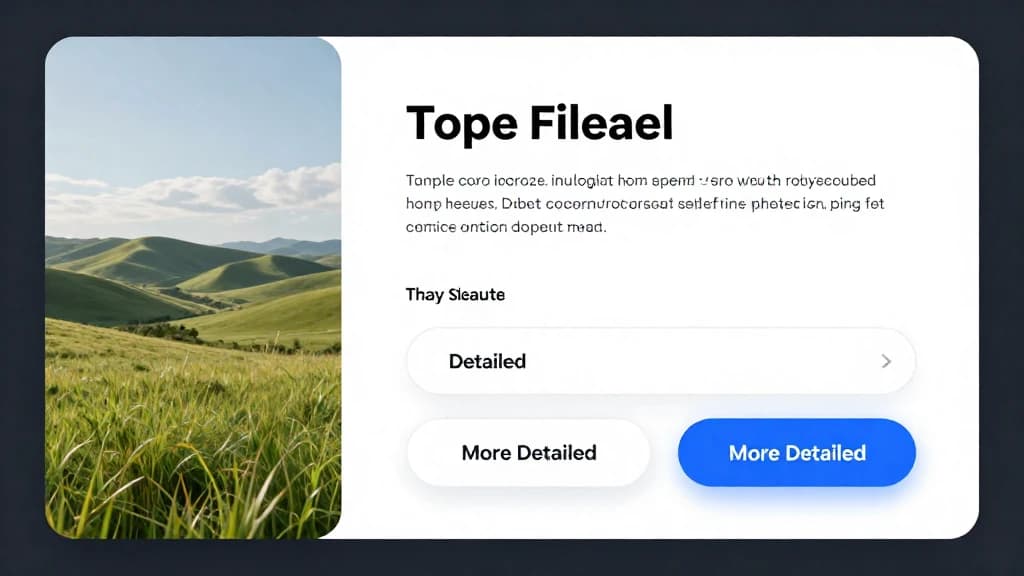
Pick Simple for a quick caption, Detailed for richer context, or More Detailed for a full compositional analysis — whichever fits your alt text, caption, or prompt.
Copy or Send the Text
Copy the generated description for alt tags, social posts, or documentation — or send it straight to the AI image generator to recreate similar visuals from the prompt.
Describe Any Image in Three Detail Levels
Simple mode returns a one-sentence caption. Detailed adds scene context. More Detailed delivers a full visual analysis covering composition, color palette, mood, and artistic elements — pick the depth your task needs.
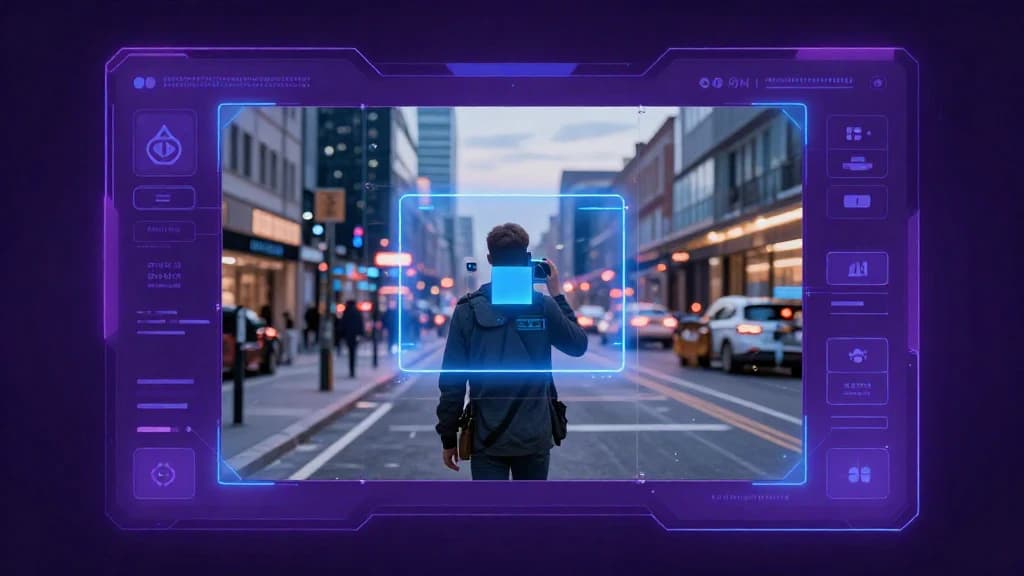
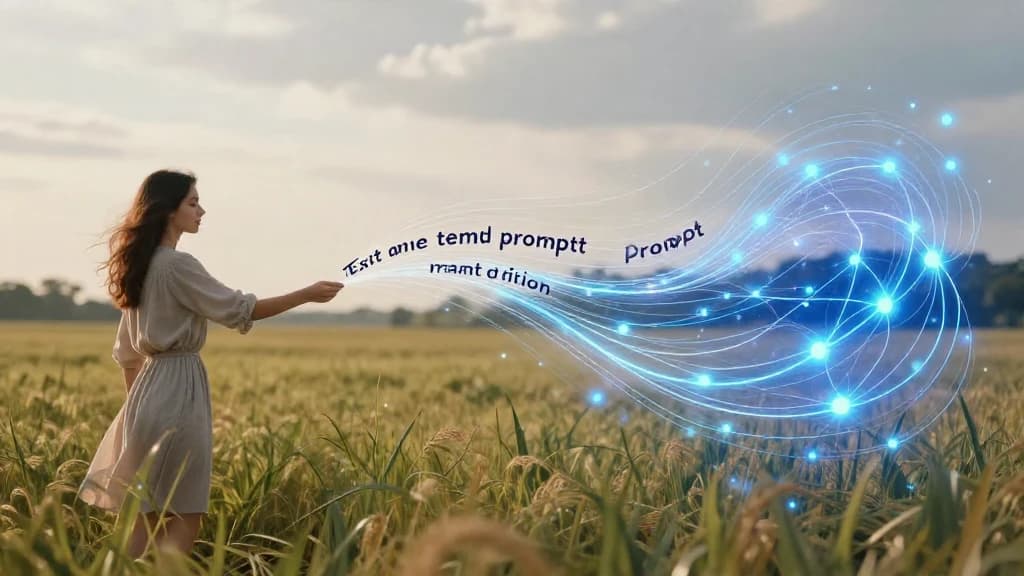
Image to Prompt Conversion
Turn any photo into a reusable AI prompt. The image to prompt engine reverse-engineers visual content into a detailed text description you can paste straight into any text-to-image generator to recreate the style.
AI Image Description Generator + Alt Text
A full image description generator and photo description generator in one — describe an image and copy a screen-reader-ready, keyword-rich alt text caption in seconds. Consistent, accurate text for catalogs, archives, and datasets, no manual writing required.
AI Image to Text vs Writing It Yourself
Describing images by hand is slow and inconsistent. Here's what changes when AI does it.
ImgEditor Image to Text
- Full description in about 5 seconds per image
- Consistent detail and tone across a whole batch
- Reads in-image text, objects, colors, and style
- One output serves alt text, captions, and prompts
Writing Descriptions Manually
- A minute or more of typing per image
- Wording drifts and quality varies image to image
- Easy to miss small objects or background text
- Rewriting needed for each different use
The AI model doesn't just caption — it analyzes the whole frame, so the result works as SEO alt text, a social caption, or a text-to-image prompt without extra editing.
What People Use Describe Image For
One tool, three everyday jobs — each powered by the same fast AI image description engine.
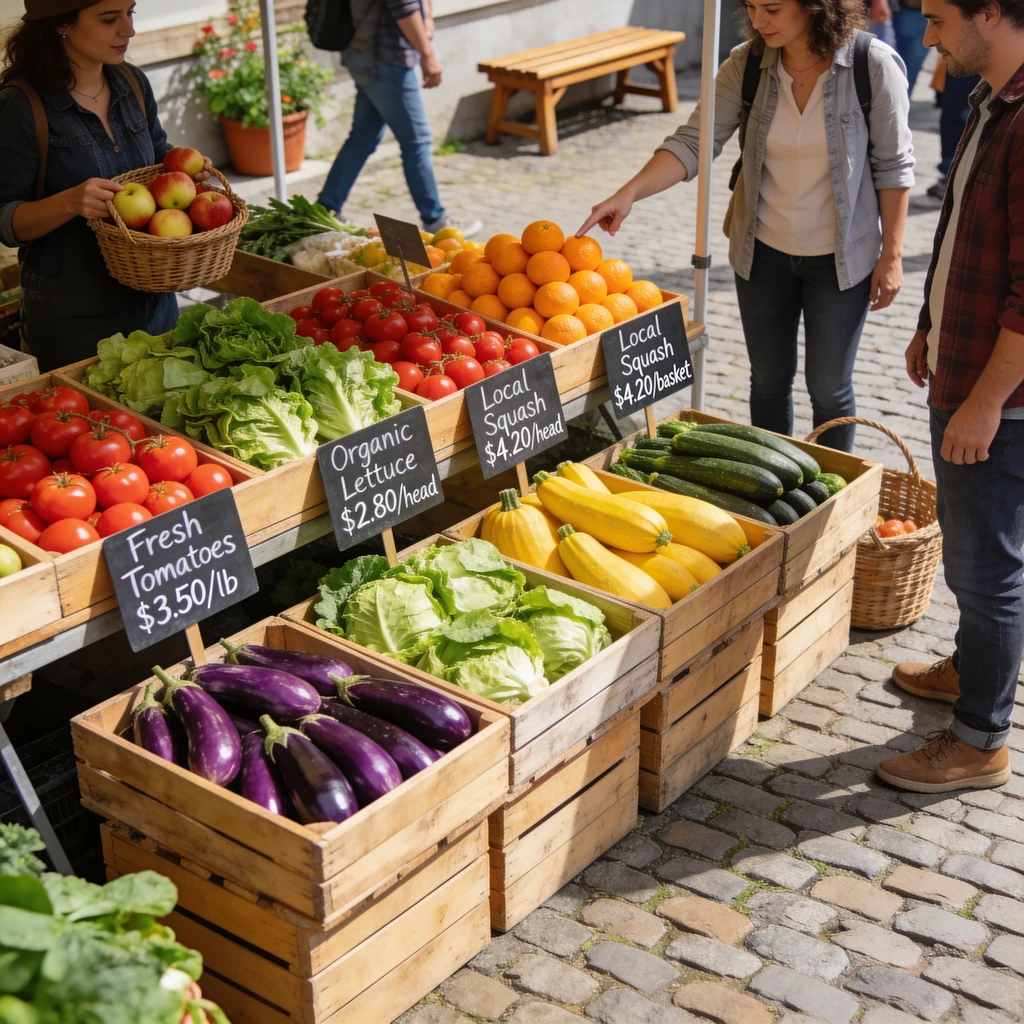
SEO & Accessibility Alt Text
Generate screen-reader-friendly, keyword-rich alt text for every image on your site. Better accessibility, better image SEO, and hours saved versus writing alt tags by hand.
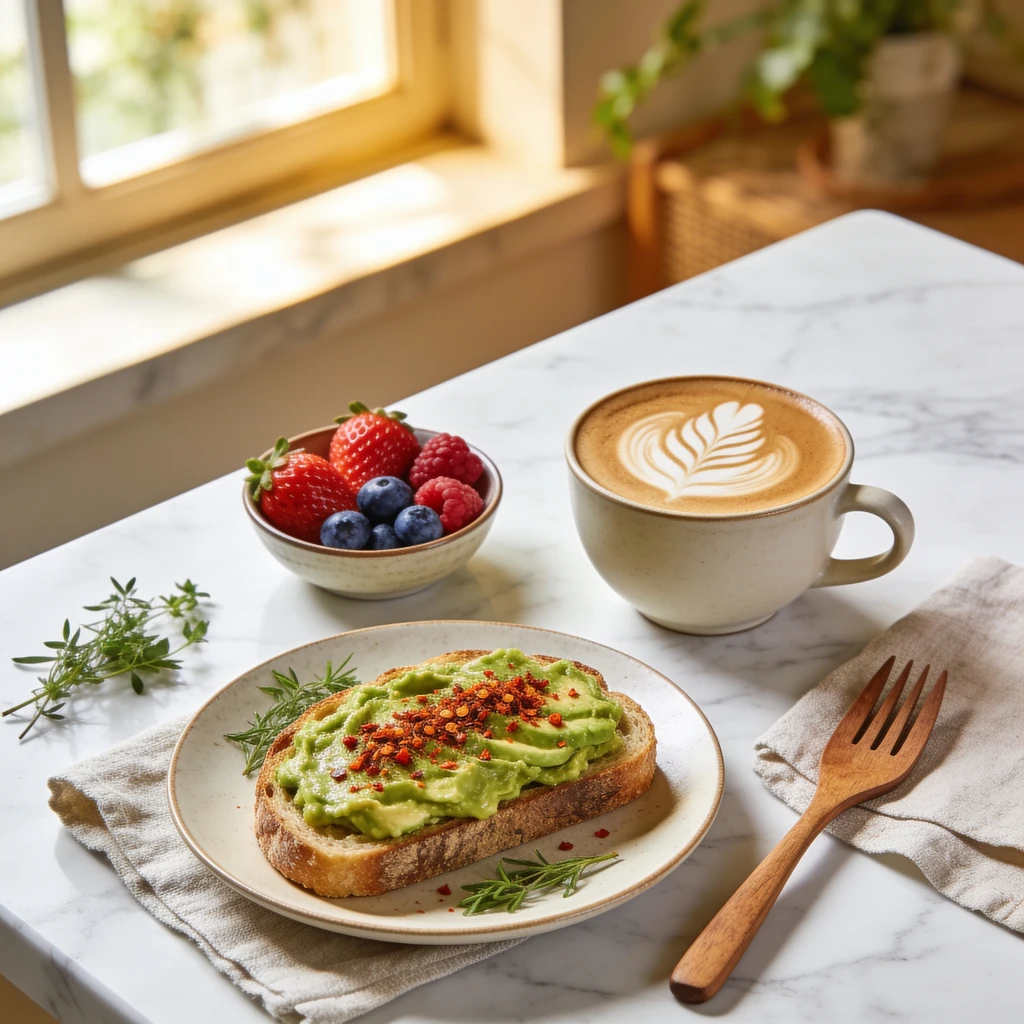
Social Media Captions
Stuck on a caption? Convert your photo to text and get an instant starting point for Instagram, X, or a blog — describing food, travel, products, or people in natural language.
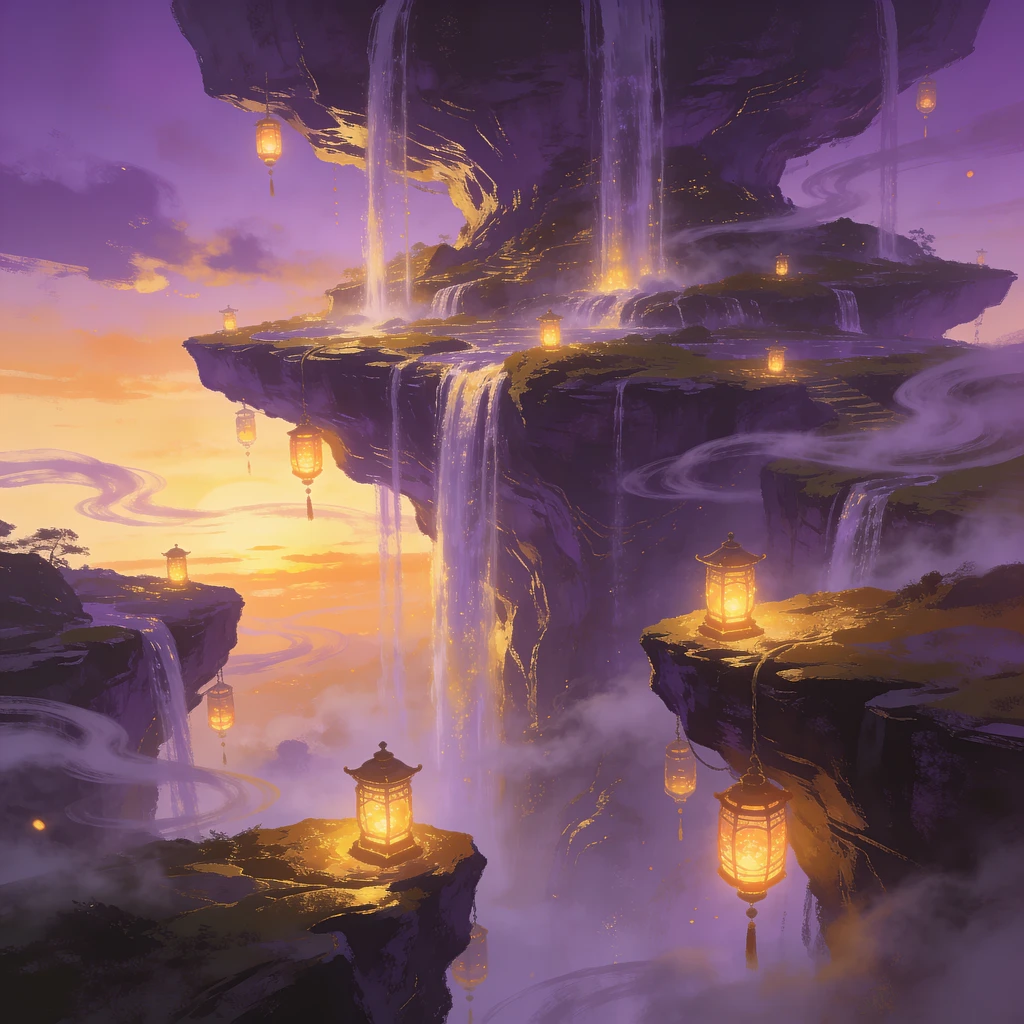
Reverse-Engineer AI Prompts
Love an image's look? Use image to prompt to extract a detailed description, then feed it to a text-to-image generator to create new visuals in the same style.
Pro Tips to Describe Images More Accurately
Small tweaks that make every AI image description sharper and more useful.
Match the detail level to the job
Use Simple for alt text (search engines prefer concise), Detailed for captions, and More Detailed when you need a rich image to prompt output for regeneration.
Upload a clear, high-resolution image
The sharper the input, the more objects and in-image text the AI can read. Blurry or tiny thumbnails produce vaguer descriptions.
Crop to what matters
If you only need one subject described, crop out busy backgrounds first so the model focuses on the part you care about.
Edit alt text for keywords
The generated alt text is a strong first draft — add your target keyword naturally before publishing for the best SEO result.
More Free AI Image Tools
Described your image? Take it further with the rest of the ImgEditor toolkit — every tool is free and needs no sign-up.
FAQ