Aging Filter
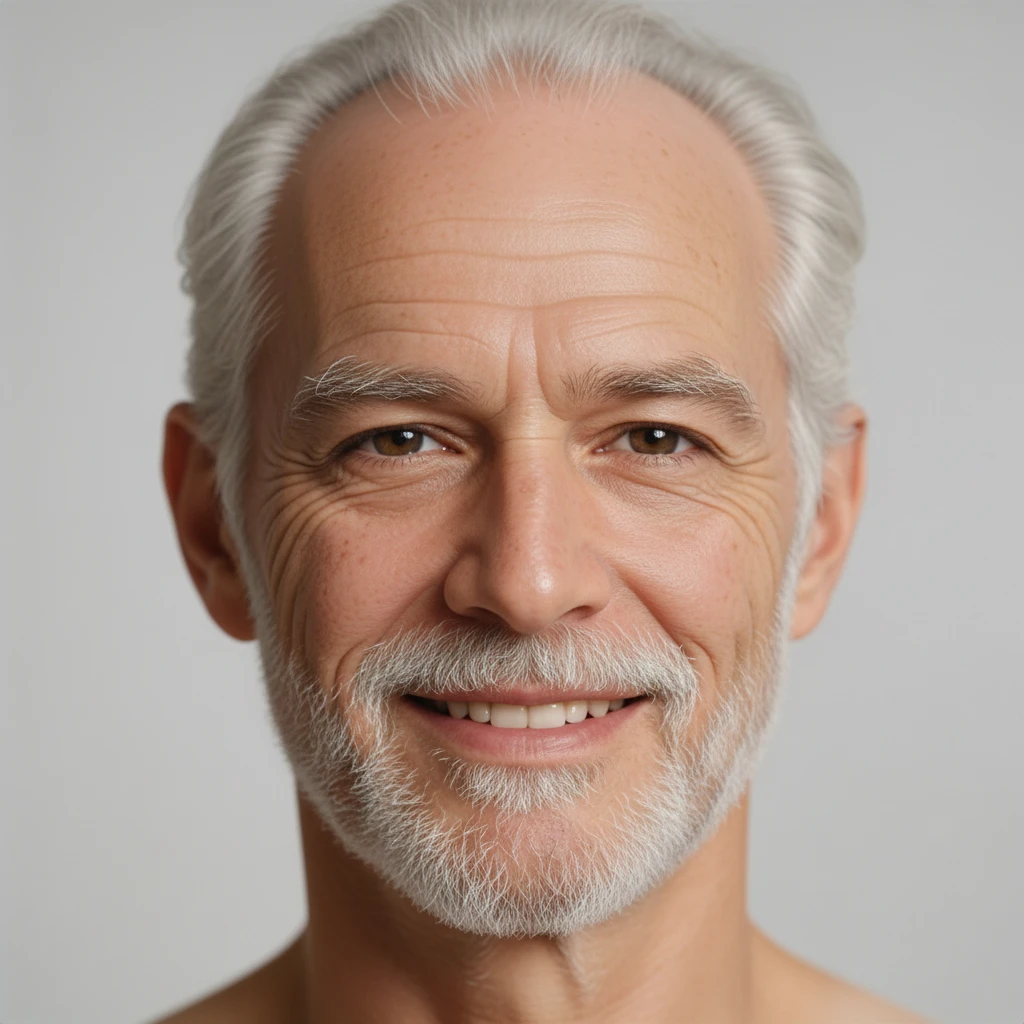
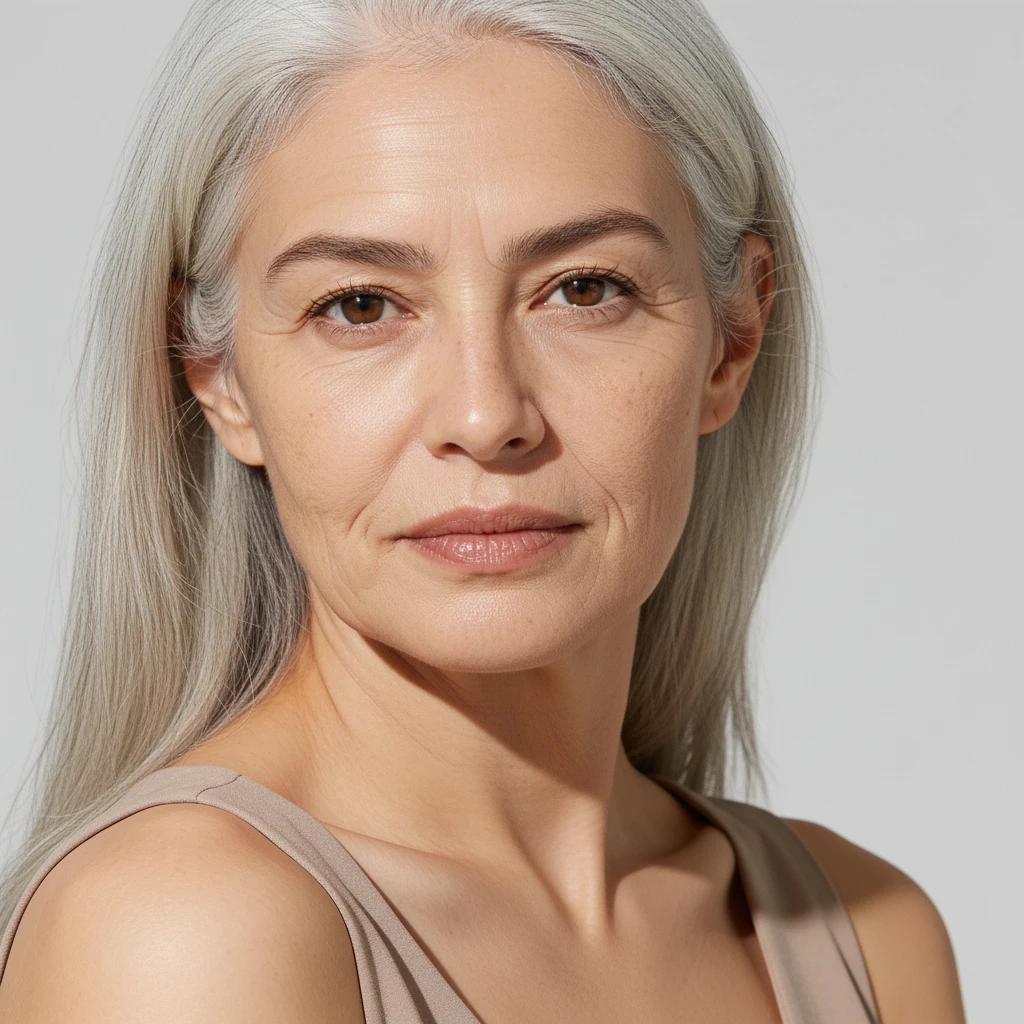
Ever wonder what you'll look like at 80? Upload a photo and the aging filter ages your face by decades — wrinkles, age spots, sagging skin and thinning grey hair — while your bone structure, expression and identity stay intact. An age filter that still looks like you, just older.
AI Aging Filter
Drag image here, click to browse, or paste from clipboard
Max size: 5MB
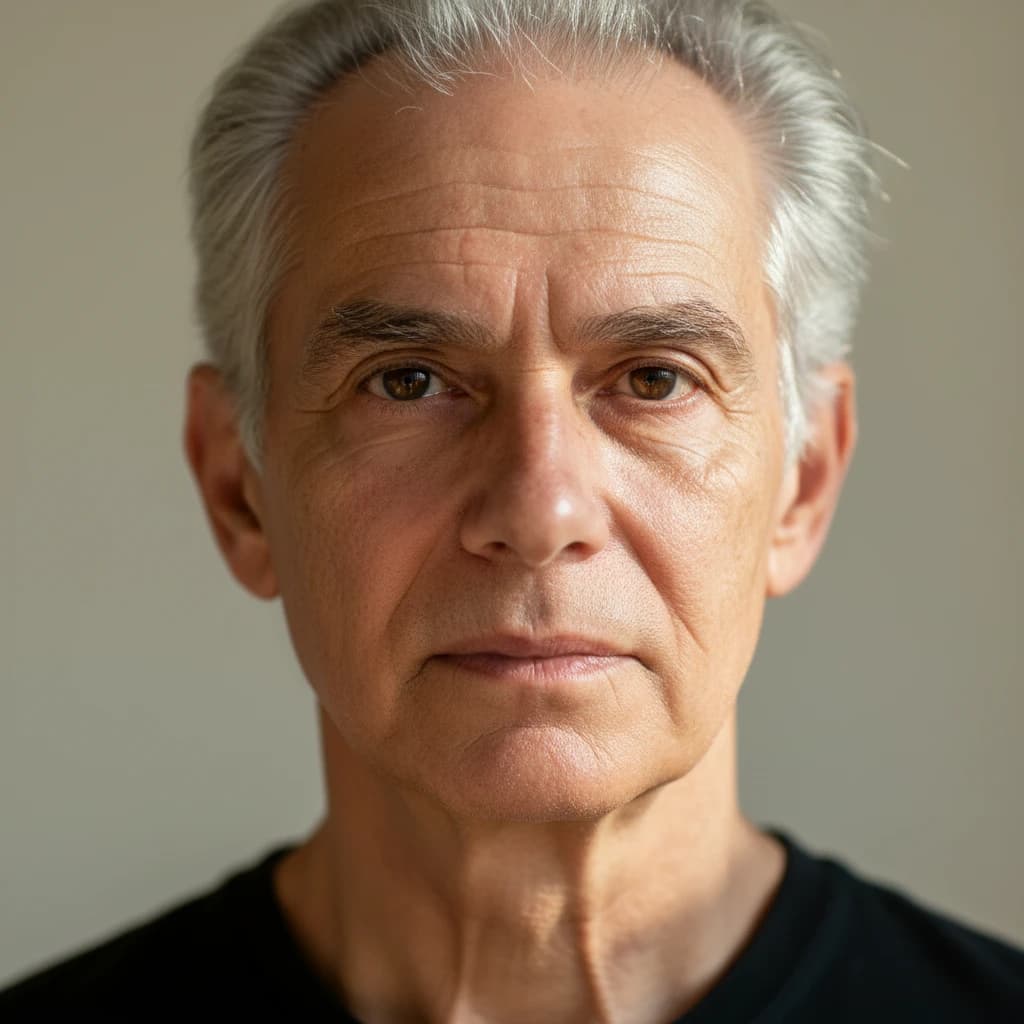
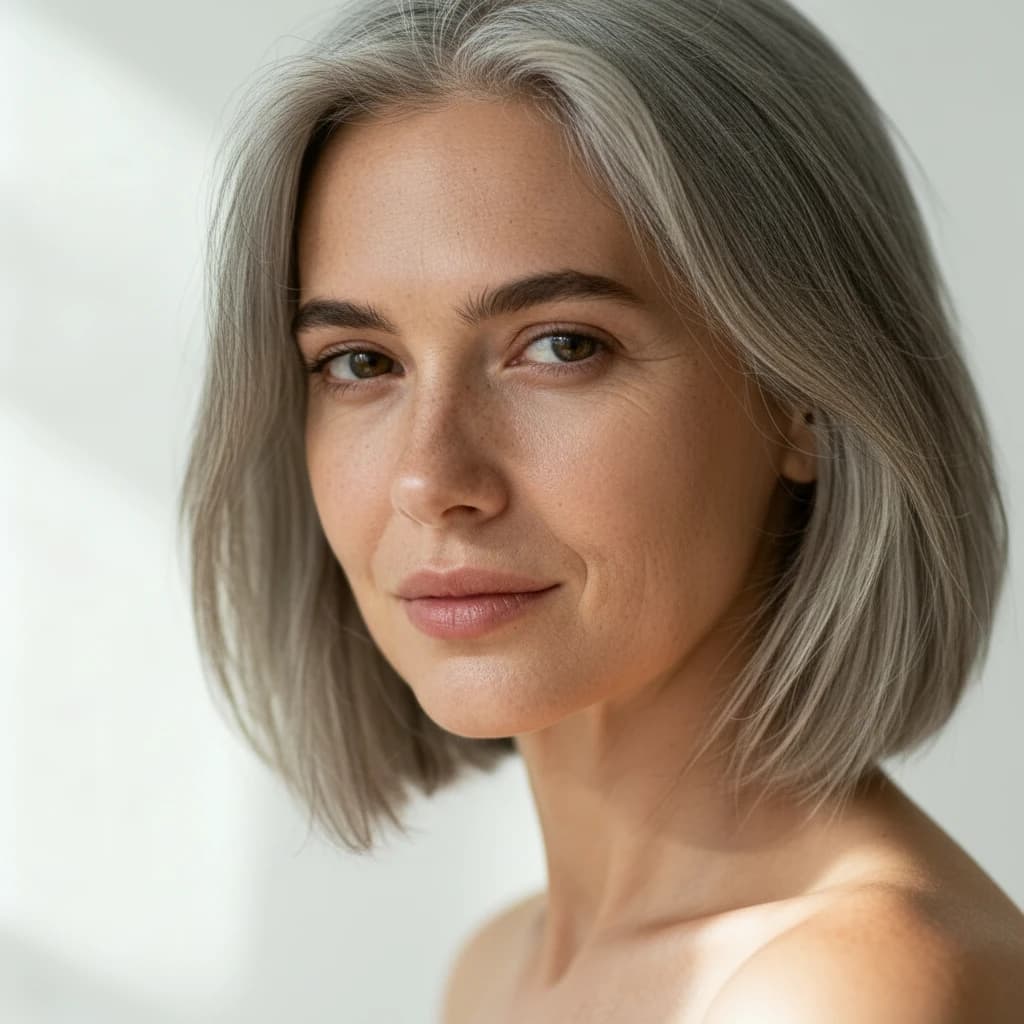
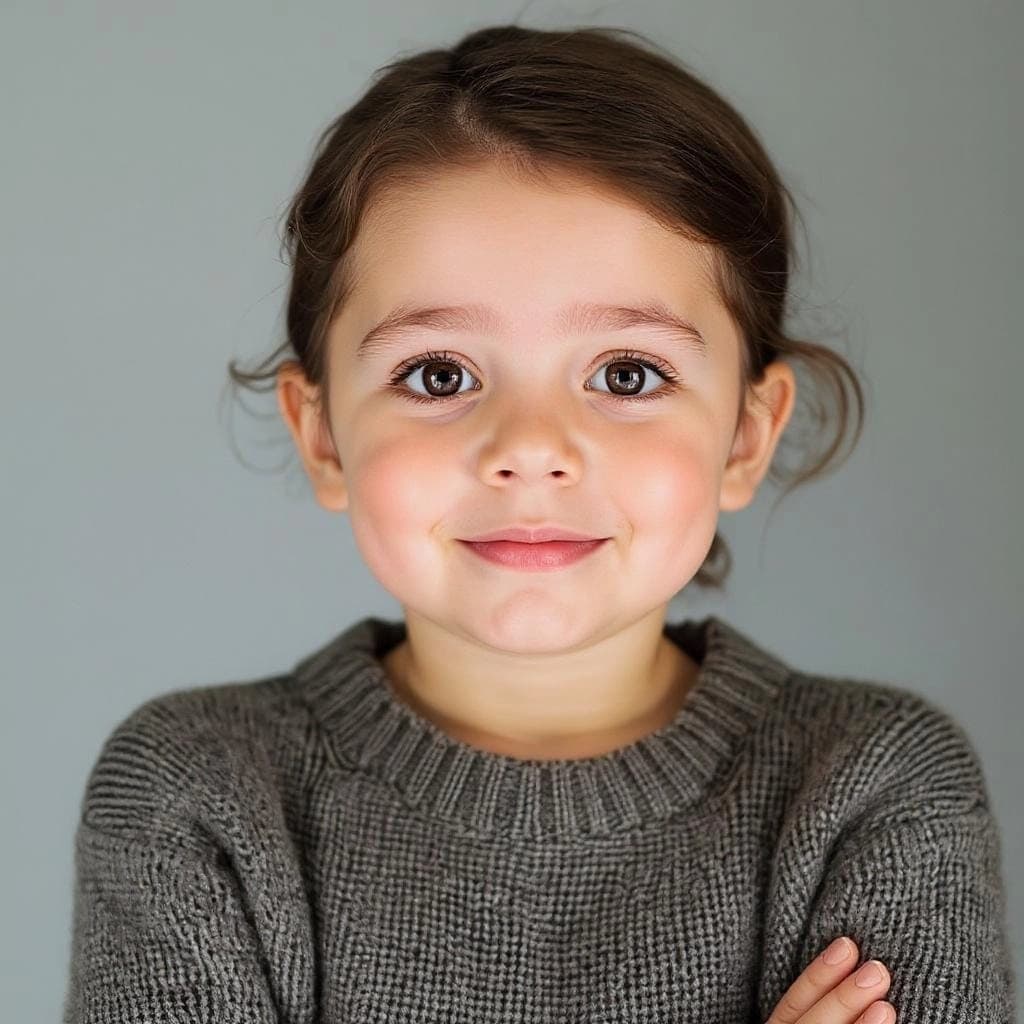
Example results
Real Age Progression, Not a Wrinkle Overlay
The aging filter adds true-to-life wrinkles, fine lines, age spots and thinning grey hair, and reshapes the face the way age actually changes it. That's why the result survives a close look instead of reading as a cheap effect.
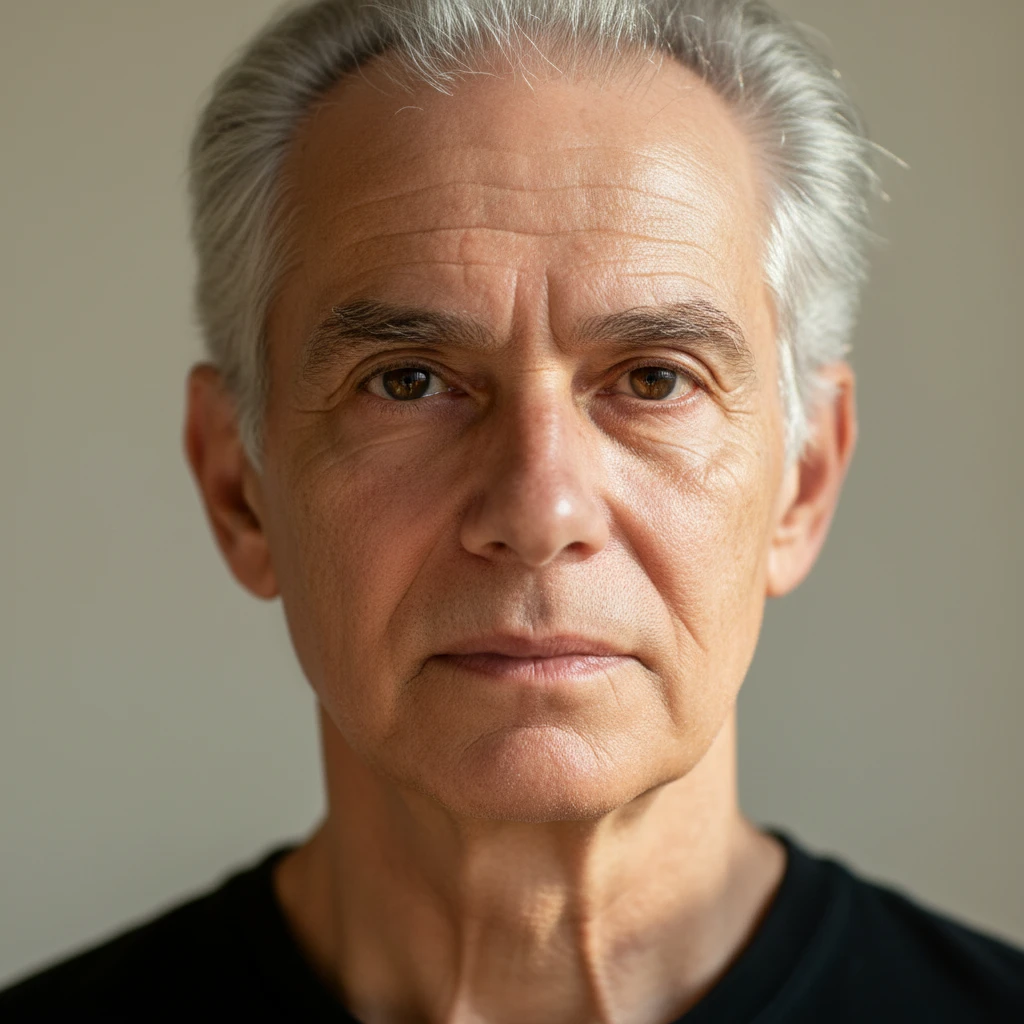
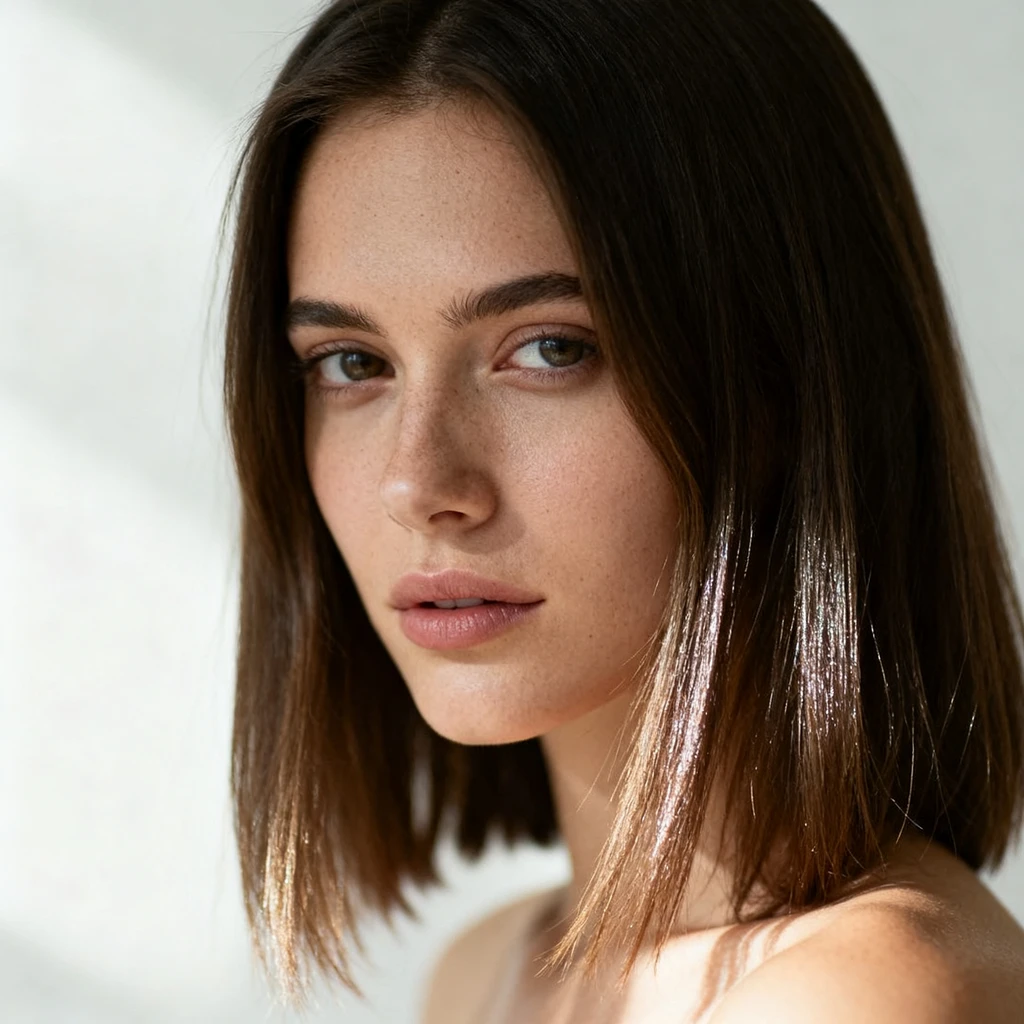
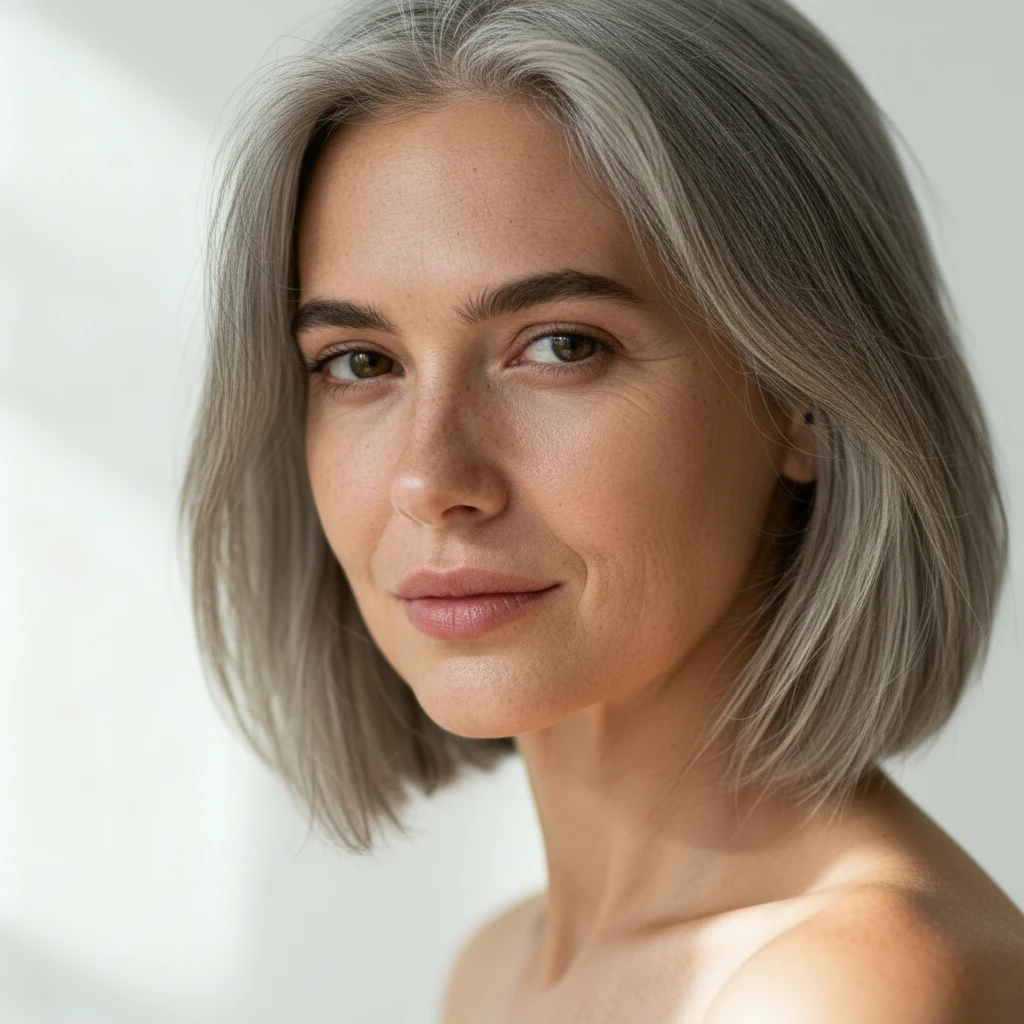
Still Unmistakably You
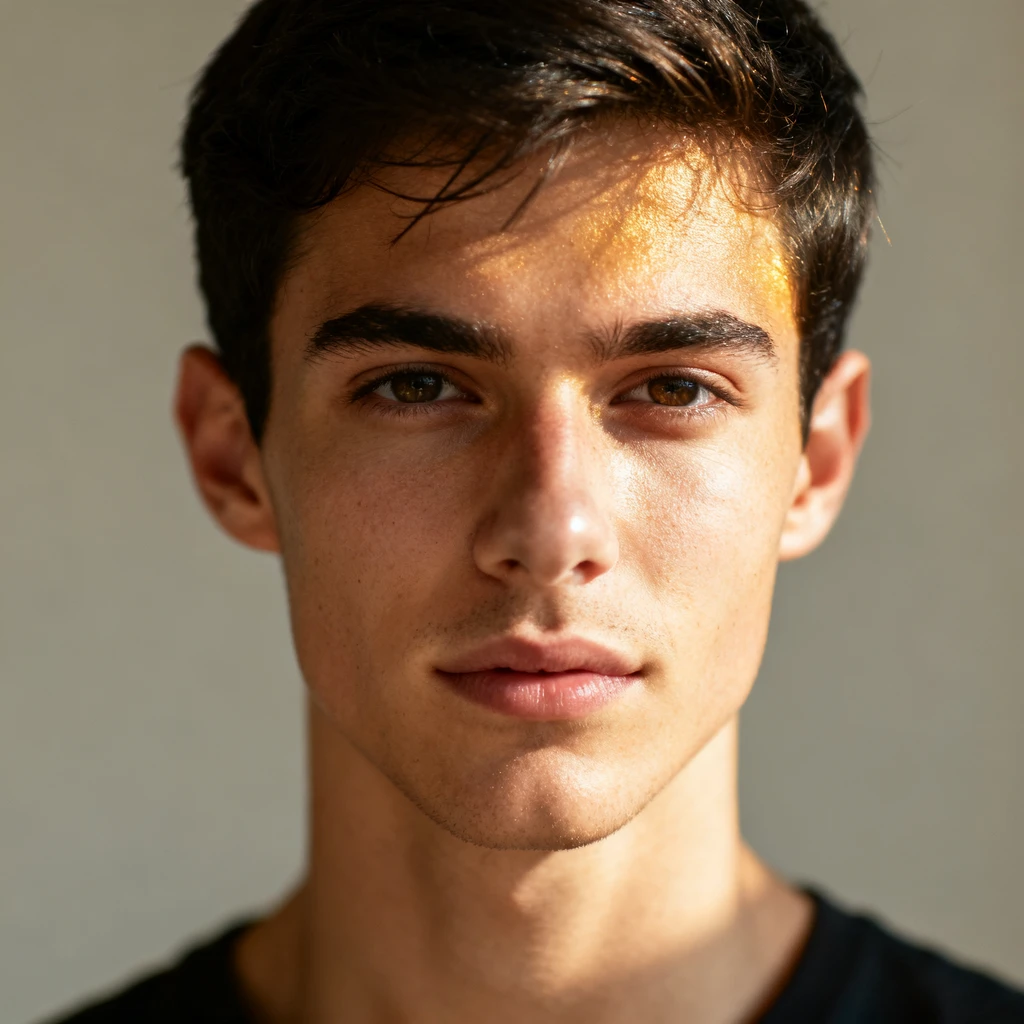
Powered by the nano-banana edit model, the age filter preserves your bone structure, eyes, expression and the background exactly as shot. The whole point is recognising yourself in the older face — otherwise it's just a photo of a stranger.
HOW TO
How to Use the Aging Filter
Upload a Clear Portrait
Drag in a well-lit, front-facing photo where your face is the main subject. The sharper the face, the more believable the age progression.
Let the Aging Filter Run
The AI ages your face by decades automatically — wrinkles, grey hair, mature features — with nothing to configure. One render costs 16 credits.
Download & Compare
Your older self is ready in around 20 seconds. Download it in HD and set it beside the original — the side-by-side is the whole point.
AI Age Progression vs. Old-School Filters
What the aging filter does in seconds used to be either a gimmick or real forensic work.
Aging Filter on ImgEditor
- A photoreal older face in ~20 seconds from one photo
- Ages the face structurally, not with a wrinkle texture
- Identity, expression, lighting and background preserved
- Runs in the browser — no app install, no camera-roll access
Phone Filters / Manual Editing
- App filters slap the same generic wrinkle mask on everyone
- The result stops looking like the actual person
- Manual age progression in Photoshop takes hours of skill
- App installs, sign-ups and photo-library permissions
Cheap old-age filters composite a fixed wrinkle layer over any face — that's why everyone comes out looking like the same old person. The aging filter re-renders your face at an older age, which is why the person in the result is still recognisably you.
What People Use the Aging Filter For
Mostly curiosity — sometimes something more sentimental.
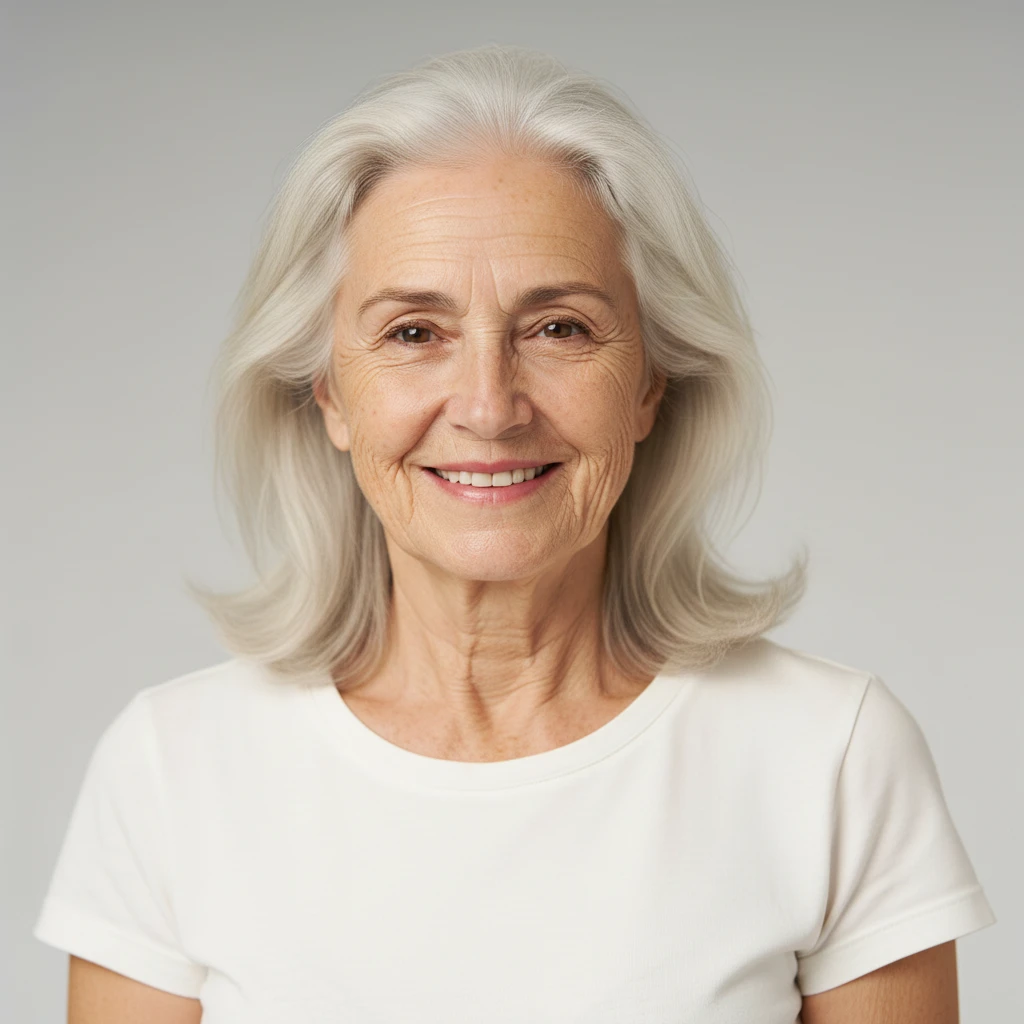
See Your Future Self
The number one reason: plain curiosity about what you'll look like in forty years. Because the age filter keeps you recognisable, the answer actually means something.
Age a Couple or a Group
Run yourself and your partner through the aging filter and see the two of you grown old together. Same for friends or a whole team photo — the group version always lands harder than a solo shot.
Fun Content for the Group Chat
Aged portraits are share-bait. Drop an old-age version of yourself in the chat with no explanation, or run everyone and let people guess who's who.
Pro Tips for a Believable Aging Filter Result
Five things that separate a convincing older self from an obvious effect.
Start with a sharp, front-facing photo
The AI ages what it can see. A clear, evenly lit face looking at the camera gives far better age progression than a dim or angled shot.
Skip beauty filters on the source
Photos already smoothed by a beauty app have no skin texture left for the age filter to build on, and the result comes out plastic. Feed it the unedited original.
Let the whole face show
Sunglasses, hats and hair across the forehead hide exactly the areas that age most visibly. A bare face gets the full transformation.
Try a neutral expression and a big smile
Age reads very differently across expressions — smile lines deepen into something else entirely. Generate both and see which older version feels more like you.
Keep the original for the side-by-side
The impact is entirely in the contrast. Save the before photo and post the pair together — alone, the aged result is just a picture of an older person.
FAQ