AI Photo Restoration
Revive precious memories — upload a damaged, faded, or vintage photograph and let AI repair scratches, restore color, and recover lost detail with remarkable precision.
AI Photo Restoration
Drag image here, click to browse, or paste from clipboard
Max size: 5MB
Advanced Settings
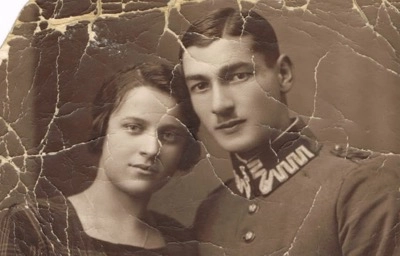
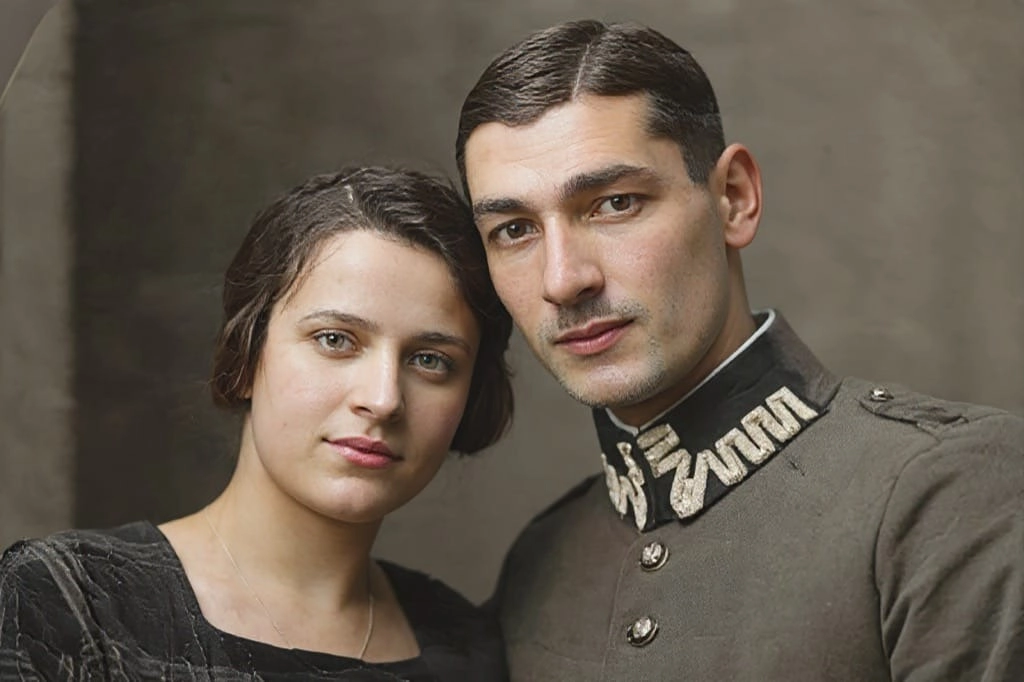
Comprehensive Damage Detection & Repair
AI scans for scratches, tears, stains, and fading, then applies targeted fixes that preserve historical authenticity while dramatically improving clarity and contrast.
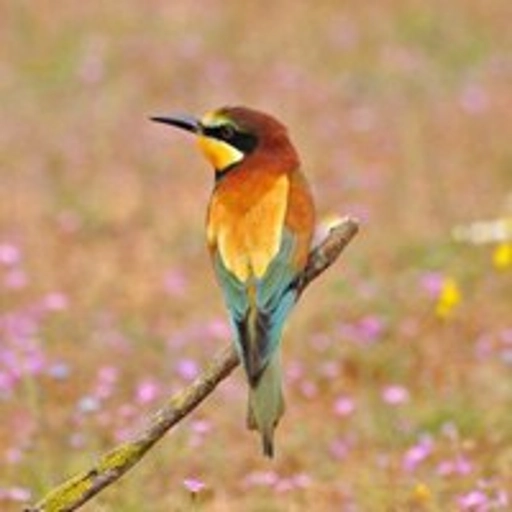
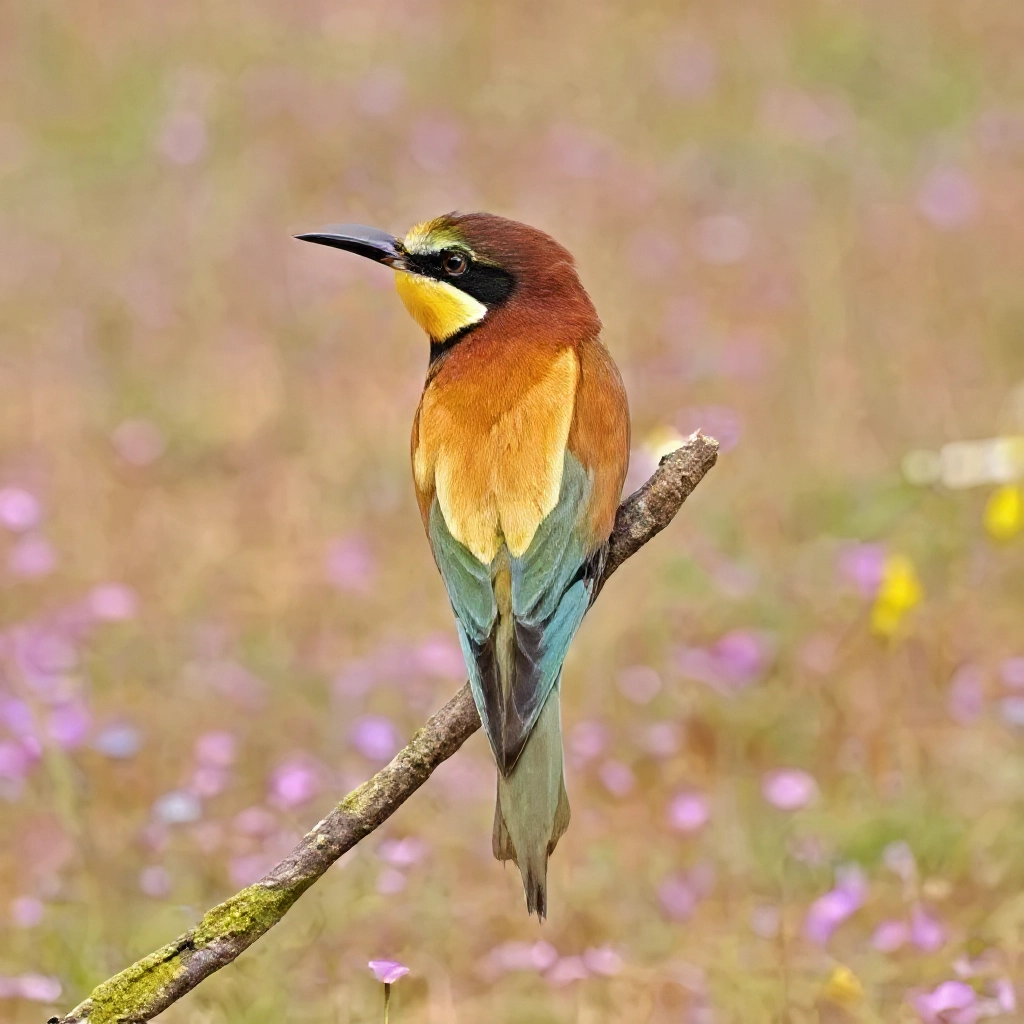
Intelligent Color Recovery
Faded tones are revived with period-appropriate color correction. The AI restores vibrancy without over-saturating, keeping the photograph's original character intact.
HOW TO
How to Restore a Photo — 3 Easy Steps
Upload Your Photo
Upload a scan or digital capture of the damaged photograph. Higher-resolution scans give the AI more data to work with.
Automatic Damage Analysis
The AI detects scratches, tears, color loss, and other degradation patterns, then builds a targeted repair plan for each area.
Download the Restored Image
Preview the result and download your beautifully restored photo — colors revived, damage repaired, detail sharpened.
FAQ