Professional Background Remover
Remove any image background in seconds. Our AI precisely detects subjects — people, products, or complex scenes — and delivers clean, transparent PNGs ready for e-commerce, design, and social media.
Drag image here, click to browse, or paste from clipboard
Max size: 5MB
Image size: Max: 2000px × 2000px
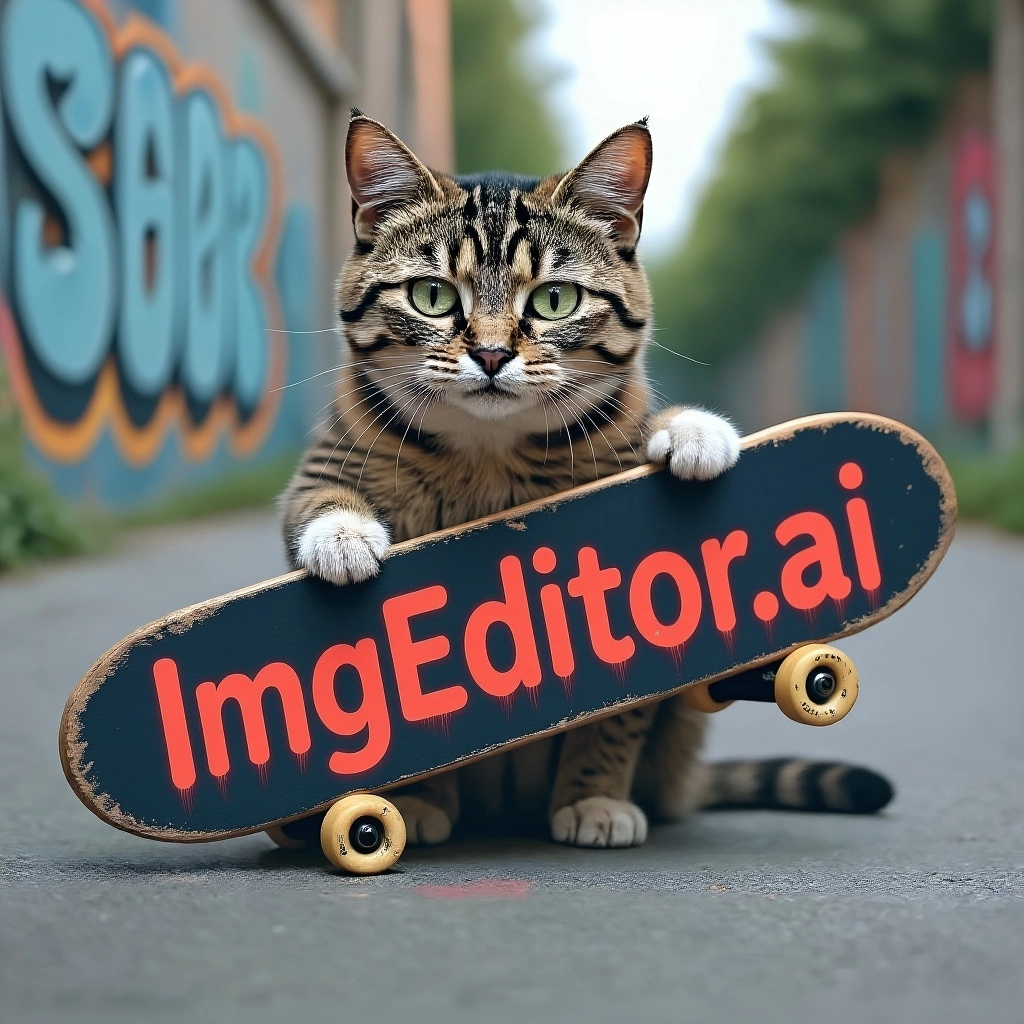

Creating your transparent image (10-30 seconds)
Your images are processed securely and not stored. Download your results immediately.
Instant Professional Results
Get studio-quality transparent images in seconds. The AI delivers clean, precise edges — no manual editing needed. Ideal for professional headshots, creative designs, and marketing assets.

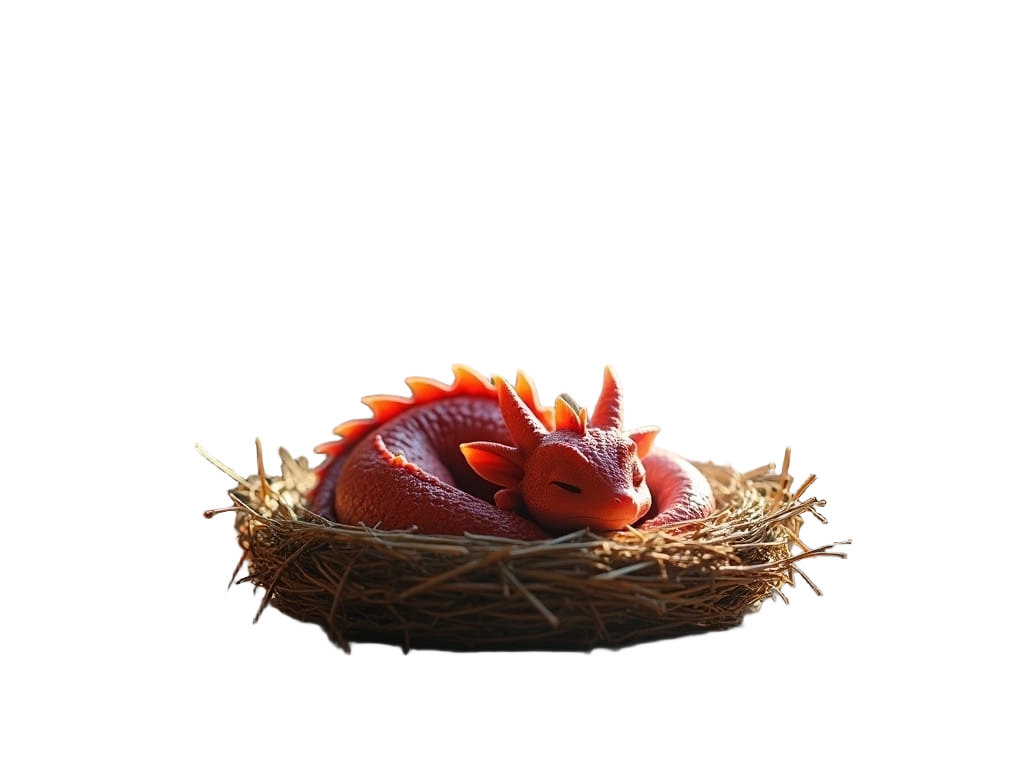


Smart Portrait Processing
The specialized portrait mode preserves intricate details like flowing hair, jewelry, and fabric textures. Perfect for professional headshots, social media profiles, and team photos where every detail matters.
E-commerce Ready
Create clean product photos with transparent or white backgrounds in one click. Meet marketplace requirements for Amazon, Shopify, eBay, and Etsy listings without hiring a photographer or retoucher.
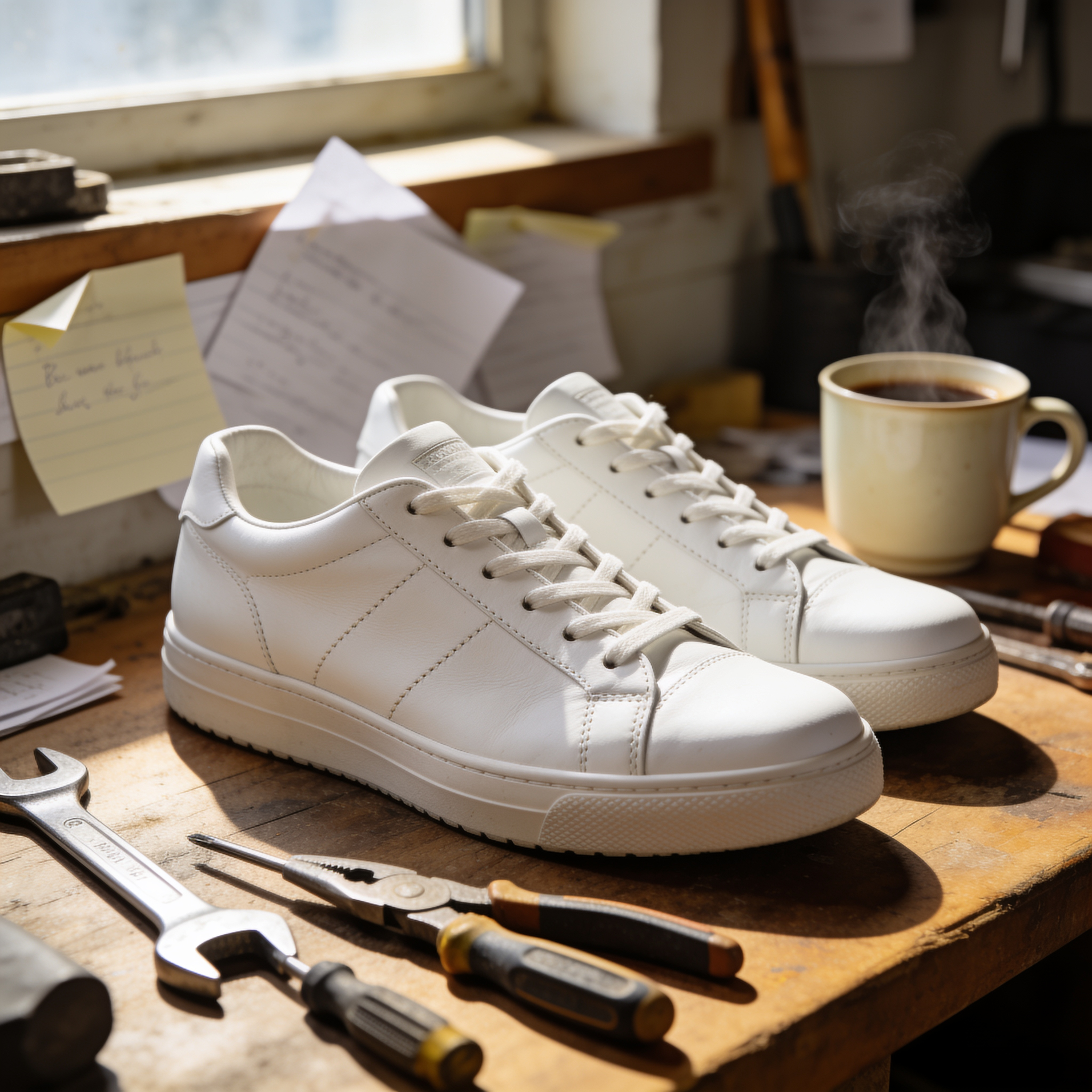
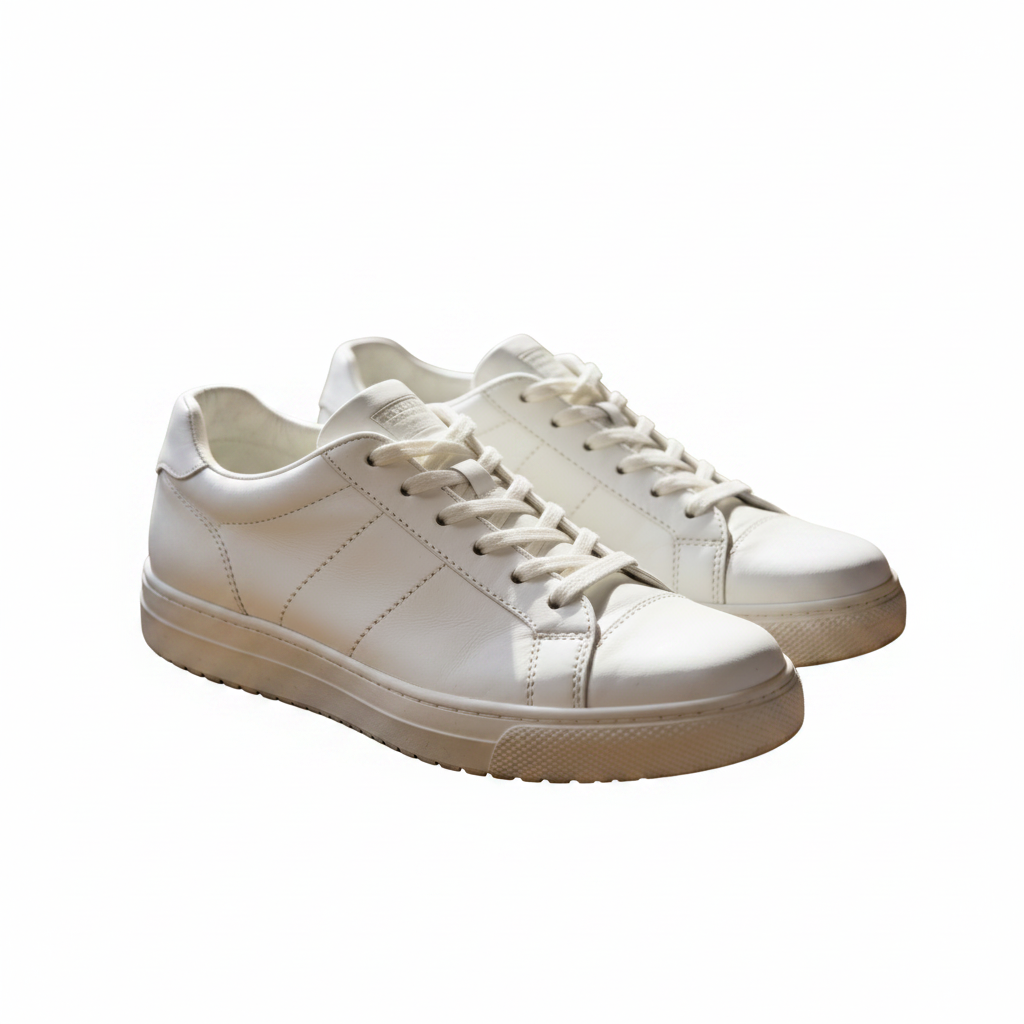
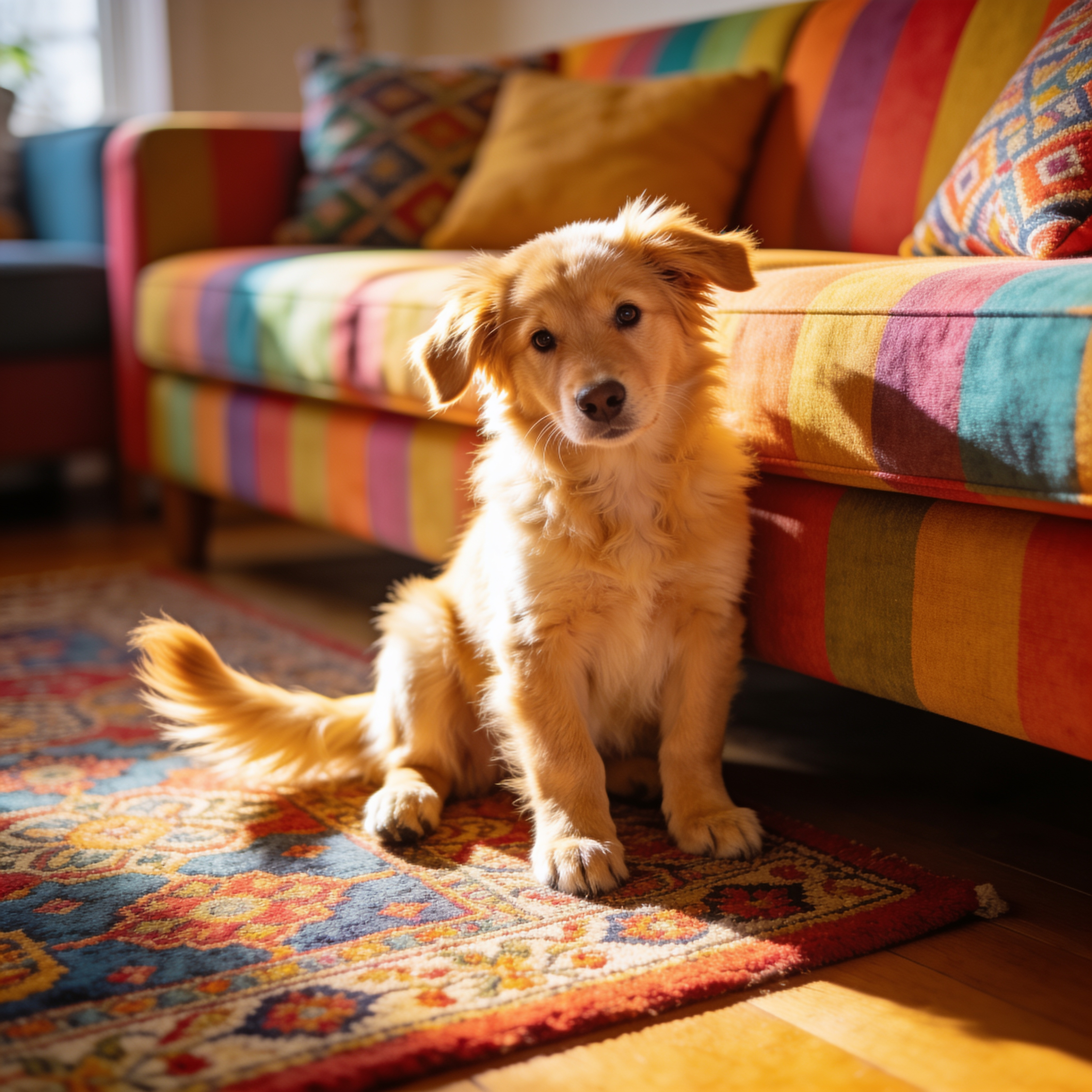
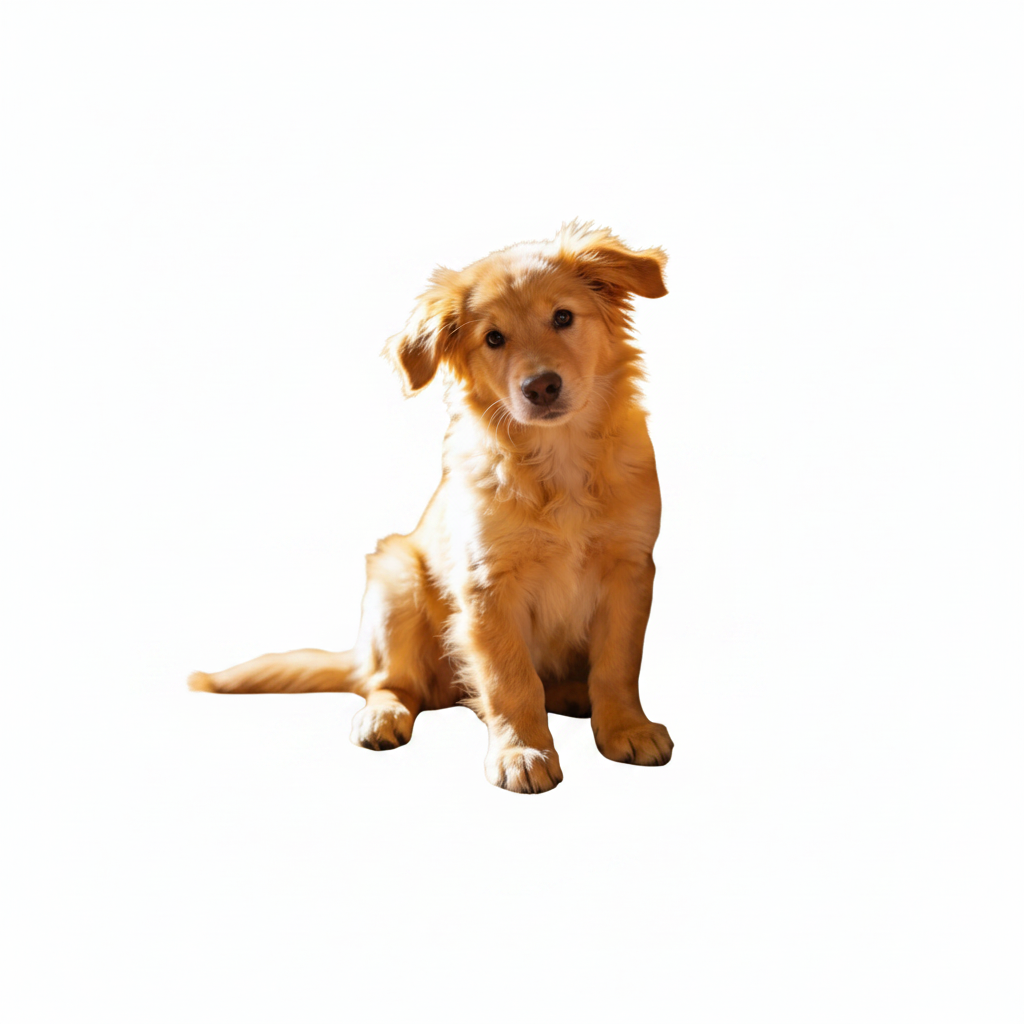
Works with Any Subject
From pets and vehicles to food and furniture — the AI handles any subject type. Whether you need a logo cutout, an object for a collage, or an animal sticker, the results are consistently precise.
AI Background Remover vs Manual Cutout
Cutting out a subject by hand in Photoshop is slow and fiddly. The AI background remover does the same job in seconds — with cleaner edges.
AI Background Remover
- Removes the background in about 5 seconds — no tracing edges by hand
- Keeps fine detail like hair strands, fur, and product outlines intact
- Exports a transparent PNG ready to drop into any design or listing
- Free to start — no Photoshop skills or monthly subscription required
Manual Cutout in Photoshop
- 10–30 minutes with the pen or lasso tool for every single image
- Ragged edges and lost hair strands on anything remotely complex
- Needs a paid editor and real retouching experience to look clean
- Has to be repeated from scratch across dozens of product photos
Most users remove the background from a batch of photos in the time it would take to cut out one by hand.
What People Use the Background Remover For
From online stores to social feeds, a clean transparent background makes any subject easier to reuse. Here's where the background remover gets used most.
E-commerce Product Photos
Drop products onto a pure white or transparent background to meet Amazon, Shopify, eBay, and Etsy listing requirements — no studio or photographer needed.
Profile & Team Headshots
Remove busy backgrounds from portraits for LinkedIn, company about-pages, and speaker bios, with hair and clothing edges kept crisp.
Marketing & Social Graphics
Cut out a subject once and reuse it across ads, banners, and posts. Transparent PNGs layer cleanly over any brand color or scene.
Stickers, Memes & Collages
Isolate people, pets, or objects to build stickers, digital scrapbooks, and photo collages without a messy leftover background.
Presentations & Thumbnails
Place a background-free subject onto slides, YouTube thumbnails, and posters so the focus stays on what matters, not the clutter behind it.
Print-on-Demand & Merch
Prep artwork and product mockups with transparent backgrounds ready for t-shirts, mugs, and stickers on print-on-demand platforms.
Pro Tips for Cleaner Background Removal
A few small habits get you sharper cutouts on the first try when you remove a background.
Pick the Right Mode
Use Portrait mode for people so the AI protects hair and soft edges, and Default mode for products, pets, and objects with harder outlines.
Shoot With Contrast
The background remover locks onto the subject fastest when it stands out from what's behind it. Avoid a subject that blends into a same-colored background.
Start With Higher Resolution
A sharper, larger source photo gives the AI more edge detail to work with, so the transparent PNG comes out cleaner around fine areas like hair and fur.
Layer Onto a New Background
Once the background is removed, drop the PNG onto a solid color, gradient, or scene. Need a full scene swap instead? Try the AI Background Changer.
HOW TO
How to Remove Background from Image
Upload Your Photo
Drag and drop or click to upload any image in JPG, PNG, or WebP format, then sign in when you are ready to process and save your result.
AI Removes the Background
Our AI detects the subject and removes the background in seconds. Choose Portrait mode for people or Default mode for products and objects.
Download Your Result
Preview the transparent image and download as a high-quality PNG. Use it directly in your designs, listings, or presentations.
FAQ