


AI Image Generator With Flux, Imagen 4 & Seedream
Type a prompt, pick a model, and generate. Flux Pro, Google Imagen 4, Seedream V3, and MiniMax all run from the same box — compare the results side by side and keep full commercial rights on everything you make.
AI Image Generator
Advanced Settings
Flux Pro Series
The complete Flux family: Schnell for fast drafts, Dev for high quality, Pro for professional standards, and Ultra for maximum detail. Choose the right balance of speed and quality for every project.
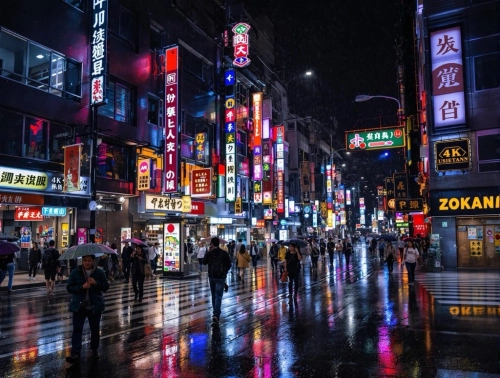
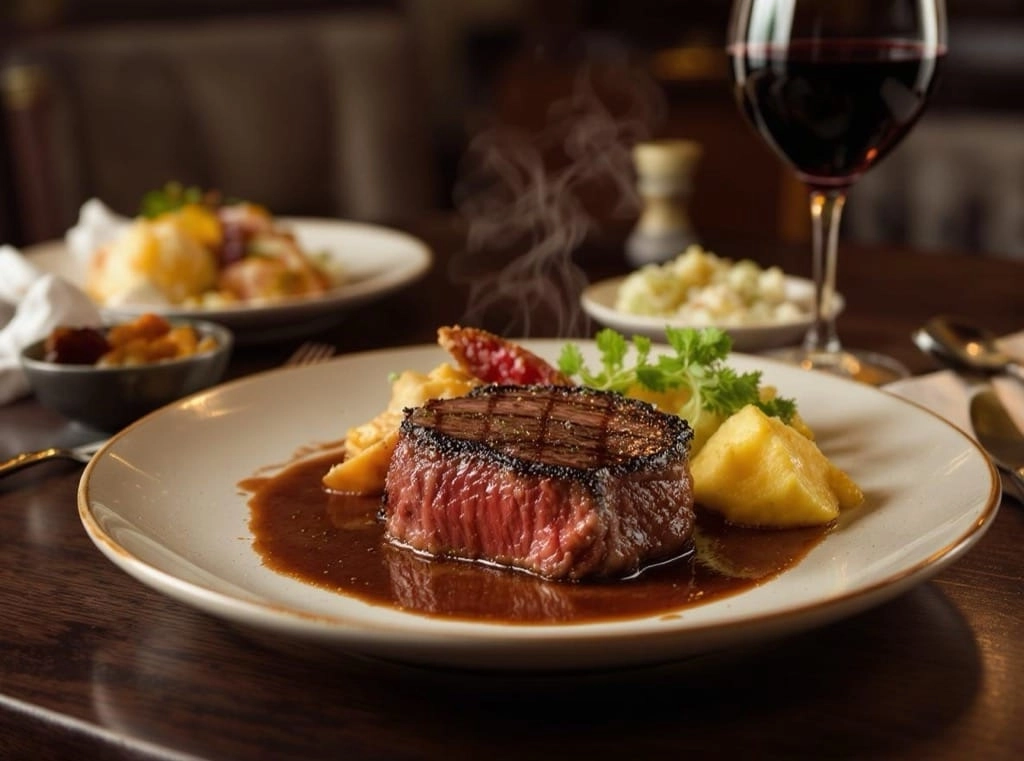
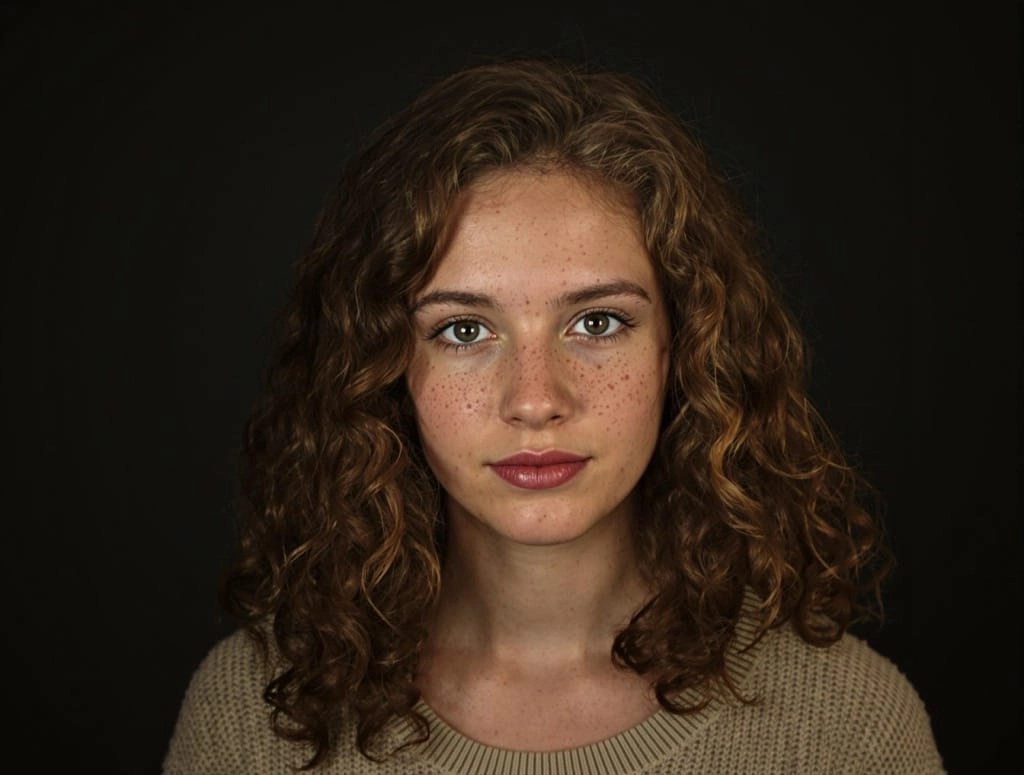

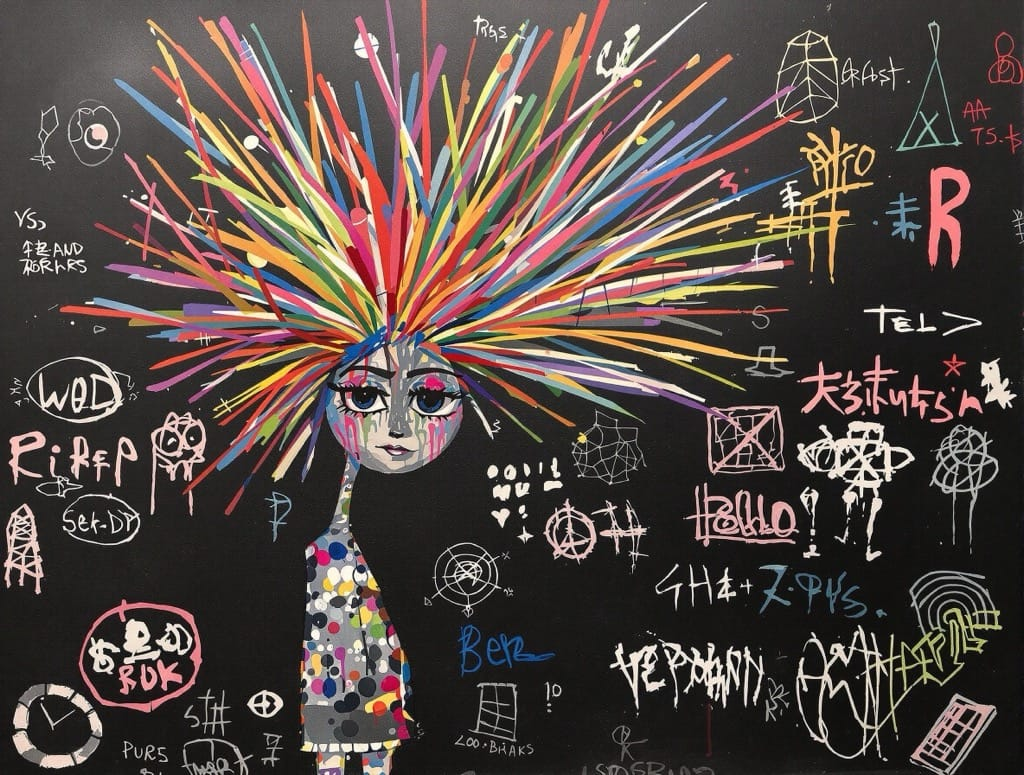
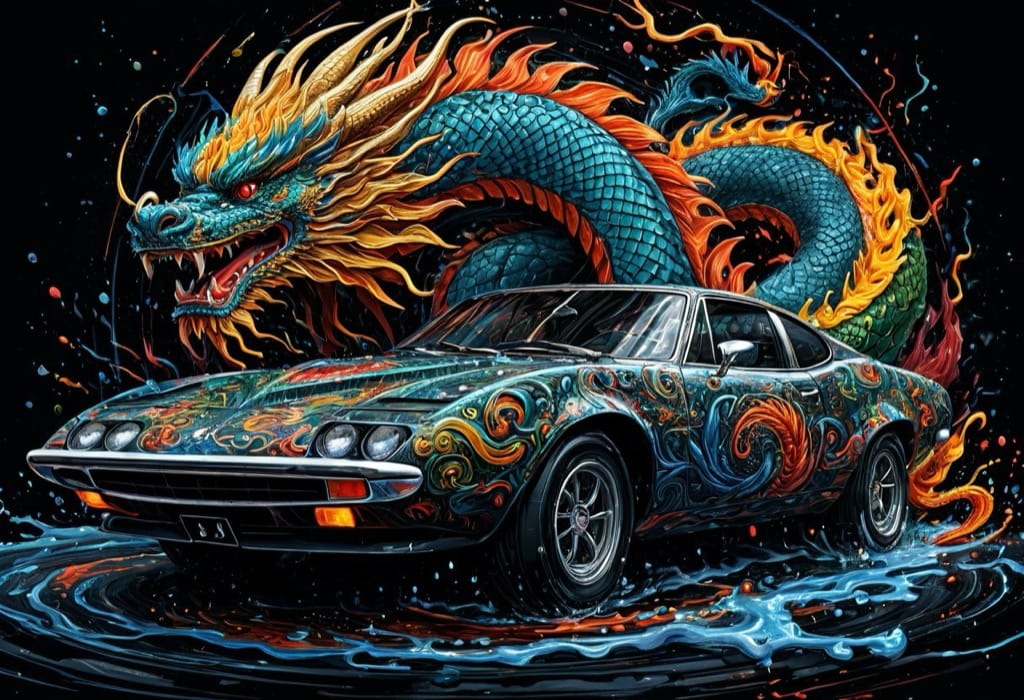
Google Imagen 4 & Seedream V3
Enterprise-grade models from Google and ByteDance. Imagen 4 excels at artistic diversity and photorealism, while Seedream V3 delivers versatile, commercial-quality output across styles.
MiniMax & Multi-Model Workflow
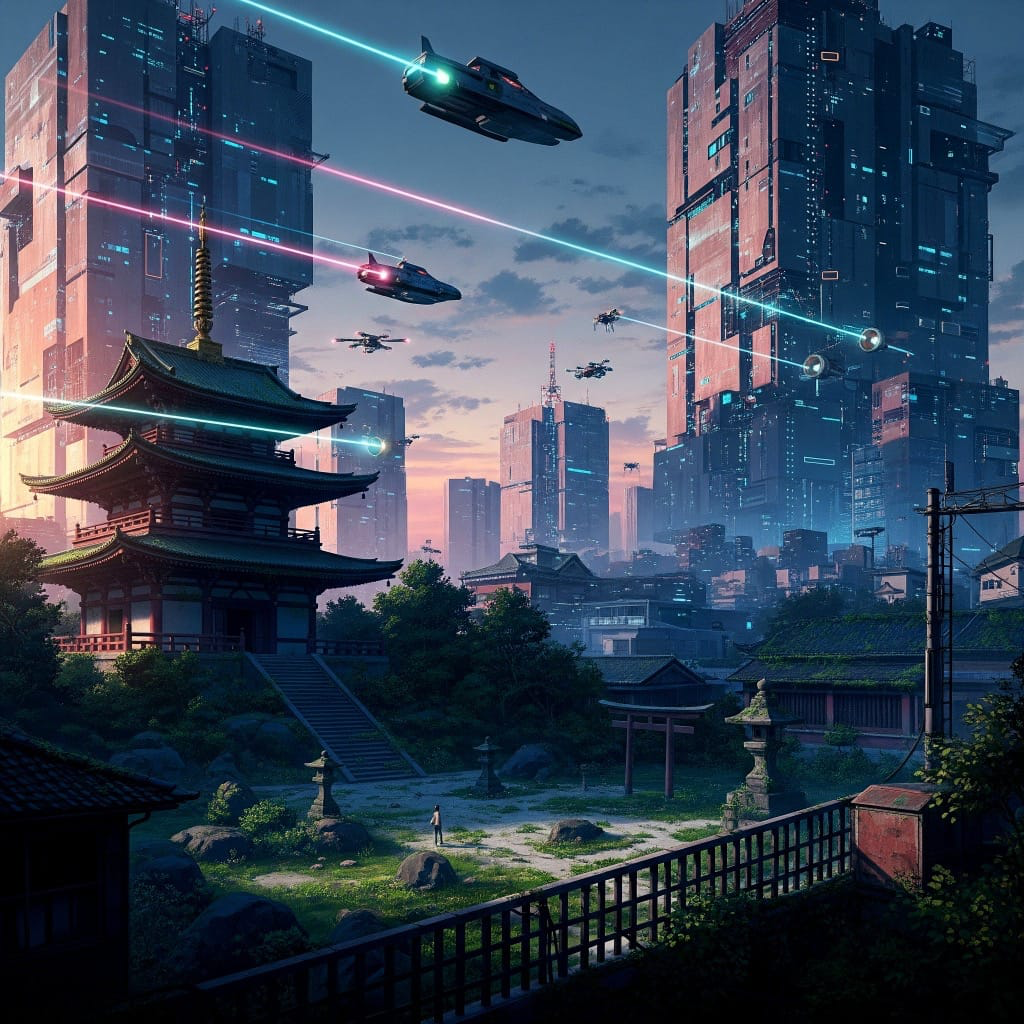
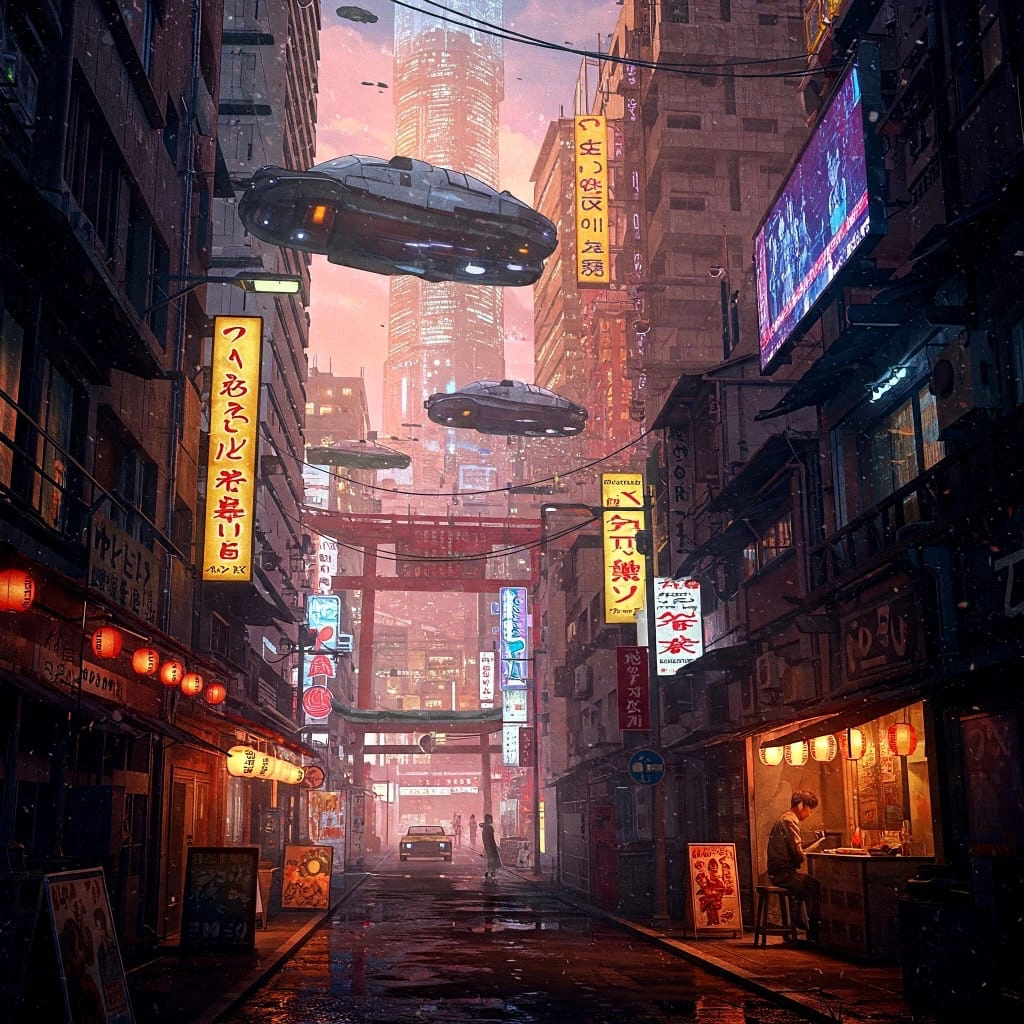
MiniMax offers efficient generation at lower cost. With all models in one platform, you can compare outputs side-by-side and pick the best result — no switching between services.
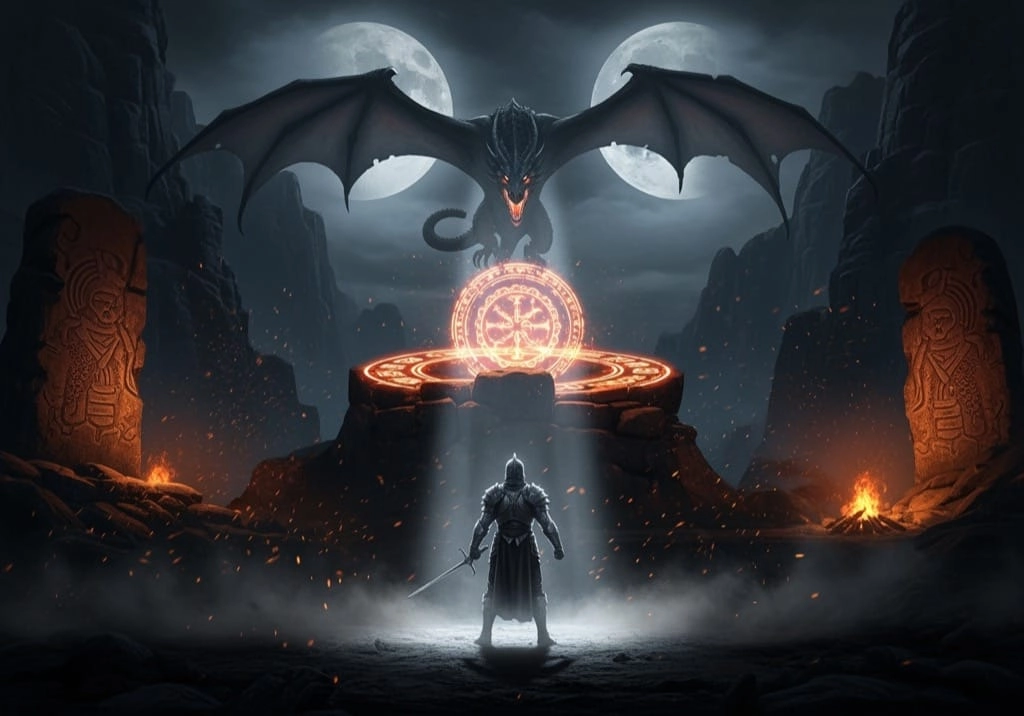
Full Commercial Rights
Every generated image includes comprehensive commercial licensing. Use your creations for business, marketing, client work, and resale — no attribution or extra fees required.
AI Image Generator vs Stock Photos & Hiring a Designer
For most visuals, an AI image generator gets you a custom, license-clear result faster and cheaper than the old routes.
This AI Image Generator
- A custom image from your exact prompt in seconds, not days
- Unlimited variations until it matches what's in your head
- Full commercial rights on every image — no per-use licensing
- Multiple top models (Flux Pro, Imagen 4, Seedream) in one place
Stock Photos & Hiring a Designer
- Hunting stock libraries for a 'close enough' generic photo
- Everyone else can buy and use the exact same stock image
- Recurring license fees, or a designer quote and a days-long wait
- Revisions cost more time and money every single round
Designers still win for brand systems and hand-craft — but for concepts, drafts, and volume, the AI image generator wins on speed and cost.
What People Create With the AI Image Generator
From marketing to concept art, a text-to-image AI generator turns a sentence into finished visuals. Here's where it gets used most.
Marketing & Ad Creative
Generate on-brand hero images, ad variations, and campaign visuals from a prompt — no stock fees, and full commercial rights on every result.
Blog & Article Headers
Create a unique featured image for every post instead of recycling stock. Match your exact topic, style, and color in seconds.
Concept Art & Ideation
Explore characters, environments, and moodboards fast. Generate dozens of directions with an AI image generator before committing to one.
Product & Packaging Mockups
Visualize product ideas, packaging, and scenes without a photo shoot. Iterate on look and setting straight from text prompts.
Social Media & Thumbnails
Produce scroll-stopping posts, story art, and YouTube thumbnails tailored to each platform's format and your message.
Presentations & Pitch Decks
Drop custom, cohesive imagery into slides and decks so your story looks designed — not clip-arted — in a fraction of the time.
Pro Tips for Better AI Image Generation
Prompting habits that get sharper, more on-target results from any AI image generator.
Describe Subject, Style, and Light
The strongest prompts name the subject, an art style ('photorealistic', 'watercolor'), the lighting ('golden hour', 'studio'), and the shot ('close-up', 'wide'). Specificity steers the model.
Match the Model to the Job
Use Flux Schnell for fast drafts, Flux Pro or Ultra for photorealism, Imagen 4 for artistic diversity, and MiniMax for cheap iterations. Compare outputs before committing.
Generate Several, Then Refine
Create a batch of variations, pick the closest, and fold what worked into your next prompt. A couple of rounds beats trying to nail it in one.
Add Negatives and Constraints
Spell out what to avoid ('no text', 'no watermark') and set the aspect ratio up front so the composition fits where the image will actually be used.
HOW TO
Create AI Images in Three Steps
Write Your Prompt
Describe what you want to see — include style, colors, lighting, and composition for best results.
Choose a Model & Settings
Pick from Flux Pro, Imagen 4, Seedream V3, or MiniMax. Set your aspect ratio and number of images.
Generate & Download
Get results in seconds. Compare variations and download high-resolution images with full commercial rights.
FAQ