


Realistic AI Image Generator
Most AI images give themselves away: waxy skin, glassy eyes, lighting that never happened. This realistic AI generator runs models tuned for photographic realism — visible pores, real grain, natural falloff — so the result reads as a photo rather than a render. Describe the shot, then pick the model that suits it.
Realistic AI Image Generator
Skin That Looks Like Skin
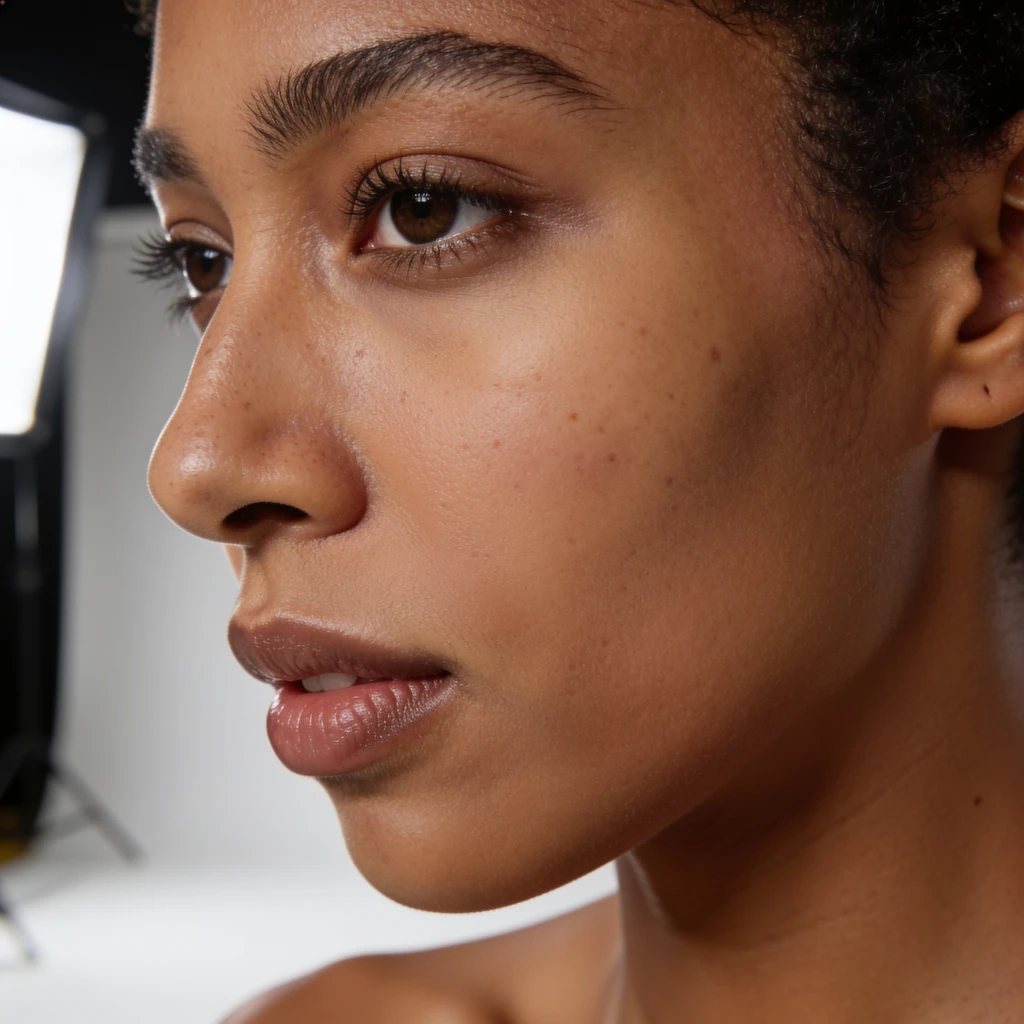
The tell in almost every AI portrait is the skin — airbrushed, poreless, faintly plastic. The models here render real texture: pores, fine lines, stray hairs, uneven tone. It is the single biggest difference between an image that reads as AI and one that reads as a photo.
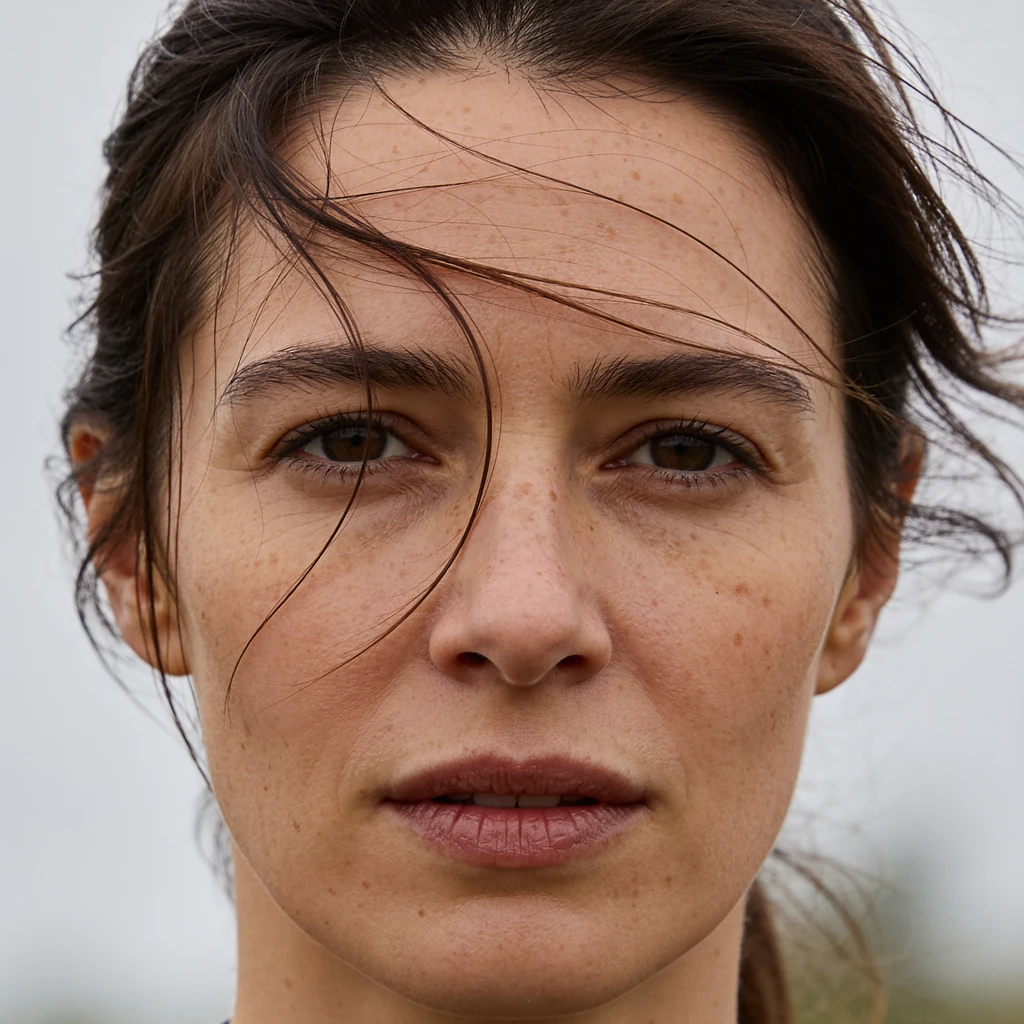
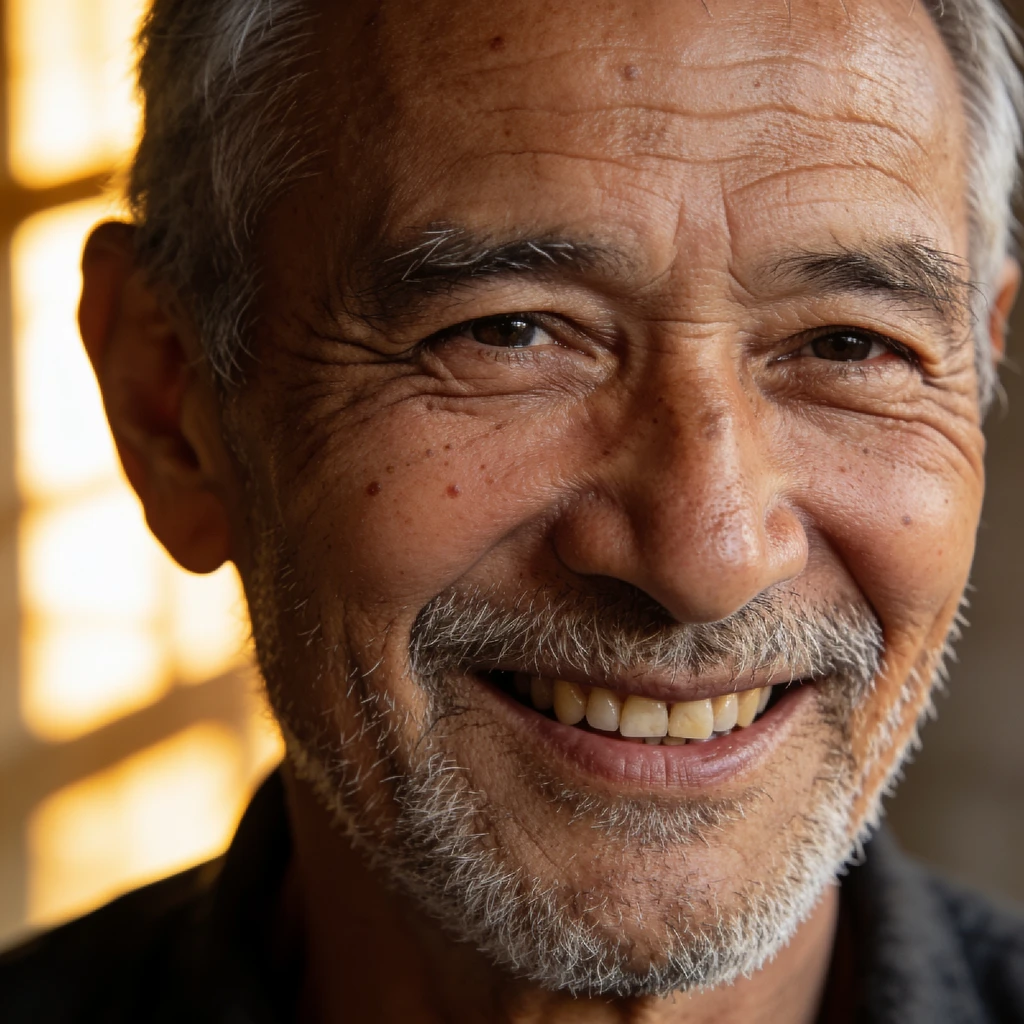
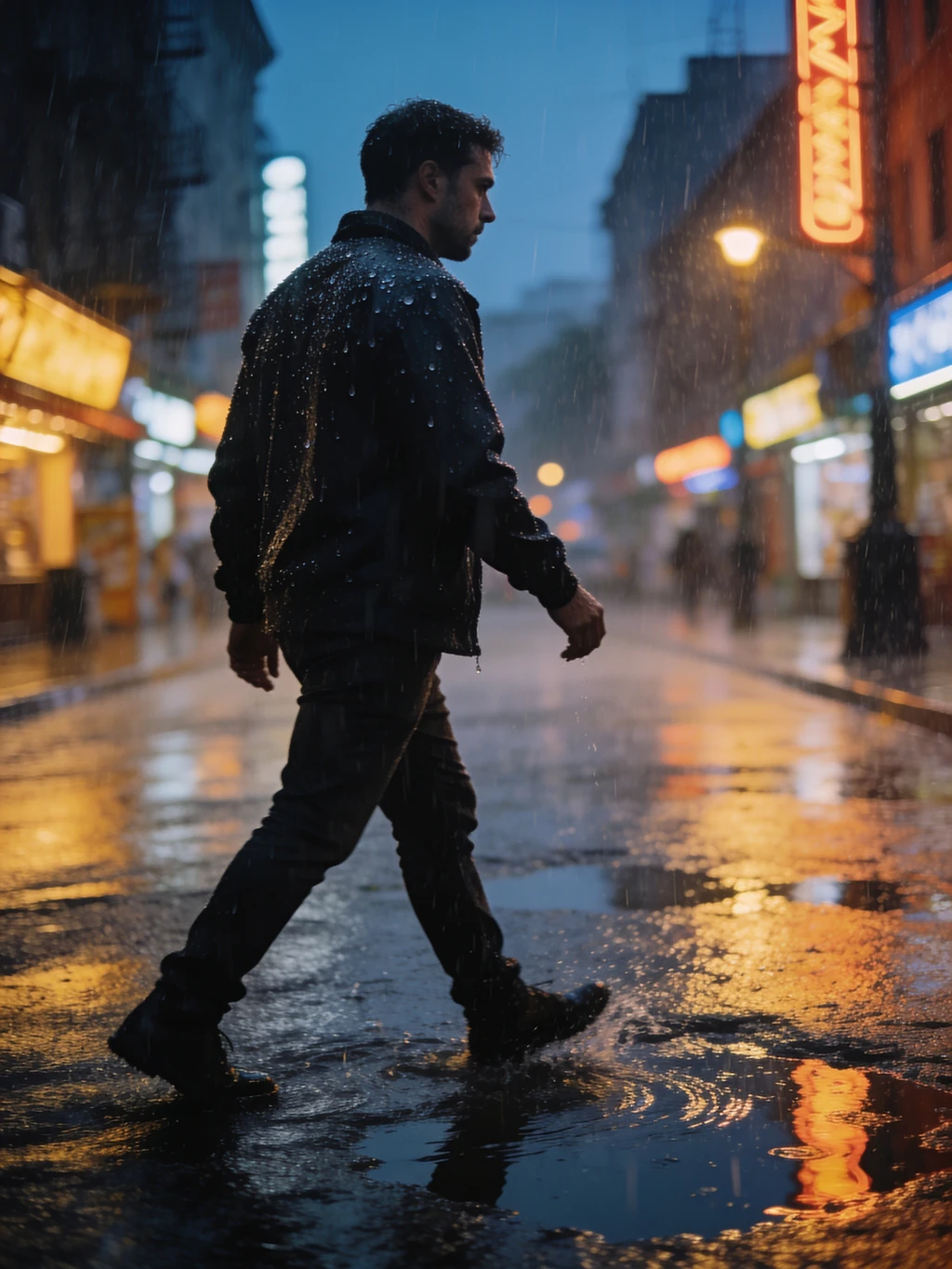
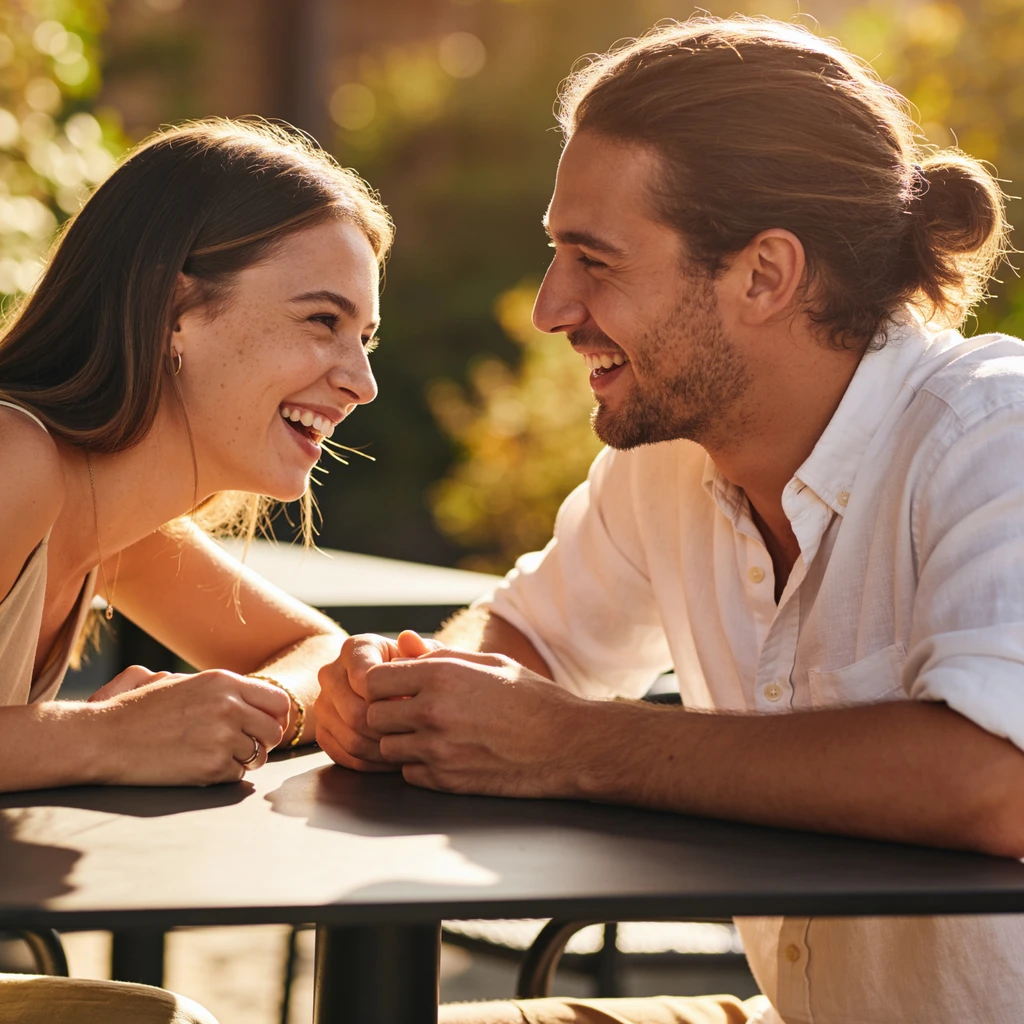
Light That Behaves Like Light
Realism lives in the lighting. Soft falloff, believable shadows, colour bouncing off nearby surfaces, highlights that blow out the way a real sensor blows out. A realistic AI generator has to reproduce how a lens sees a scene — not the flat, evenly-lit look that AI defaults to.
Five Models, One Prompt
No single model wins every shot. Krea 2 Large leads on raw photorealism — grain, texture, motion blur. Krea 2 Medium is the cheaper Krea at 12 credits, though it leans illustrative and painterly rather than photoreal. Seedream V4.5 pushes 2K+ detail, Flux 2 Pro is fast and clean, and Z-Image Turbo costs 2 credits for quick exploration. Switch between them without retyping your prompt.
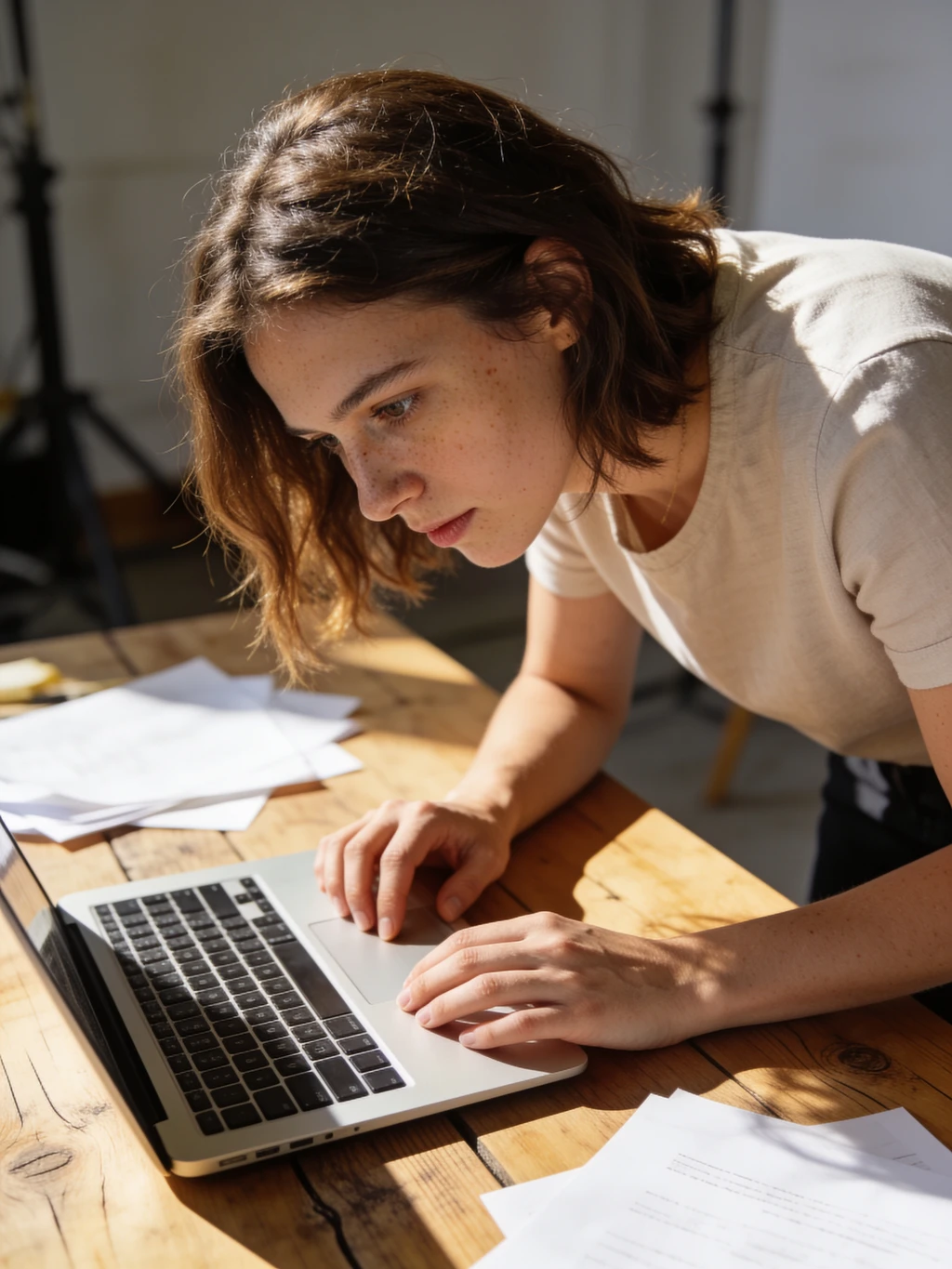
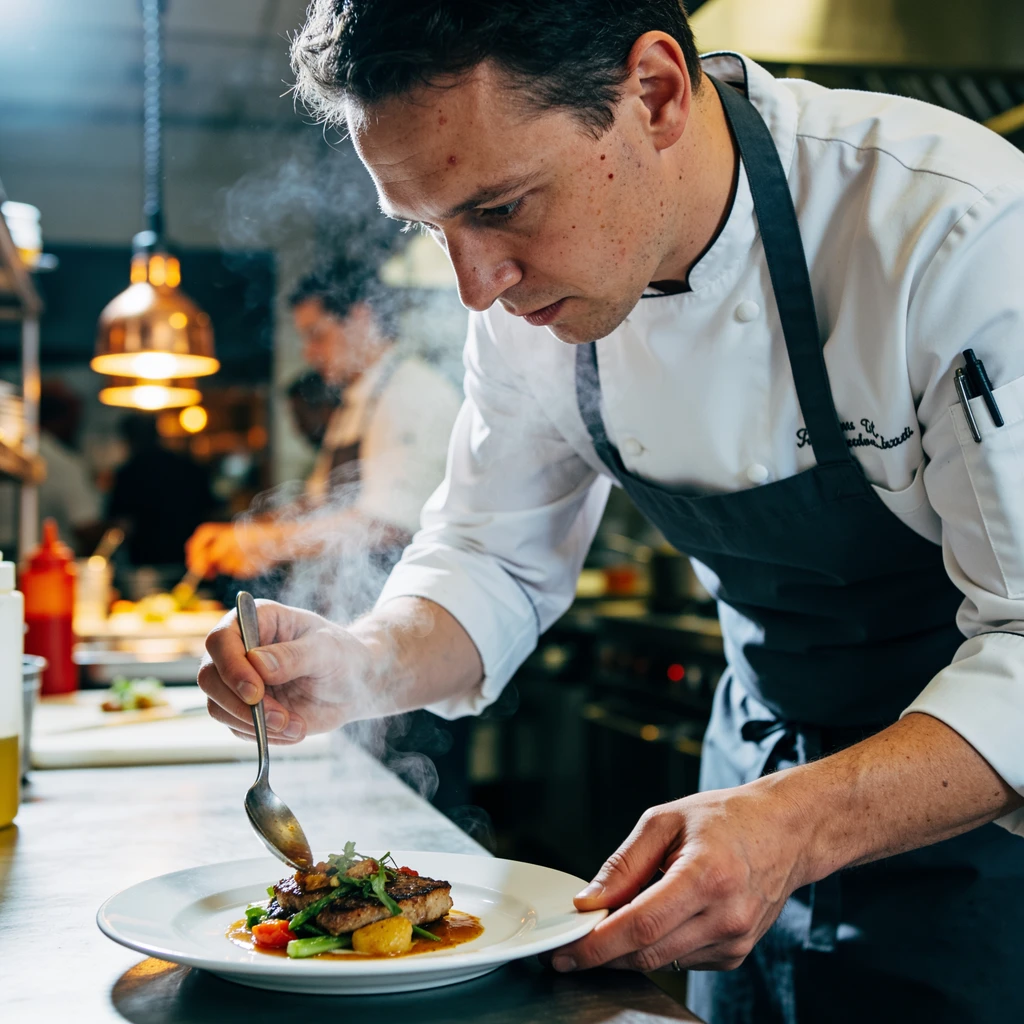
Realistic AI vs. the Usual AI Look
Same prompt, very different result — here is what actually changes.
Realistic AI Generator on ImgEditor
- Real skin texture — pores, fine lines, uneven tone
- Photographic lighting with believable falloff and grain
- Five models to switch between, from 2 to 24 credits
- Results feed straight into the rest of the editor
Generic AI Image Generators
- Waxy, airbrushed skin that gives the image away
- Flat, evenly-lit scenes with no real light source
- One model — take it or leave it
- Export and re-upload elsewhere to do anything with it
The "AI look" is not one flaw. It is smoothed skin, dead eyes and impossible lighting stacking up on each other. Models built specifically for photorealism attack all three at once, which is why an identical prompt lands so differently here.
What People Generate Here
Realistic humans are the hardest thing to get right, and the most asked for.
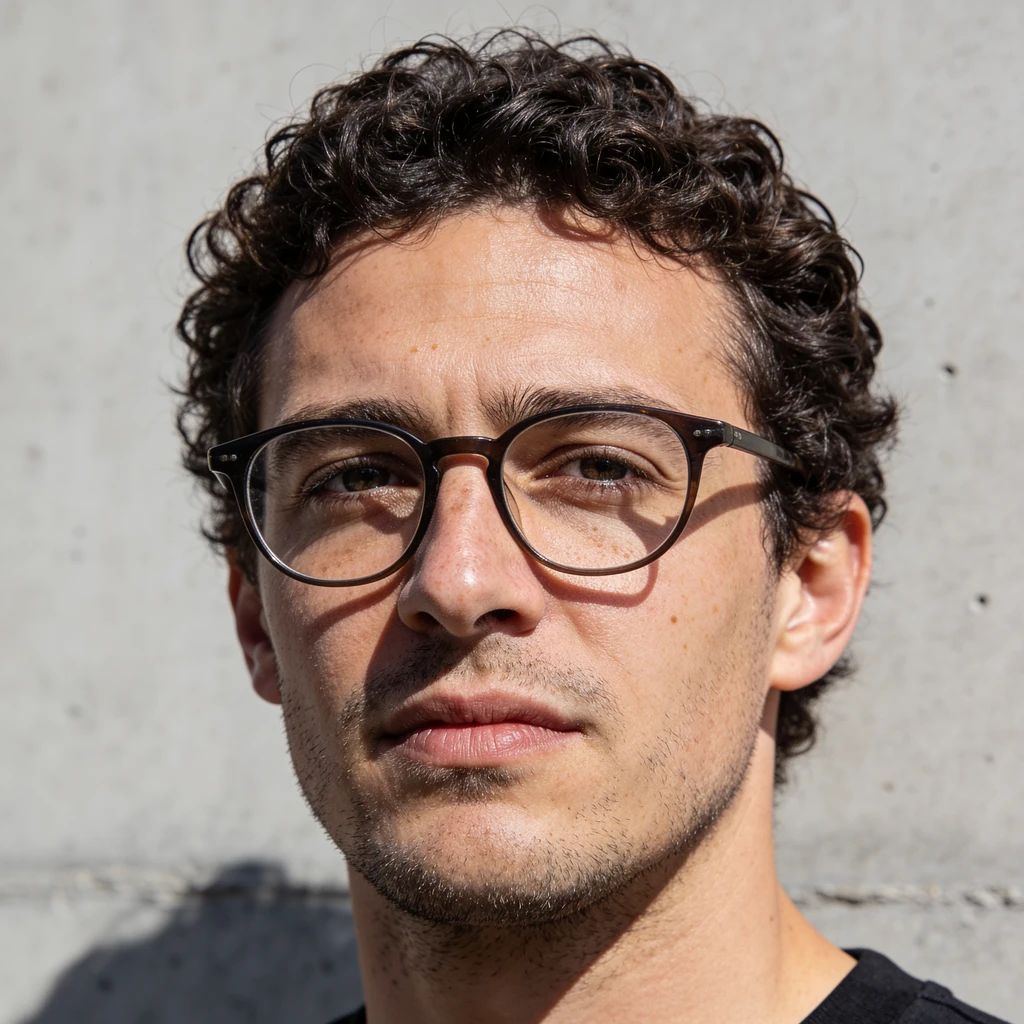
Portraits That Survive a Second Look
Faces are where AI usually falls apart. Realistic portraits — with real skin, catchlights and natural expression — hold up when someone actually looks closely instead of scrolling past.
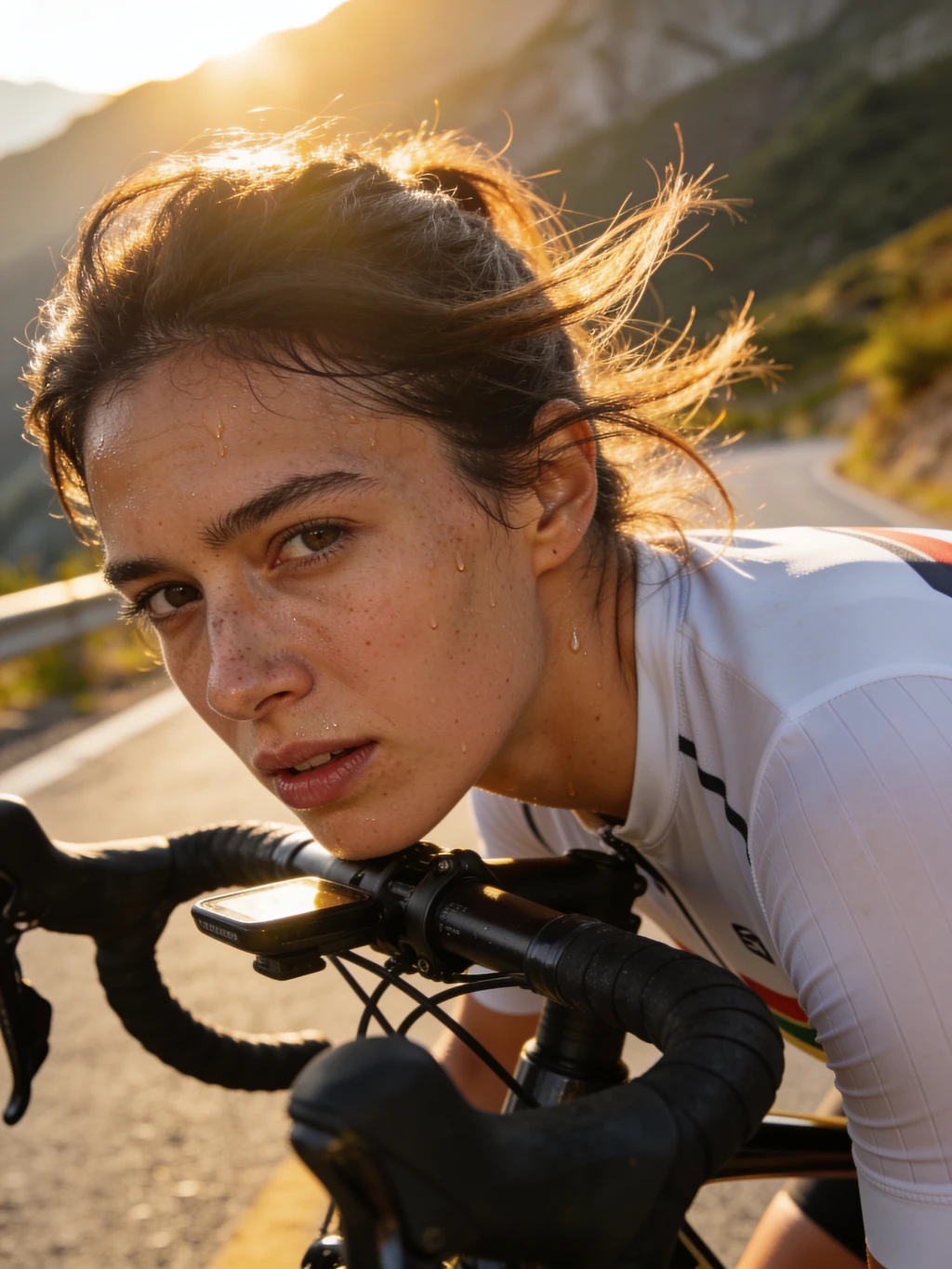
Stock Photography Without the Stock
Need a specific person in a specific place doing a specific thing? Describe it instead of hunting through stock libraries for something close enough — and skip the licensing.
Concepts, Moodboards and Storyboards
Realistic reference frames beat sketches when you are pitching a look. Generate the scene as it would actually be photographed, then iterate on the prompt until the idea is clear.
Pro Tips for More Realistic AI Images
Four habits that move results from obviously-AI to plausibly-photographed.
Brief it like a photographer
Camera, lens, light and time of day do more for realism than any number of adjectives. "Shot on 35mm, overcast, natural light" carries real information; "hyperrealistic, 8k, masterpiece" carries almost none.
Ask for imperfection
Real photos have grain, slight motion blur, uneven skin and stray hair. Name those things explicitly. Perfection is exactly what makes an image read as generated.
Start cheap, finish strong
Z-Image Turbo costs 2 credits. Use it to find the composition and prompt that works, then re-run the winner on Krea 2 Large for the final texture and detail.
Avoid the word "perfect"
Prompts asking for flawless skin or perfect features push the model straight back to the plastic look. Describe a real person in real light and let the model render what that means.
HOW TO
How to Generate Realistic AI Images
Describe the Shot, Not the Subject
Write it like a brief to a photographer: subject, setting, light, lens. "Close-up portrait, overcast daylight, freckles, shot on an 85mm" gets you far closer to realism than "a beautiful woman".
Pick a Model
Start with Krea 2 Large for maximum photorealism. If you are still exploring the idea, run Z-Image Turbo at 2 credits first, then re-generate the winner on a stronger model.
Generate & Refine
Your image is ready in seconds. Adjust the prompt, switch models, or take the result straight into ImgEditor's other tools to upscale, extend or edit it.
FAQ