AI Baby Filter
Ever wondered what you looked like as a baby? Upload one photo and the AI baby filter reimagines any face as an adorable infant — chubby cheeks, big eyes, wispy hair — while keeping a clear resemblance. Fun, realistic, and ready in seconds.
AI Baby Filter
Drag image here, click to browse, or paste from clipboard
Max size: 5MB
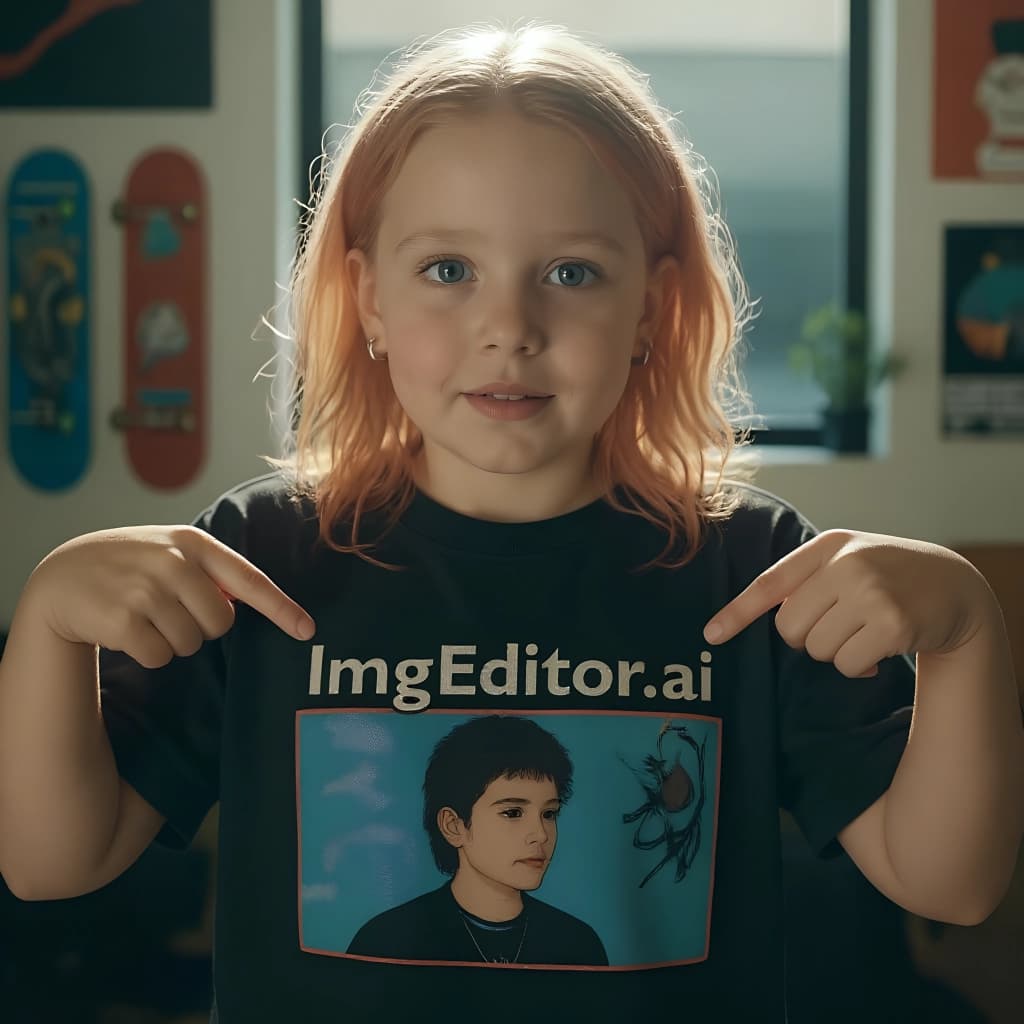
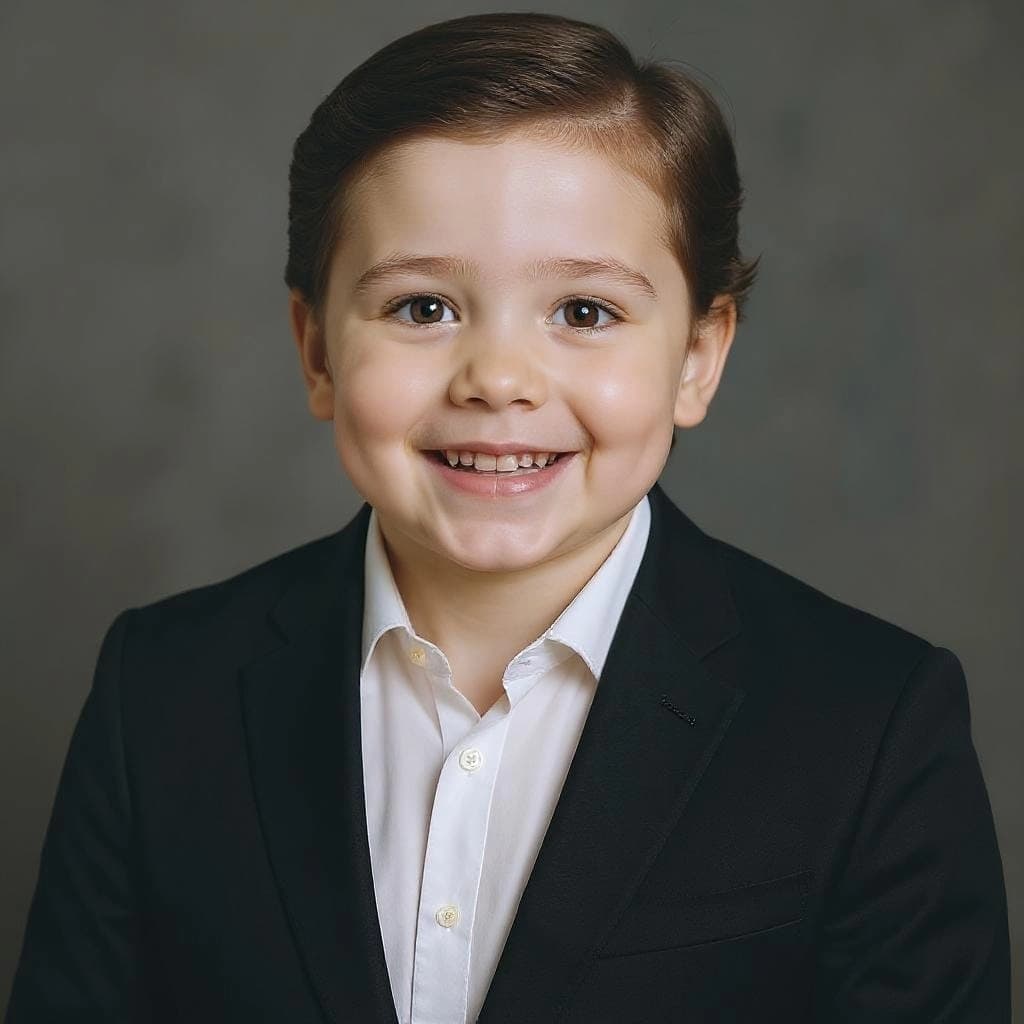
Example results
Keeps Your Likeness
It shrinks the jaw, rounds the cheeks and enlarges the eyes like a real baby, yet preserves the features that make the face recognizable — so friends still know it's you.
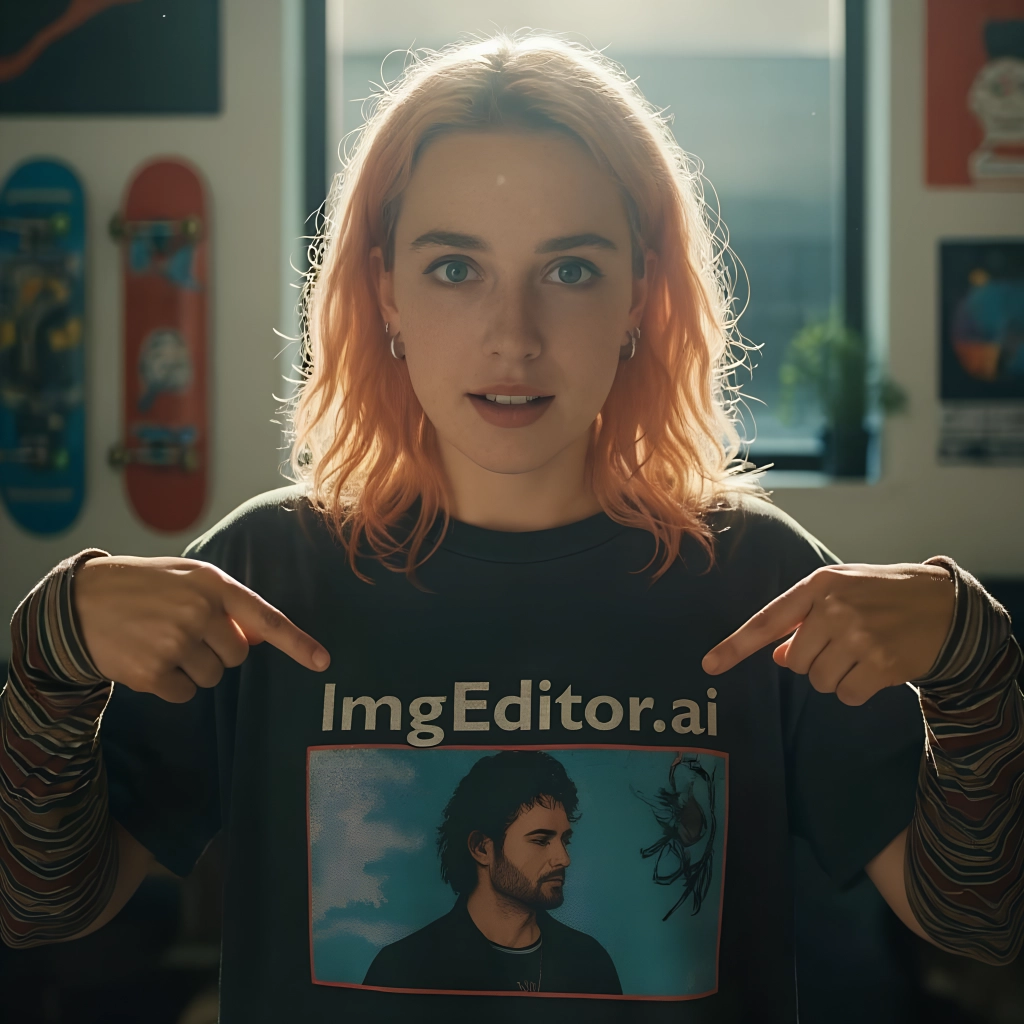
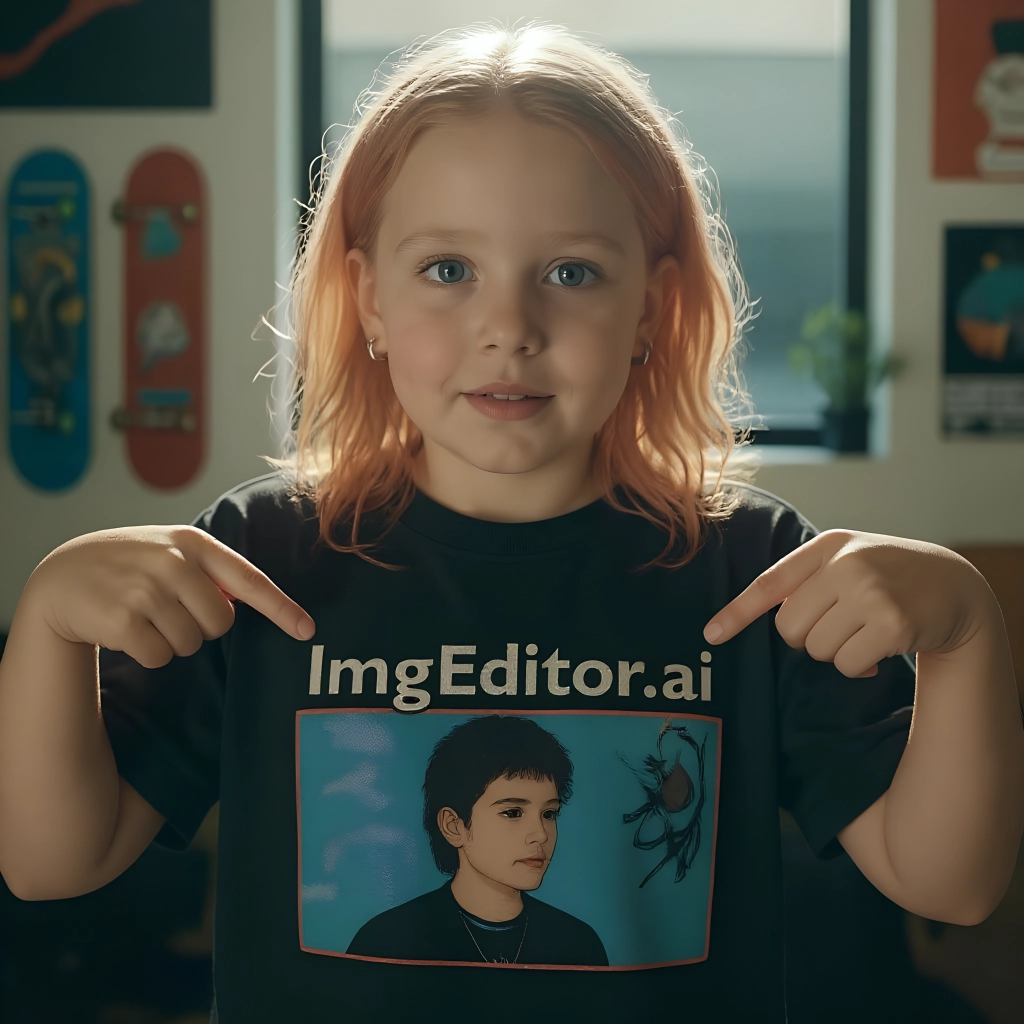

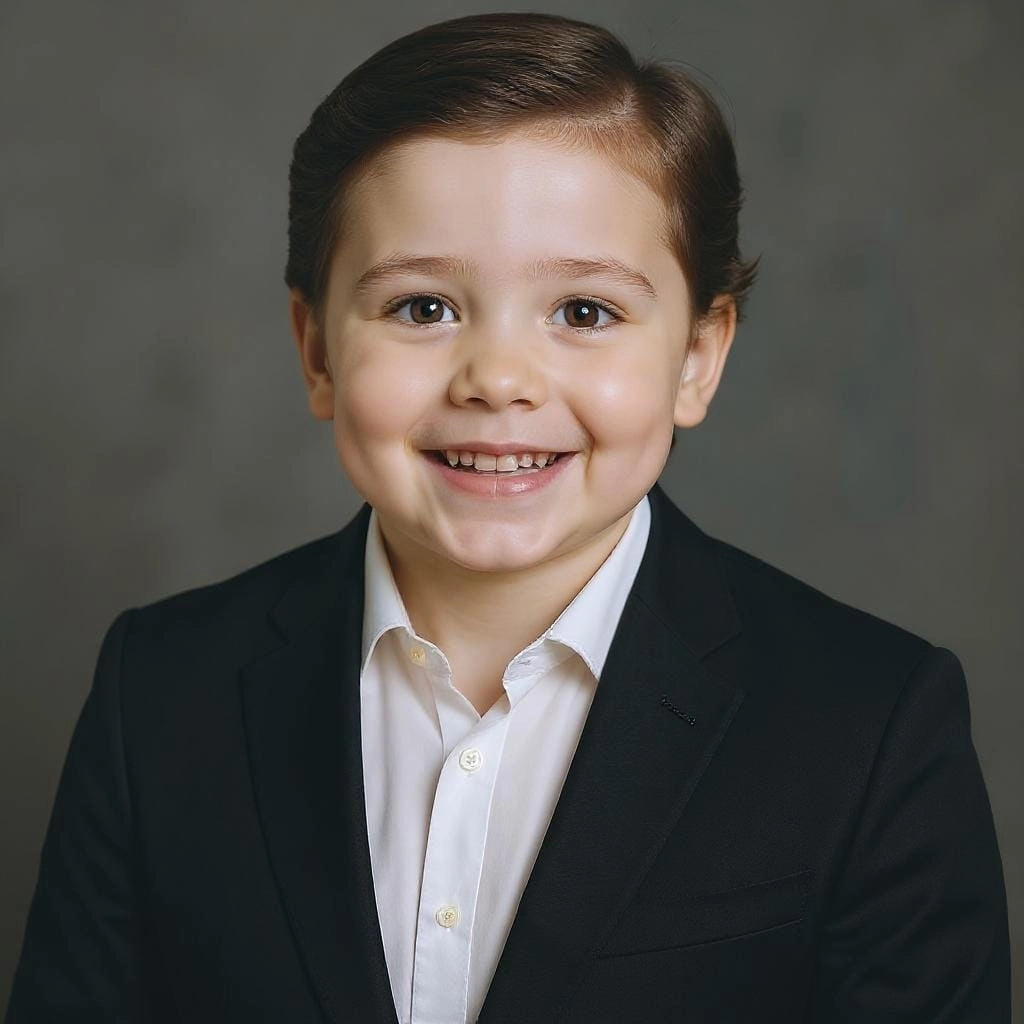
Photorealistic, Not Cartoonish
This isn't a sticker overlay. The AI renders soft baby skin, fine wispy hair and natural lighting for a believable infant portrait you'll want to share.
HOW TO
How to Turn a Photo Into a Baby
Upload a Photo
Drag in a clear, front-facing portrait. One well-lit face gives the AI the most realistic result.
Let the AI Do Its Thing
It automatically reshapes the face into an infant version — no sliders or settings to fiddle with.
Download & Share
Your baby version appears in seconds. Save it, or generate again to compare a few adorable takes.
AI Baby Filter vs Old Face-Morphing Apps
Classic baby-face apps just squish your photo. Here's what changes with real AI.
ImgEditor AI Baby Filter
- Rebuilds true infant proportions, not a squish
- Keeps a clear resemblance to the original face
- Photorealistic baby skin, eyes and hair
- One clear result in about 15 seconds
Old Baby-Face Apps
- Warps pixels, so the face looks distorted
- Generic baby look that loses the likeness
- Obvious filter overlay, not a real portrait
- Fiddly sliders and watermarked exports
Want a baby blended from two people instead of one face? Try the [AI Baby Generator](/photo-effects/ai-baby-generator) — it merges two parent photos into one future-baby portrait.
Fun Ways to Baby-fy a Photo
One photo, endless laughs — here's what people do with it.
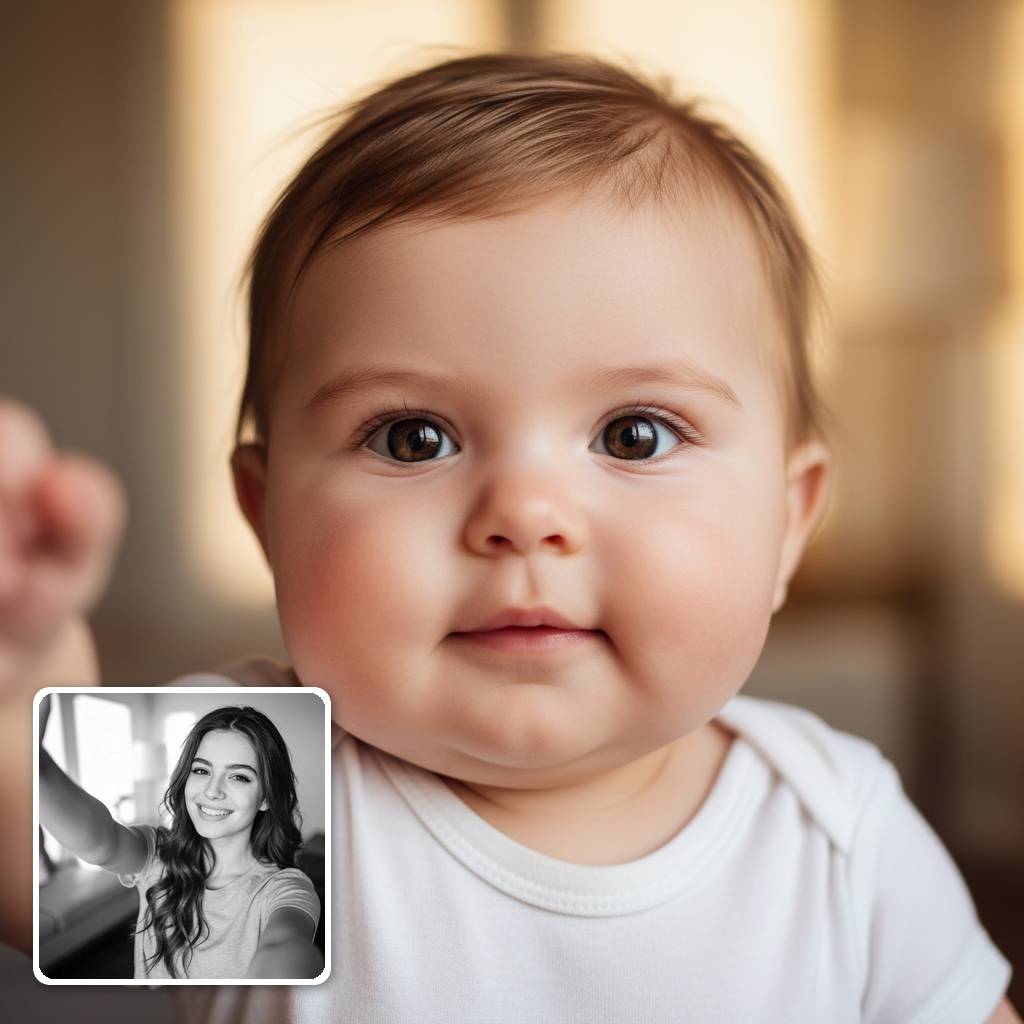
See Your Own Baby Self
Curious what you looked like as an infant? Run your selfie through the tool for a surprisingly believable throwback to babyhood.
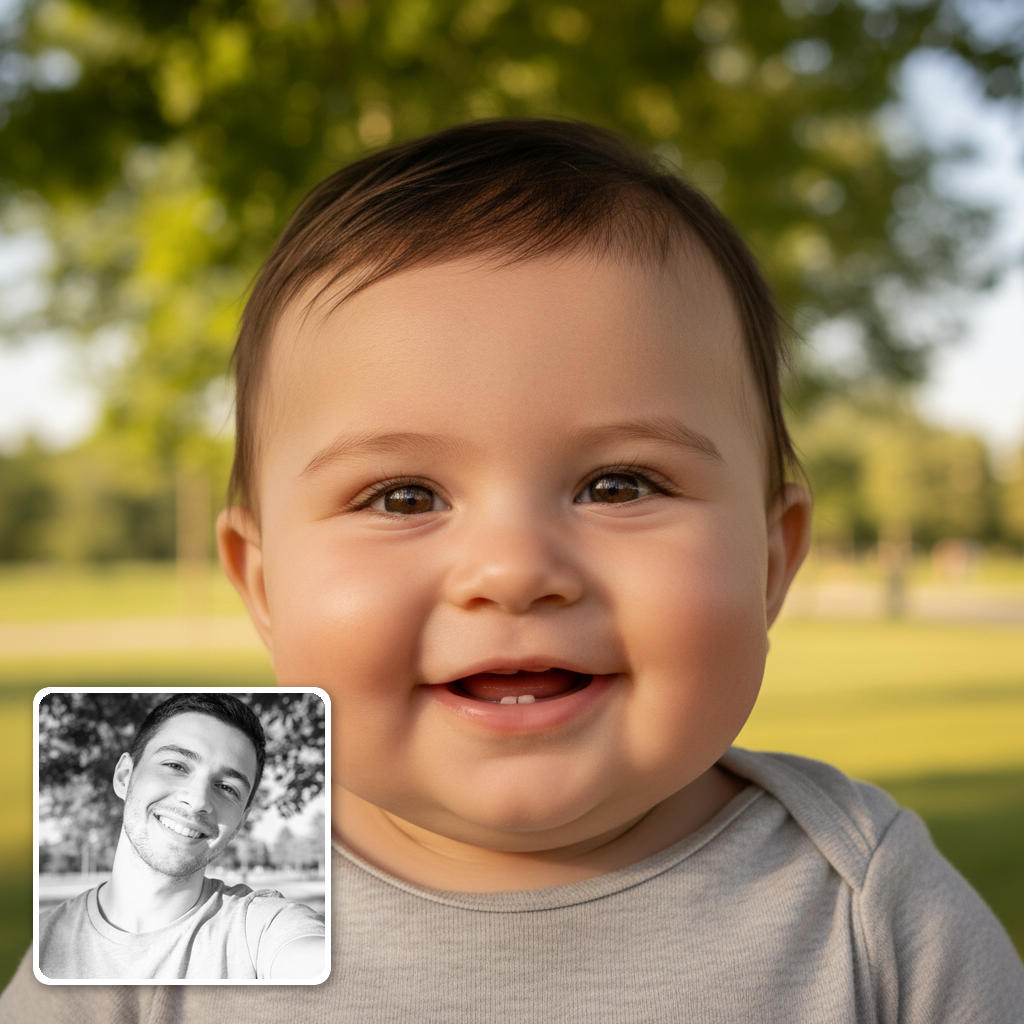
Baby-fy Friends & Celebrities
Turn friends, family, or your favorite celebrity into adorable babies. It makes instant group-chat and social-media gold.
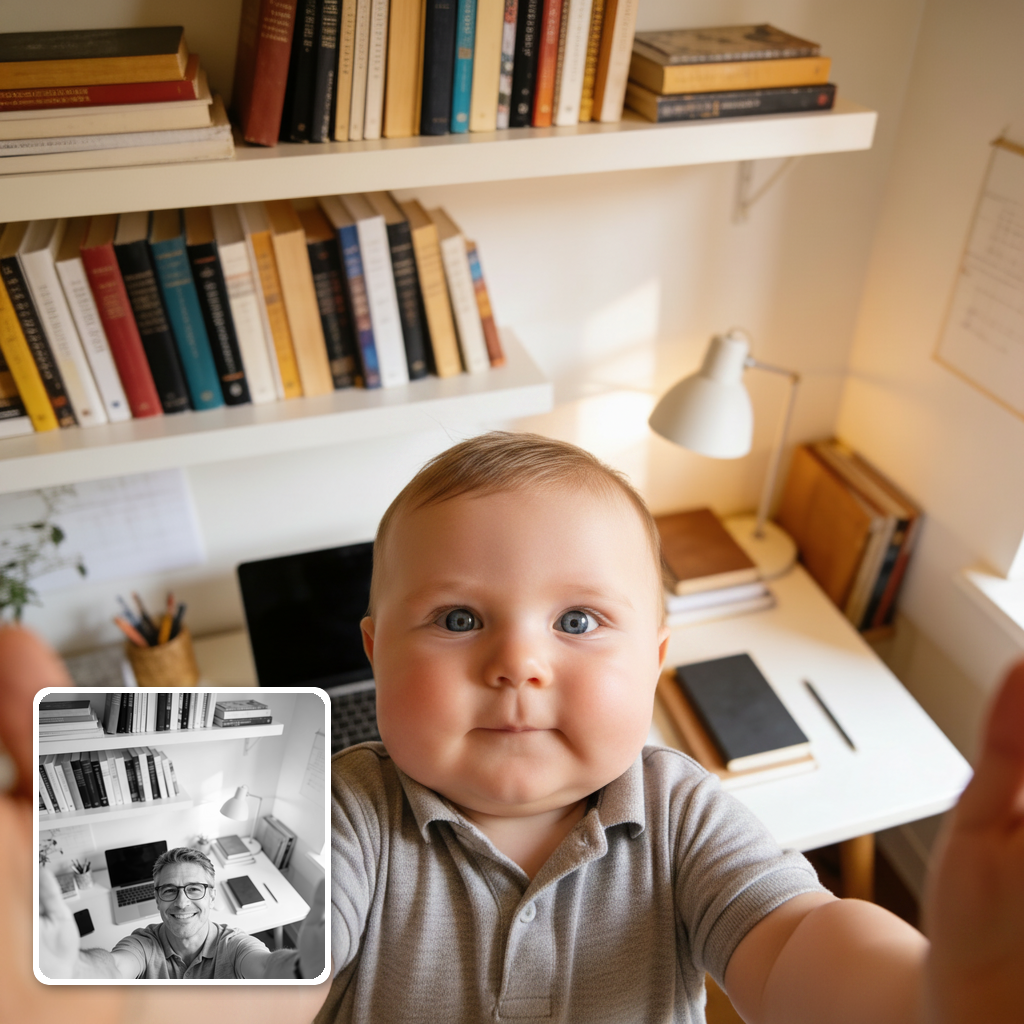
Guess-the-Baby Party Game
Baby-fy everyone in the room, then guess who's who. A quick, hilarious icebreaker powered by AI.
Pro Tips for a Realistic Baby Face
Small things that make the AI baby version look far more believable.
Use a clear front-facing photo
It reshapes cheeks, eyes and jaw — it needs to see them. A straight-on, well-lit face beats side angles every time.
One face per photo
Solo portraits give the cleanest result. Group shots split the AI's attention and the baby version comes out vaguer.
Skip heavy makeup and filters
Beauty-app smoothing confuses the AI. An unedited original gives the most natural infant skin and features.
Try a few expressions
A smile, a neutral face and a laugh each produce a different kind of cute. Generate two or three and keep the best baby.
FAQ


