AI Hairstyle Changer
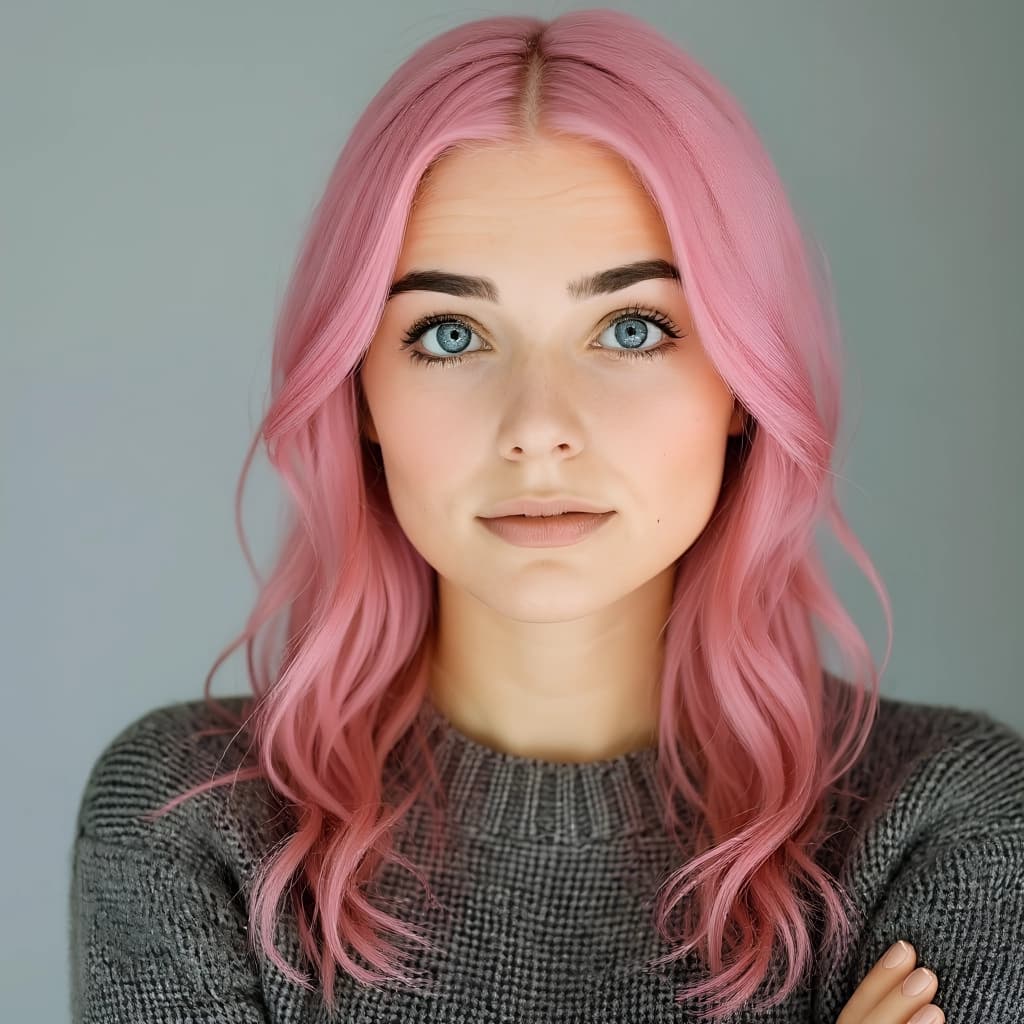
Thinking about a new cut or color? Upload a photo, type the hairstyle you want, and the AI hairstyle changer shows it on your own face — not a stock model. It re-renders only the hair, so your features, expression and the photo's lighting stay untouched. Think of it as a virtual hairstyle try-on and hairstyle simulator in one — test a dozen looks on your own face before you ever sit in the chair.
Hairstyle Changer
Drag image here, click to browse, or paste from clipboard
Max size: 5MB
Example results
Type Any Cut, Length or Color
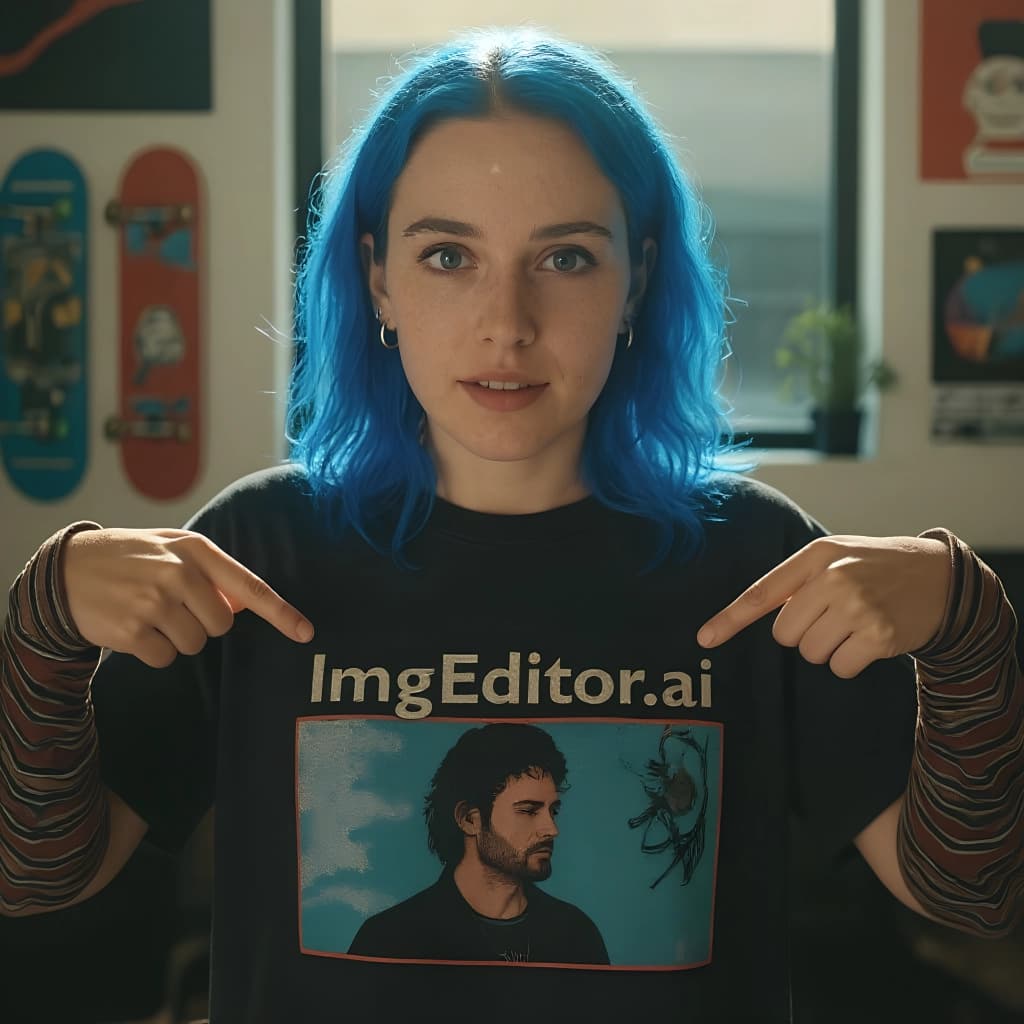
There are no fixed presets to scroll through. Describe what you want — shoulder-length copper waves, a blunt bob, a buzz cut, platinum blonde — and the AI hairstyle changer renders that exact look. Change the style, the length and the hair color together or one at a time.
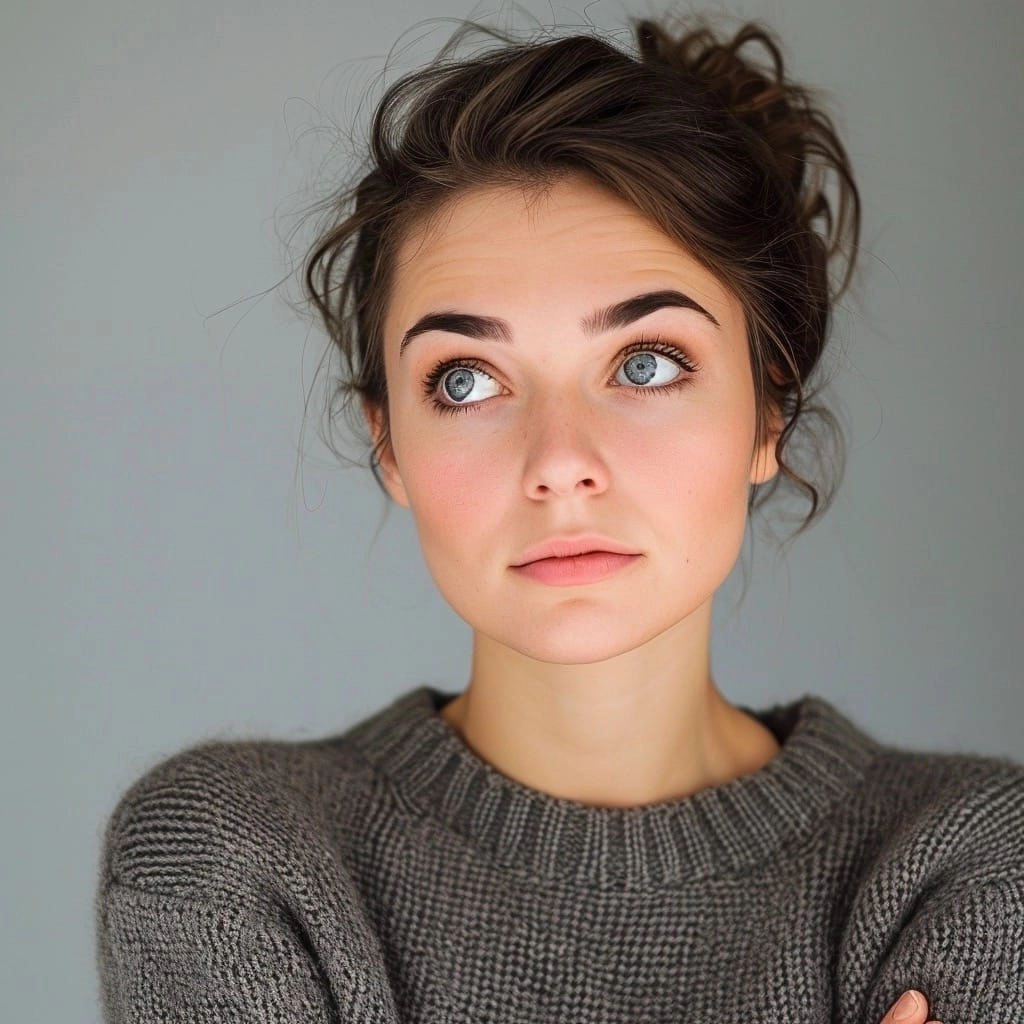
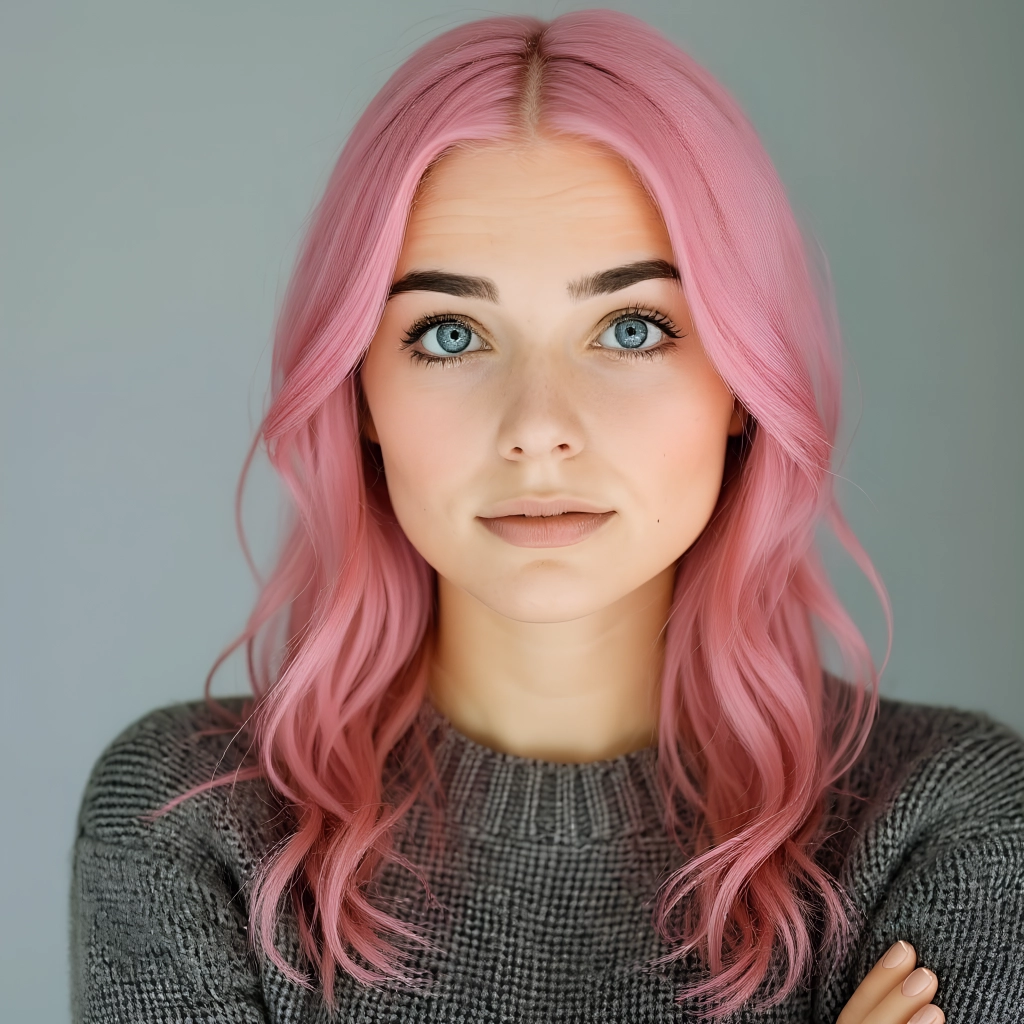
Your Face Stays Your Face
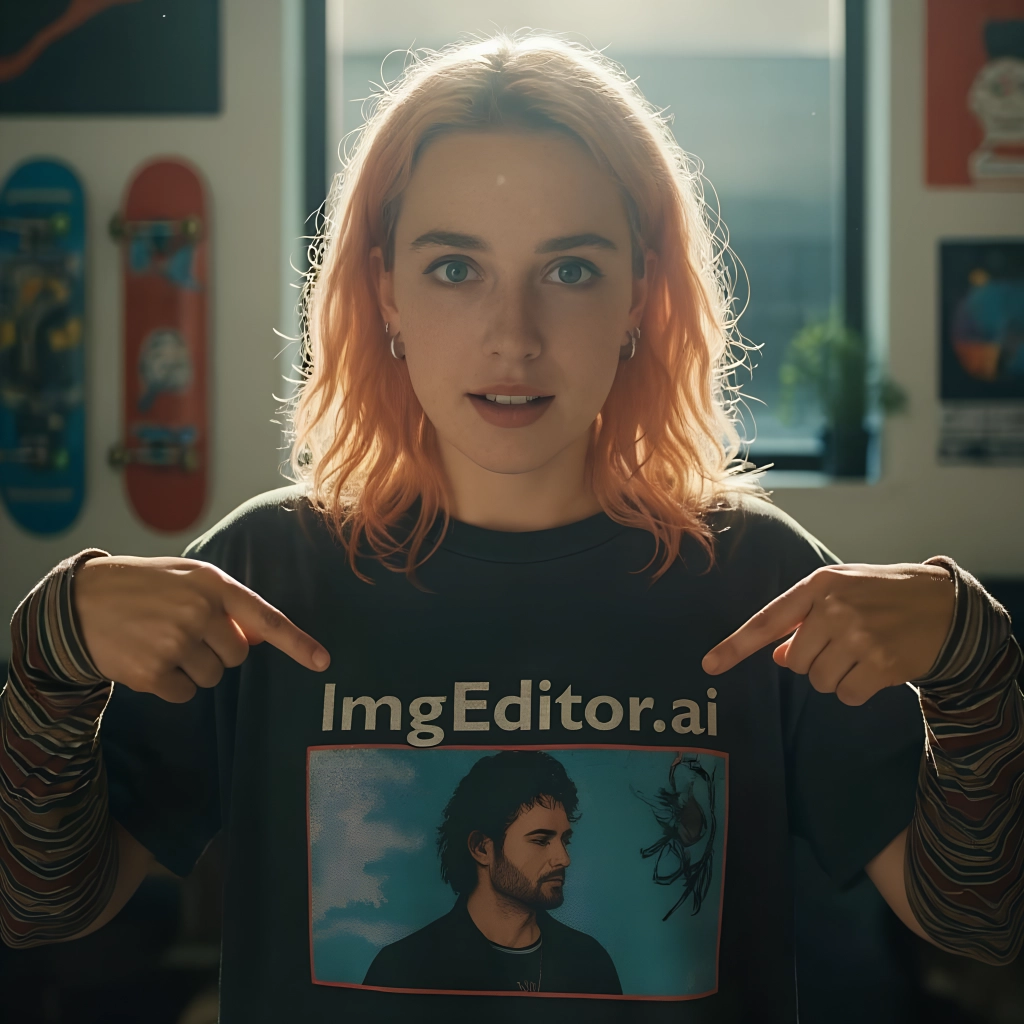
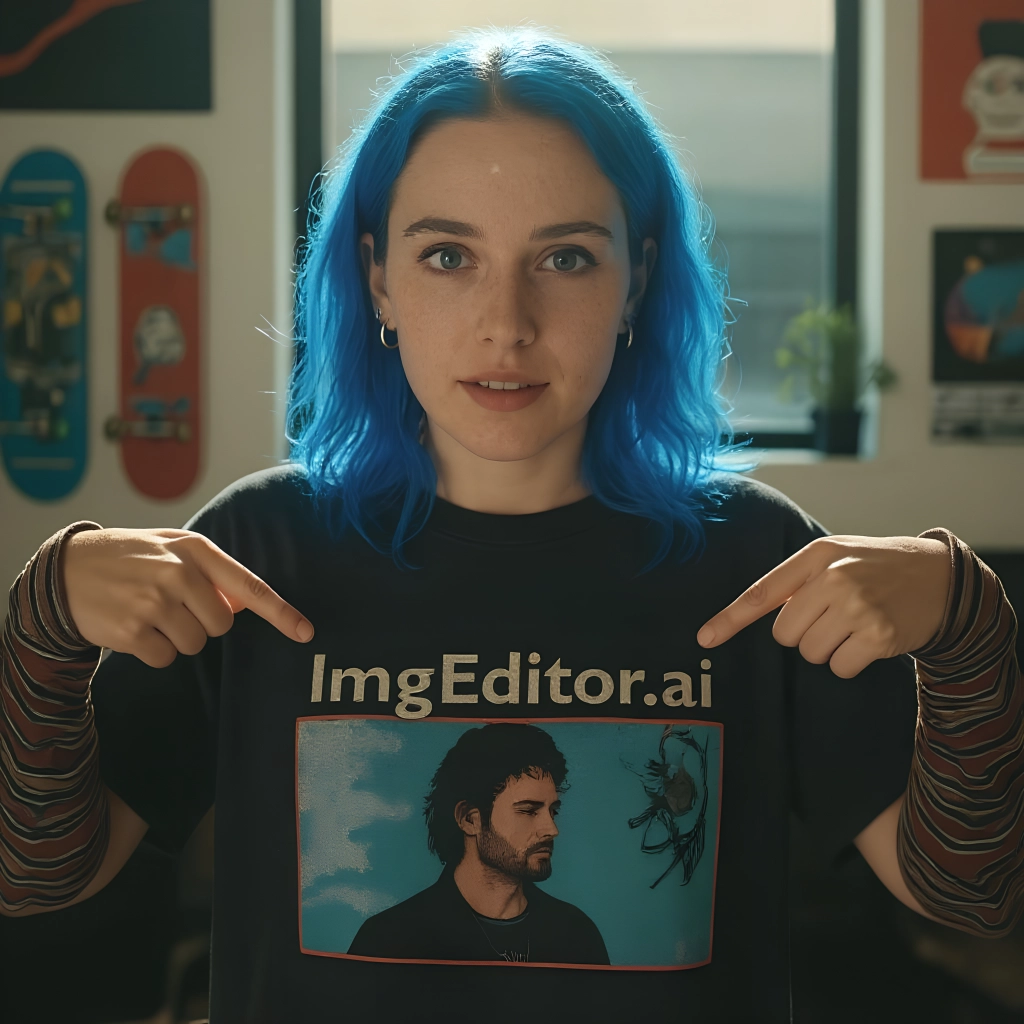
Powered by the nano-banana edit model, the tool changes only the hair. Your eyes, skin, expression and the background stay exactly as shot — no warped features or fake-looking edges, so a new hairstyle actually looks believable on you.
HOW TO
How to Change Your Hairstyle in a Photo
Upload a Clear Photo
Drop in a well-lit, front-facing photo where your hairline and face are clearly visible. A clean selfie gives the AI hairstyle changer the most realistic result.
Describe the Hairstyle You Want
Type the cut, length and hair color in the prompt box — as specific as you like. Leave it blank and the tool picks a flattering new style for you. One render costs 16 credits.
Download & Compare
Your new hairstyle is ready in around 20 seconds. Download it, set it next to the original, and try a few more colors or cuts before you decide on anything.
AI Preview vs. Guessing at the Salon
What the AI hairstyle changer shows you in seconds used to be a leap of faith.
AI Hairstyle Changer on ImgEditor
- See the cut and color on your own face in ~20 seconds
- Type any style — unlimited colors, lengths and cuts to test
- Face, skin and lighting stay real and recognizable
- Then crop, upscale or retouch the result in the same editor
Salon Consultation / Manual Editing
- Book an appointment just to talk through a maybe
- Reference photos are someone else's face, not yours
- A cut you regret takes months to grow out
- Photoshopping hair yourself needs real editing skill
Wig apps and filters overlay a hair shape on top of your photo. The AI hairstyle changer re-renders the hair itself, matched to your head shape and the light in the shot — that's why the preview holds up when you look closely.
What People Use the Hairstyle Changer For
From a big-chop test run to trying a color you'd never risk for real.
Test a Cut Before the Chair
The most common use: see a bob, bangs or a buzz cut on your own face before you commit. Because it stays recognizably you, you get a real sense of whether the cut actually suits you.
Try a Hair Color You'd Never Risk
Platinum, copper, jet black, pastel — preview any hair color on yourself in seconds. Save the ones you like and bring them to your stylist instead of a photo of someone else.
Refresh a Profile or Headshot
Give a dated photo a current haircut, or test a cleaner look for a LinkedIn headshot — then upscale and touch it up with ImgEditor's other tools without leaving the site.
Pro Tips for the Most Realistic Hairstyle Change
Five things that separate a believable new look from an obvious edit.
Start with a front-facing, well-lit photo
The AI needs to see your hairline, ears and face clearly. A straight-on selfie in soft light beats a dramatic side angle every time.
Be specific in the prompt
Long is vague; shoulder-length loose waves in ash brown is not. The more precise you are about cut, length and color, the closer the result lands to what's in your head.
Reveal your hairline
If your current hair covers your forehead, the AI has less room to work. Tying it back or picking a photo with a visible hairline gives cleaner, more accurate new styles.
Change one thing at a time
Keep the color and only swap the length, or vice versa. It's much easier to judge what suits you when a single variable changes between renders.
Generate a few and line them up
Run three or four variations and view them side by side with your original. The right hairstyle is usually obvious once you see the options together.
FAQ


