AI画像説明ツール — 無料の画像からテキスト変換
あらゆる画像を数秒で説明。この無料AI画像説明ツールは写真を言葉に変換 — SEO用altテキスト、SNSキャプション、再利用可能なAIプロンプトを、簡単な一言から詳細な視覚分析まで生成。
Drag image here, click to browse, or paste from clipboard
Max size: 10MB
HOW TO
3ステップで画像を説明
画像をアップロード
JPG、PNG、WebPファイルをドラッグ&ドロップ。AIは10MBまでの写真、イラスト、スクリーンショット、アートワークに対応。
詳細レベルを選択
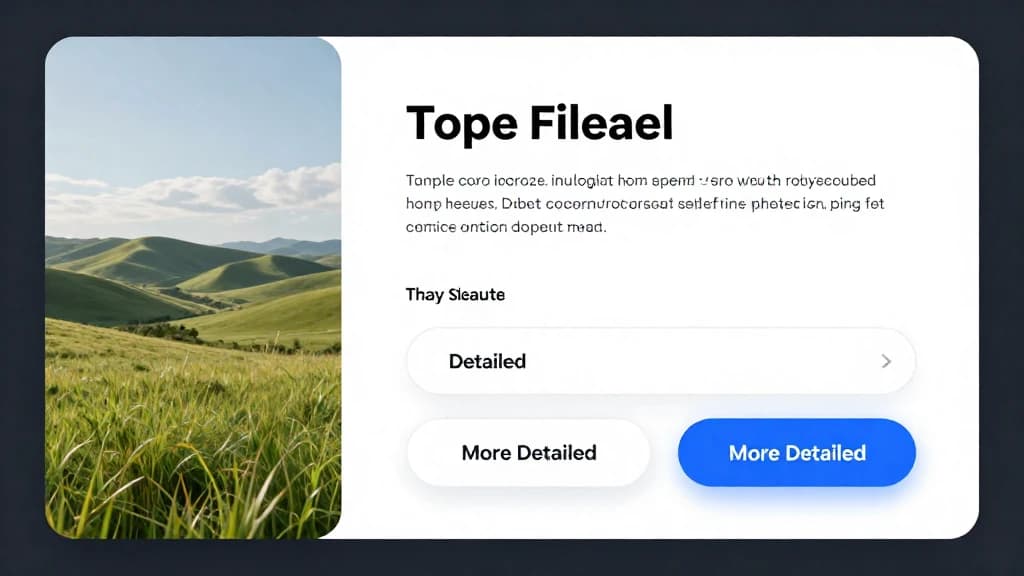
altテキスト、キャプション、プロンプトに適したレベルを選択 — シンプル(簡単なキャプション)、詳細(リッチなコンテキスト)、より詳細(完全な構図分析)。
テキストをコピーまたは送信
生成された説明文をaltタグ、SNS投稿、ドキュメント用にコピー — またはAI画像生成ツールに直接送信してプロンプトから類似ビジュアルを再作成。
3段階の詳細レベルで画像を説明
シンプルモードは一言キャプション。詳細モードはシーンコンテキストを追加。より詳細モードは構図、カラーパレット、ムード、芸術的要素を含む完全な視覚分析を提供 — タスクに応じた深度を選択可能。
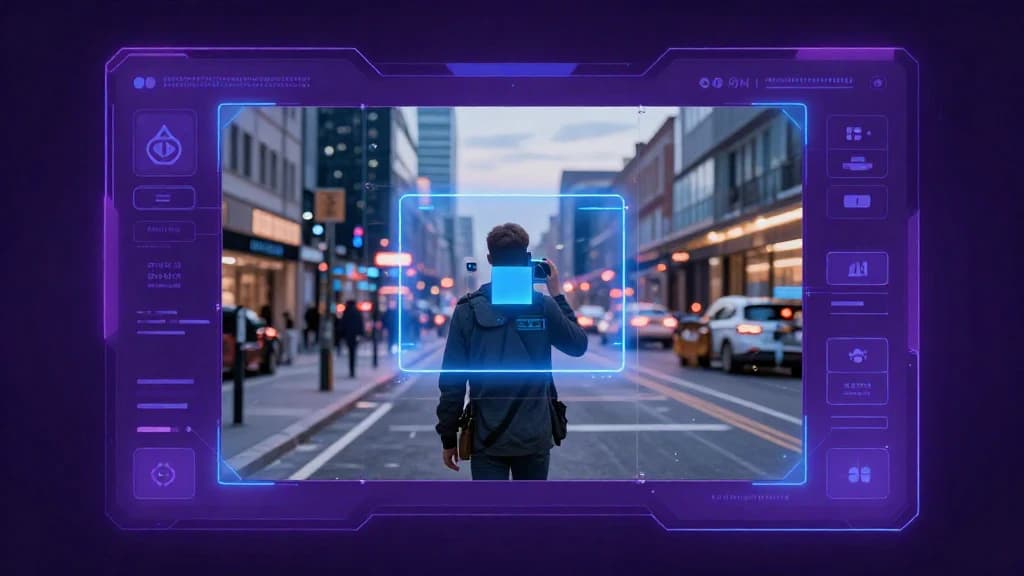
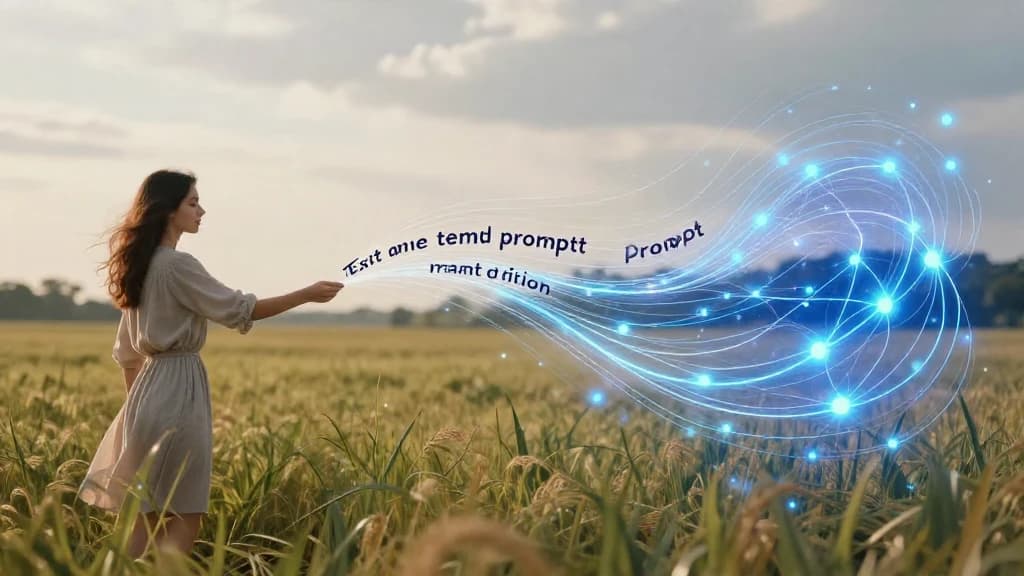
画像からプロンプトへの変換
写真を再利用可能なAIプロンプトに変換。画像からプロンプトエンジンは視覚コンテンツを詳細なテキスト説明に逆変換し、テキストから画像生成ツールでスタイルを再現可能。
AI画像説明生成 + Altテキスト
画像説明生成とaltテキスト生成を一体化 — 画像を説明し、スクリーンリーダー対応のキーワード豊富なaltテキストを数秒でコピー。カタログ、アーカイブ、データセット向けの一貫性ある正確なテキストを手動入力不要で生成。
AI画像からテキスト vs 手動記述
手動で画像を説明するのは時間がかかり一貫性に欠けます。AIによる説明で何が変わるか。
ImgEditor画像からテキスト
- 1画像約5秒で完全説明
- バッチ全体で一貫した詳細とトーン
- 画像内テキスト、オブジェクト、色、スタイルを認識
- 1つの出力でaltテキスト、キャプション、プロンプトを兼用
手動で説明文を作成
- 1画像につき1分以上のタイピング
- 表現のぶれと品質のばらつき
- 小さなオブジェクトや背景テキストを見落としやすい
- 用途ごとに書き直しが必要
AIモデルは単なるキャプション作成ではなく — フレーム全体を分析するため、SEO用altテキスト、SNSキャプション、テキストから画像プロンプトとしてそのまま使用可能。
画像説明ツールの主な用途
1つのツールで3つの日常業務 — すべて高速AI画像説明エンジンで実現。
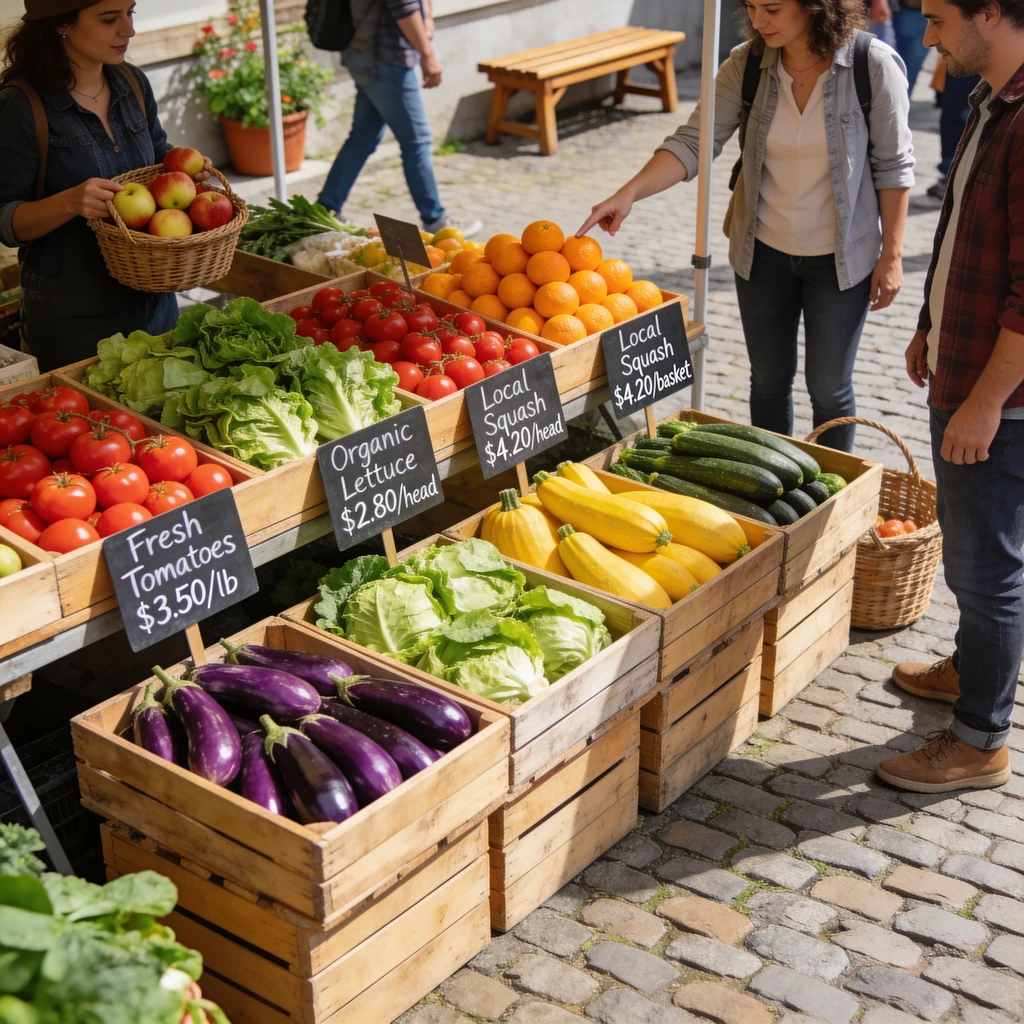
SEO & アクセシビリティ用Altテキスト
サイトの全画像に対しスクリーンリーダーフレンドリーでキーワード豊富なaltテキストを生成。アクセシビリティと画像SEOが向上し、手動altタグ作成に比べ時間を節約。

ソーシャルメディアキャプション
キャプションに困った?写真をテキストに変換し、Instagram、X、ブログ向けの自然な言語で食事、旅行、商品、人物を説明する出発点を即座に取得。

AIプロンプトの逆生成
画像のスタイルが気に入った?画像からプロンプト機能で詳細説明を抽出し、テキストから画像生成ツールに送信して同じスタイルの新しいビジュアルを作成。
画像説明をより正確にするプロのヒント
AI画像説明をよりシャープで有用にする小さな調整。
作業内容に応じた詳細レベルを選択
altテキストにはシンプル(検索エンジンは簡潔さを好む)、キャプションには詳細、画像からプロンプト生成にはより詳細モードを使用。
鮮明で高解像度の画像をアップロード
入力画像が鮮明なほど、AIはより多くのオブジェクトと画像内テキストを認識可能。ぼやけた画像や小さなサムネイルは曖昧な説明を生成。
重要な部分をトリミング
特定の主題のみを説明する必要がある場合、忙しい背景を事前に切り取り、モデルが注目すべき部分に集中できるようにする。
altテキストをキーワード用に編集
生成されたaltテキストは優れた下書き — 公開前にターゲットキーワードを自然に追加するとSEO効果が最大化。
その他の無料AI画像ツール
画像を説明し終えたら?ImgEditorツールキットの他の機能でさらに進化 — すべてのツールが無料で登録不要。
FAQ