AI 圖片放大工具
放大任何圖片而不損失品質。這款 AI 圖片放大工具可將低解析度照片放大至 4 倍,重建清晰細節與銳利度 — 完美適用於印刷、電子商務和社交媒體。
AI 圖片放大工具
上傳要放大的圖片
Drag image here, click to browse, or paste from clipboard
Max size: 8MB
摘要
輸出比例
×4.00
百萬像素
—
預估大小
—
花費
—
預覽
放大後的結果將顯示於此
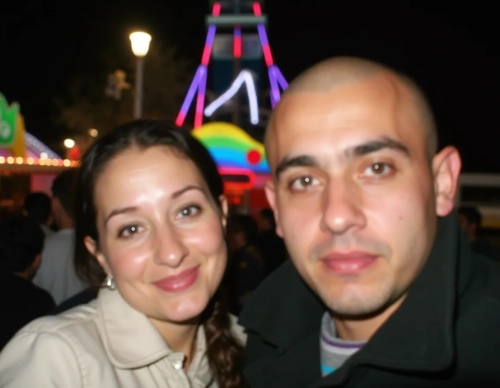
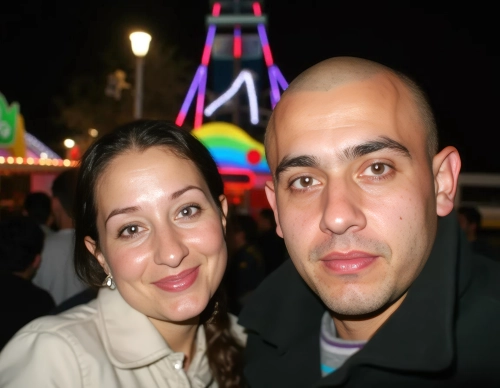
前後對比範例
見證 AI 放大的差異。使用滑桿比較原始低解析度照片與其 4 倍強化版本。
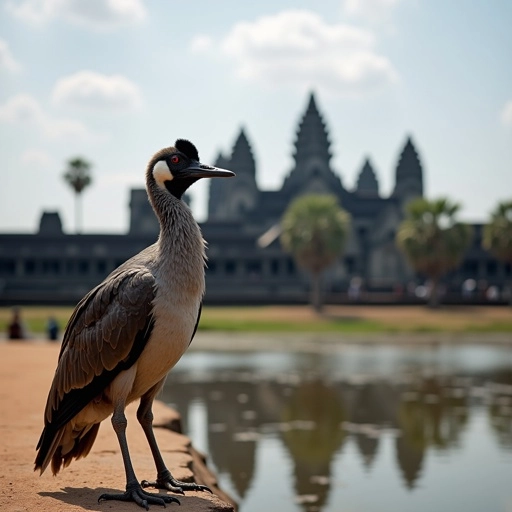
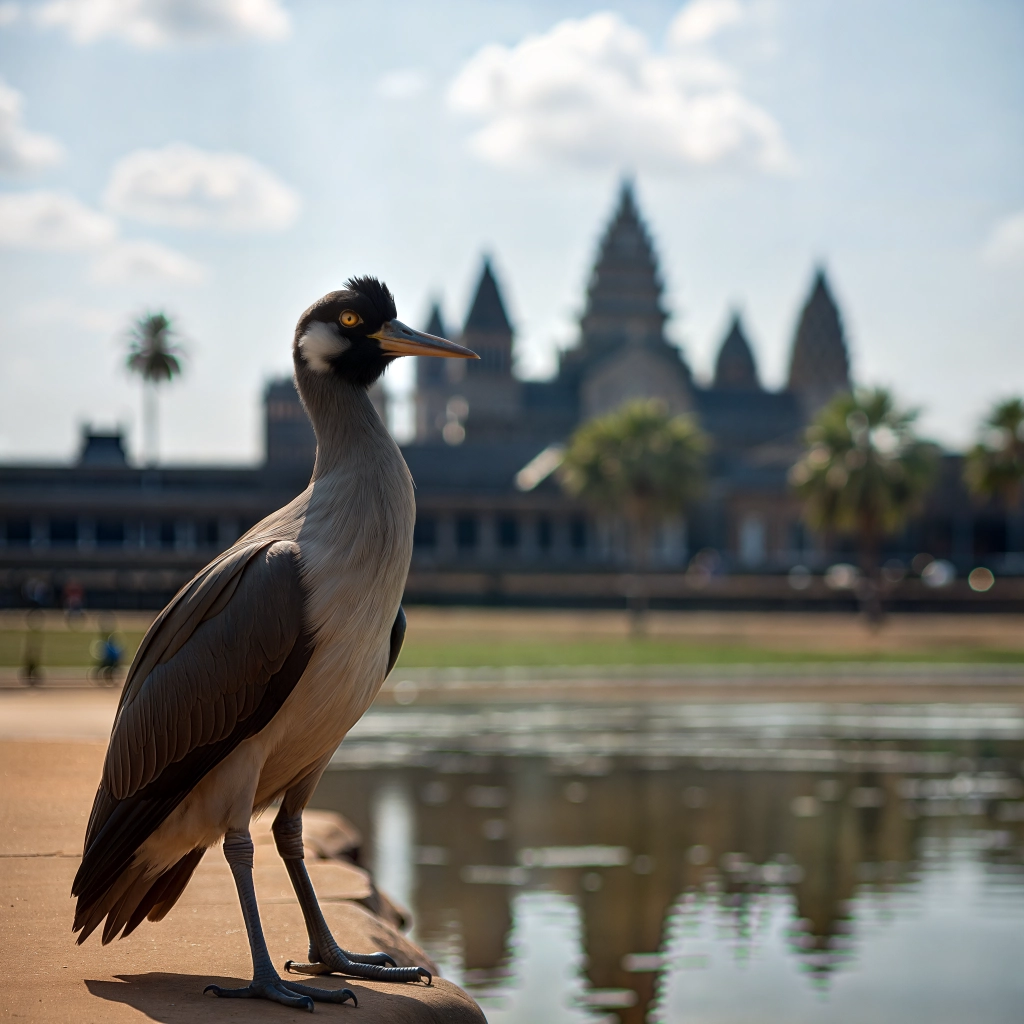
5 款專業 AI 圖片放大模型 — 一站式提供
將照片轉為高清
將模糊、像素化的圖片轉為清晰的 4 倍高清視覺效果。適用於印刷專案、行銷素材和網頁設計 — 無需複雜的編輯工具。
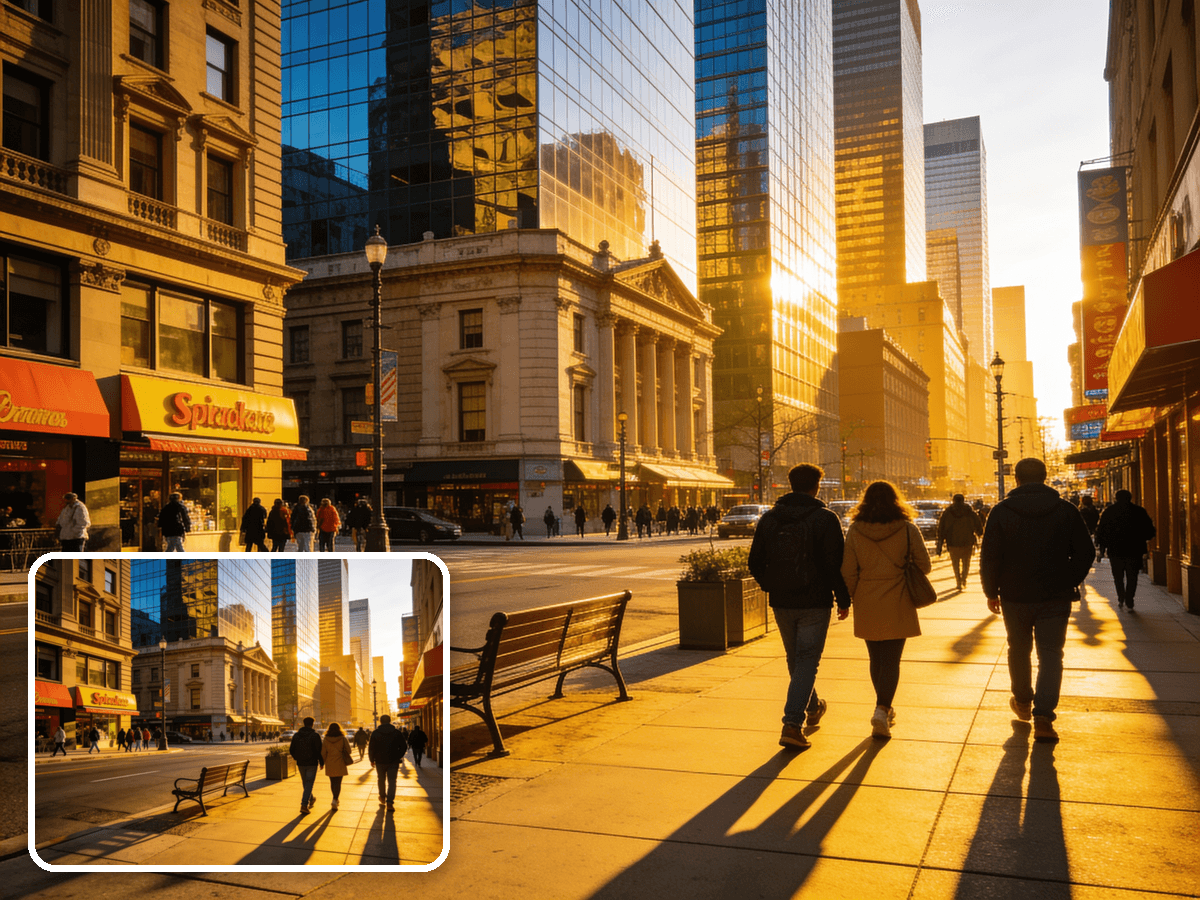
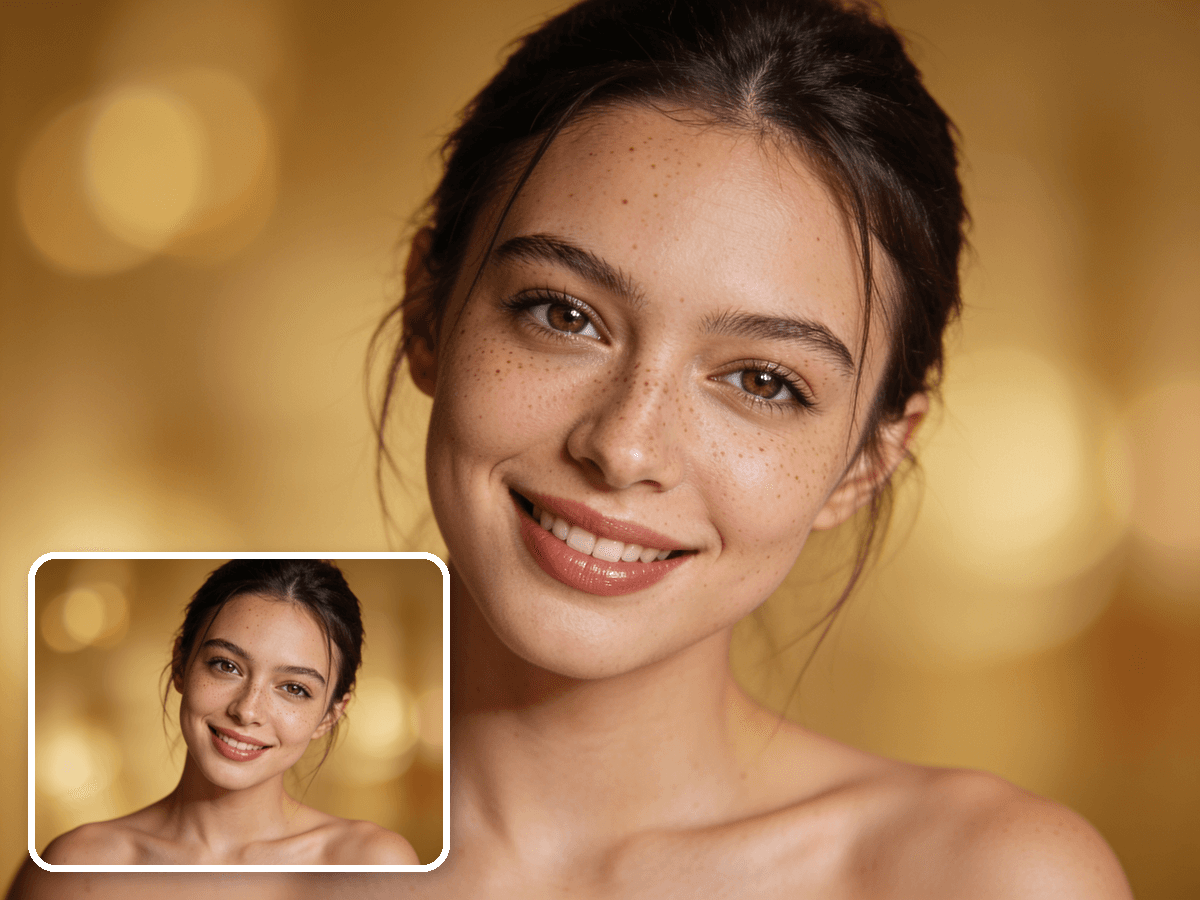
恢復遺失的細節
AI 能消除模糊、減少顆粒並恢復標準放大方法會破壞的細膩紋理。臉部特徵、文字和複雜圖案都能清晰呈現。
完美修復老照片
為復古、存檔或壓縮圖片注入新生命。AI 能重建缺失細節並銳化褪色元素,是修復家庭照片和歷史圖像的理想選擇。
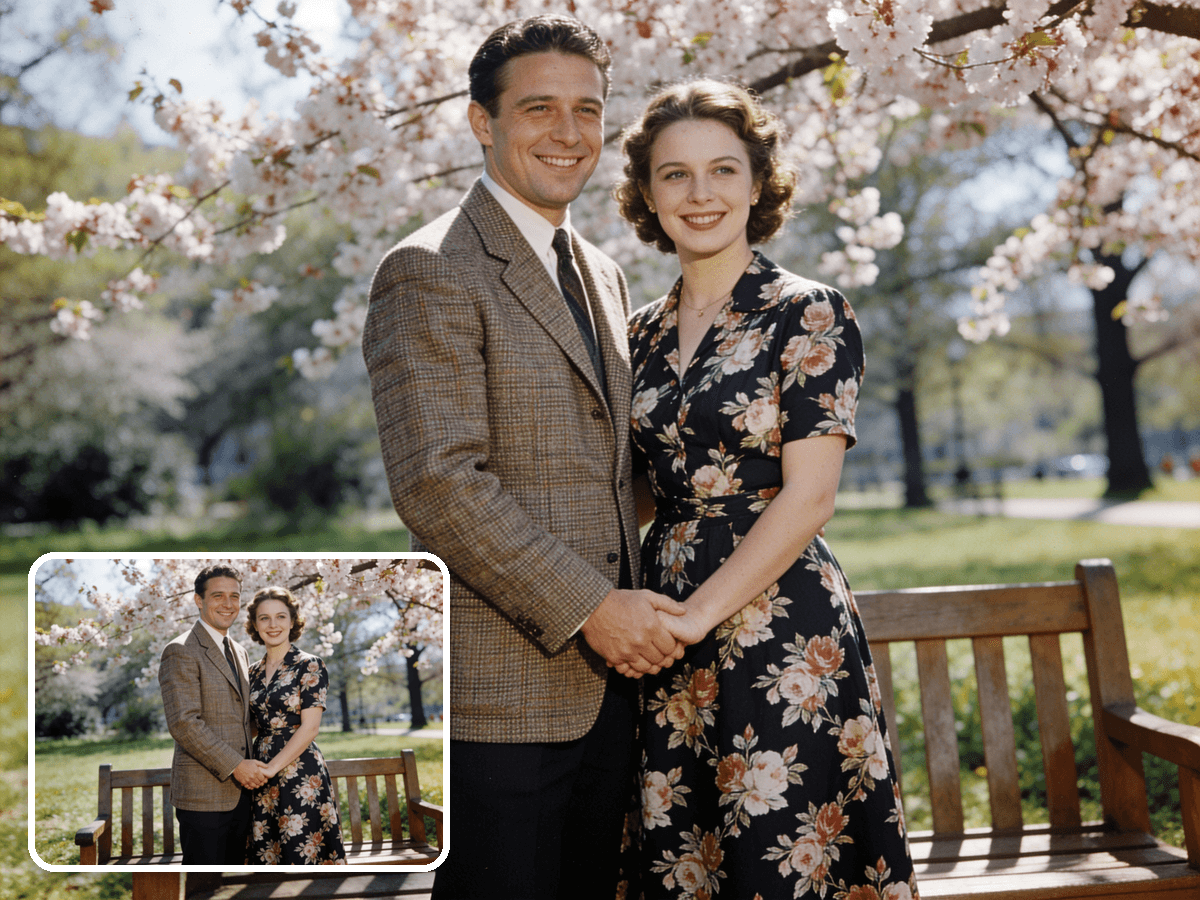
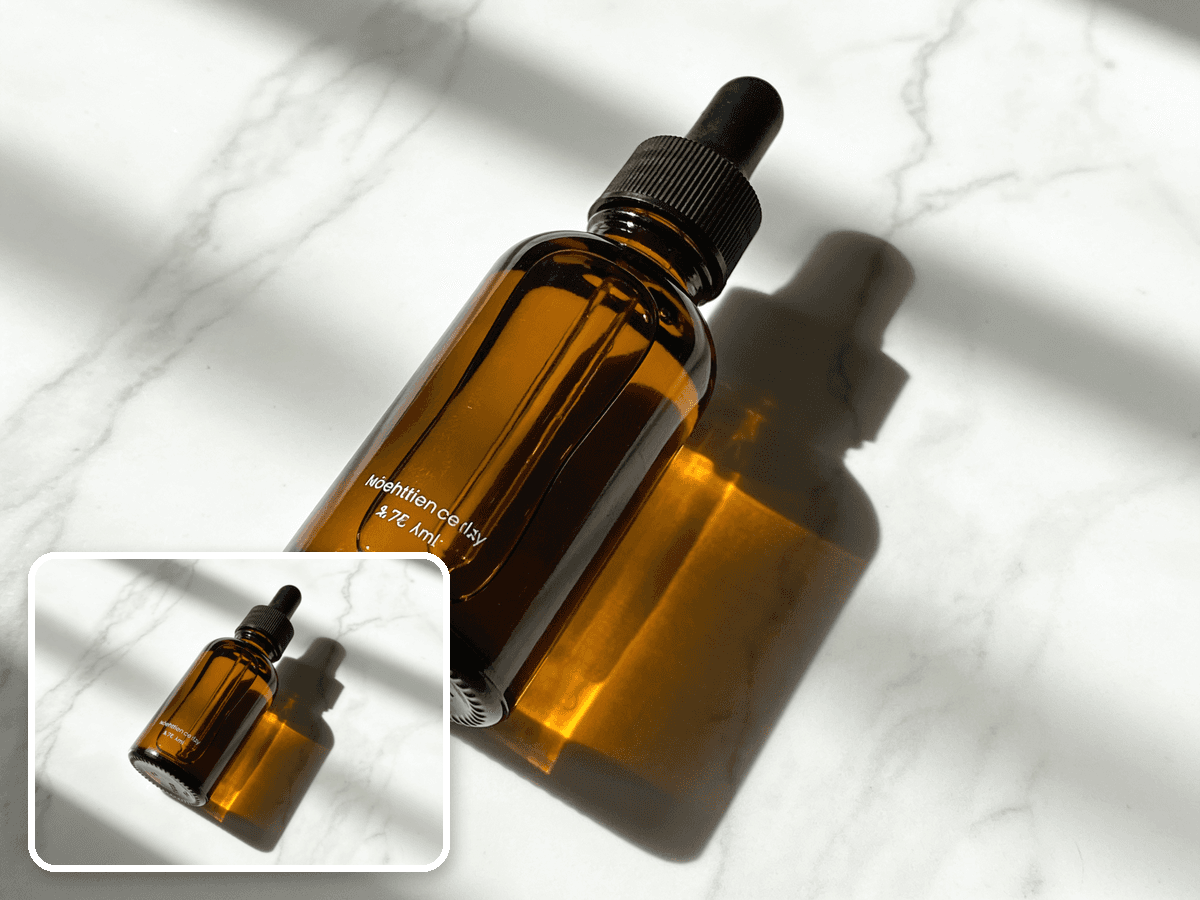
印刷級品質
將網路圖片和截圖放大至印刷級解析度。無論是將社交媒體照片放大為海報,或是調整產品圖片尺寸以用於包裝,輸出效果都清晰無瑕疵。
AI 圖片放大工具 vs 傳統放大方法
在基本編輯器中拉伸圖片只會讓模糊更明顯。以下是 AI 放大的不同之處。
AI 圖片放大工具
- 重建真實細節 — 4 倍放大仍銳利不模糊
- 消除雜訊、顆粒和壓縮瑕疵
- 恢復臉部、文字和細膩紋理
- 一鍵完成,無需遮罩或手動修飾
雙三次 / Photoshop 放大
- 拉伸現有像素 — 模糊更明顯
- 放大雜訊和鋸齒邊緣
- 細節軟糊,缺乏真實銳利度
- 手動銳化需要技巧且效果有限
想在不改變解析度的情況下調整亮度、色彩和銳利度?試試 [AI 圖片增強工具](/image-enhancer) — 當您特別需要更多像素時,請使用放大工具。
人們放大圖片的用途
4 倍 AI 圖片放大工具最能發揮效果的場景。
印刷與大型輸出
將網路照片或截圖放大至海報、橫幅或包裝解析度。AI 圖片放大工具添加印刷所需的像素,讓放大效果保持清晰而非像素化。
修復老舊與低解析度照片
讓模糊、壓縮或復古照片重獲新生。放大圖片以恢復因年代久遠或嚴重壓縮而遺失的臉部和細節 — 適合家庭檔案使用。
更清晰的電子商務與產品照
將供應商提供的小圖轉為乾淨的高解析度產品照片。清晰的放大圖片能讓商品列表看起來專業,且放大檢視時不會失真。
專業放大技巧
從 AI 圖片放大工具獲得最銳利的結果。
從最佳原始檔開始
放大工具能重建細節,但更乾淨的原始檔總能獲得更好的放大效果。避免使用截圖的截圖。
輕微提升用 2 倍,微小圖片用 4 倍
若圖片已經相當大,2 倍能保持自然效果。4 倍保留給需要大幅放大的小型或嚴重壓縮照片。
先放大再裁剪
先放大,再裁剪至最終構圖 — 您將有更多解析度可運用,並保持邊緣銳利。
修復老照片時搭配增強工具
對於褪色或損壞的圖片,先使用 [AI 圖片增強工具](/image-enhancer) 修正色彩和對比,再放大尺寸。
HOW TO
如何使用 AI 放大圖片
上傳您的圖片
拖放或選擇任何 JPG 或 PNG 圖片。適用於照片、截圖、數位藝術等。
選擇放大倍率
選擇 2 倍或 4 倍解析度增強。AI 會分析您的圖片並智能填充缺失細節。
下載高清結果
使用前後滑桿預覽增強後的圖片,然後下載完整解析度的結果。
FAQ